Why there are Amazon links here: Brave Review is paid a commission for qualifying Amazon purchases made through the links below. Your price does not change, and using our links is entirely optional. How this works
Best Smart Lock for a Household with a Lodger: 5 Picks That Keep Everyone’s Access Straight
A household with a lodger needs a lock that treats the tenant like a tenant, not like a guest who borrows the spare key. That means separate entry codes, a way to revoke access without rekeying, and enough unlock options that nobody gets locked out at midnight. The five picks below cover the whole range: budget keypad deadbolts, a certified workhorse, a camera lock and a fingerprint knob. The overview table shows the differences at a glance, and each review names the household it fits.
The Picks at a Glance
| Product | Key Spec | Best Use | Price Tier |
|---|---|---|---|
| Philips WiFi Keypad Deadbolt with Handle | Built-in WiFi, fingerprint + voice unlock | Landlord-occupied homes wanting the most unlock methods | Mid-range |
| Schlage Encode Smart WiFi Deadbolt | Certified security, Airbnb compatible | Lodger setups that need platform-style code management | Premium |
| eufy FamiLock S3 Max | 2K doorbell camera, palm vein recognition | Shared front doors with package and visitor traffic | Premium |
| eufy Smart Lock C33 | Fingerprint knob, IP53, built-in WiFi | Room-level privacy for the lodger’s own door | Budget |
| eufy Smart Lock C220 | Fingerprint deadbolt, 8-month battery, IP53 | Set-and-forget front door on a tighter budget | Budget |
1. Philips WiFi Keypad Deadbolt with Handle
Type: Keypad deadbolt with lever handle
Unlock Methods: Fingerprint, voice, flexible codes, keypad
Connectivity: Built-in WiFi, app remote control
Keypad: Backlit
Auto-Lock: Yes
Power/Install: WiFi direct, no hub named

Check the current price on Amazon
This is the most flexible lock in the group on paper. It ships as a complete set with a lever handle, so a household replacing an old knob-and-deadbolt pair gets everything in one box. Built-in WiFi means the app works without a bridge, and the backlit keypad stays readable on a dark porch. Fingerprint and voice unlock round out the options, which matters when a lodger arrives with full hands.
The fit is best for an owner who lives on site and wants to hand out a code, then delete it later without touching a key. A household with a lodger and a rotating cast of visitors gets the most from the flexible code slots.
Trade-off: All that capability lives on a WiFi radio and a keypad, so battery attention and app dependence come with the territory — a dead battery or a dropped network leaves the physical key as the fallback.
2. Schlage Encode Smart WiFi Deadbolt with Century Trim
Type: WiFi deadbolt, touchscreen keypad
Unlock Methods: Touchscreen keypad, app control
Voice/Platforms: Alexa, Google Home, Ring
Rental Compatibility: Airbnb compatible
Finish: Matte Black
Certification: Certified security

Check the current price on Amazon
Schlage is the name most locksmiths and property managers reach for, and the Encode is the model built for rented rooms. The touchscreen keypad wipes clean and shows no worn digits, which is a small but real privacy point in a shared entry. Airbnb compatibility signals a lock designed around temporary codes that expire on their own — exactly the workflow a lodger arrangement needs. Matte black Century trim suits a modern door.
This is the pick for a household that wants a known security brand and platform integrations rather than the widest spread of unlock gimmicks. Ring and Alexa households get the most from it.
Trade-off: There is no fingerprint reader, so every entry runs through a code or the app — a lodger who forgets a code depends on the owner being reachable.
3. eufy Security FamiLock S3 Max
Type: Video smart lock with deadbolt
Camera: 2K HD doorbell camera
Display: Internal video screen
Storage: 16GB built-in
Recognition: Palm vein recognition
Rating: BHMA Grade 1
Connectivity: WiFi
Check the current price on Amazon
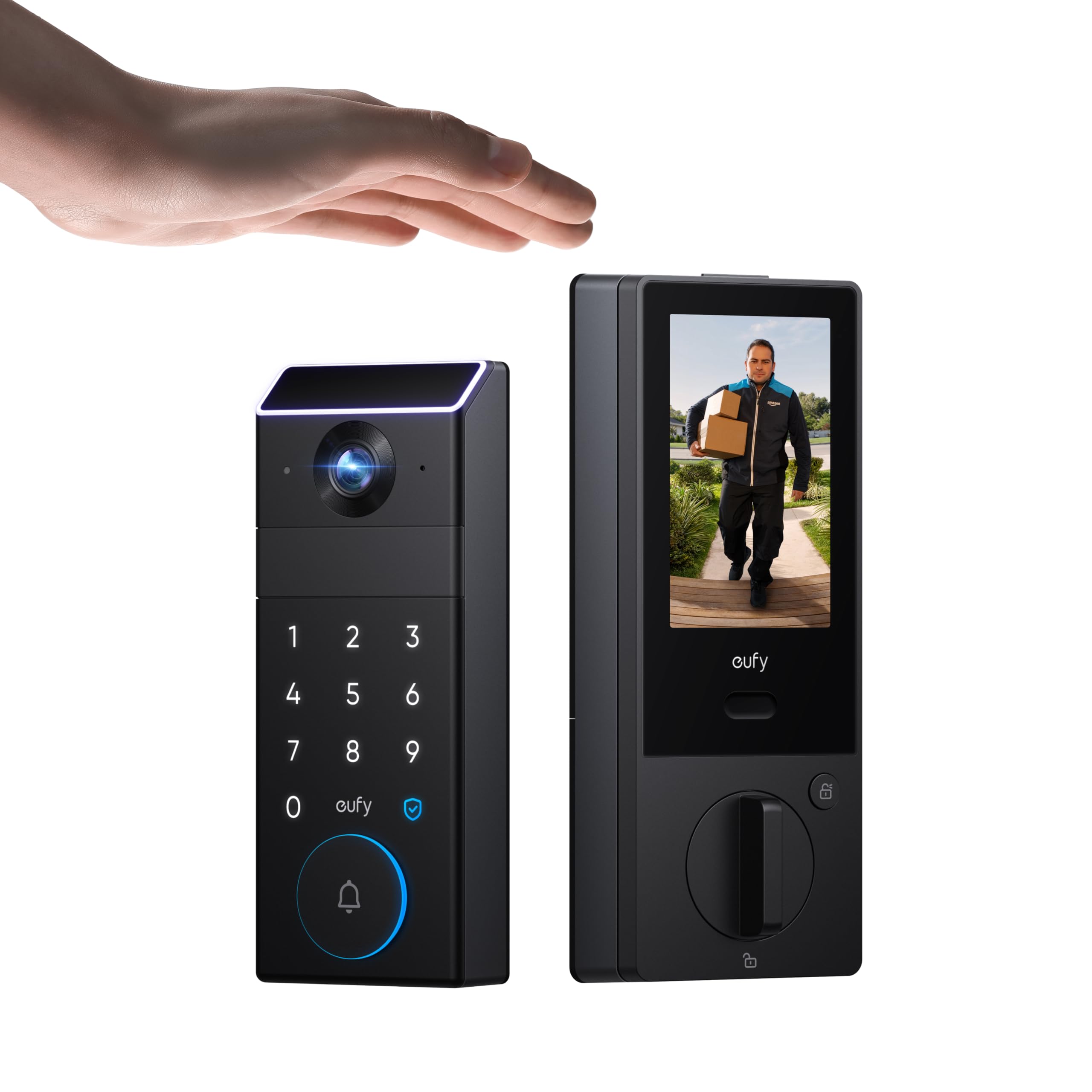
This is the lock for a front door that doubles as the household’s front desk. The 2K camera and internal screen let anyone inside see who is at the door before opening it, and 16GB of built-in storage keeps clips on the device. BHMA Grade 1 is the top durability grade in the category, so the hardware is built for heavy daily use. Palm vein recognition adds a contactless option that works even with wet or gloved hands.
The best fit is a shared house where the lodger and the owner both answer the door and parcels go missing. It earns its place by combining access control and visitor screening in one unit.
Trade-off: A camera lock is a bigger install and a bigger commitment than a plain deadbolt, and the price tier puts it well above the rest of this list — worth it only if the doorbell function gets real use.
4. eufy Security Smart Lock C33 Fingerprint Door Knob
Type: Fingerprint door knob with electronic deadbolt
Unlock Methods: Fingerprint, keypad, app control
Connectivity: Built-in WiFi
Weather Rating: IP53
Doors: Front door and bedroom
Finish: Black
Check the current price on Amazon
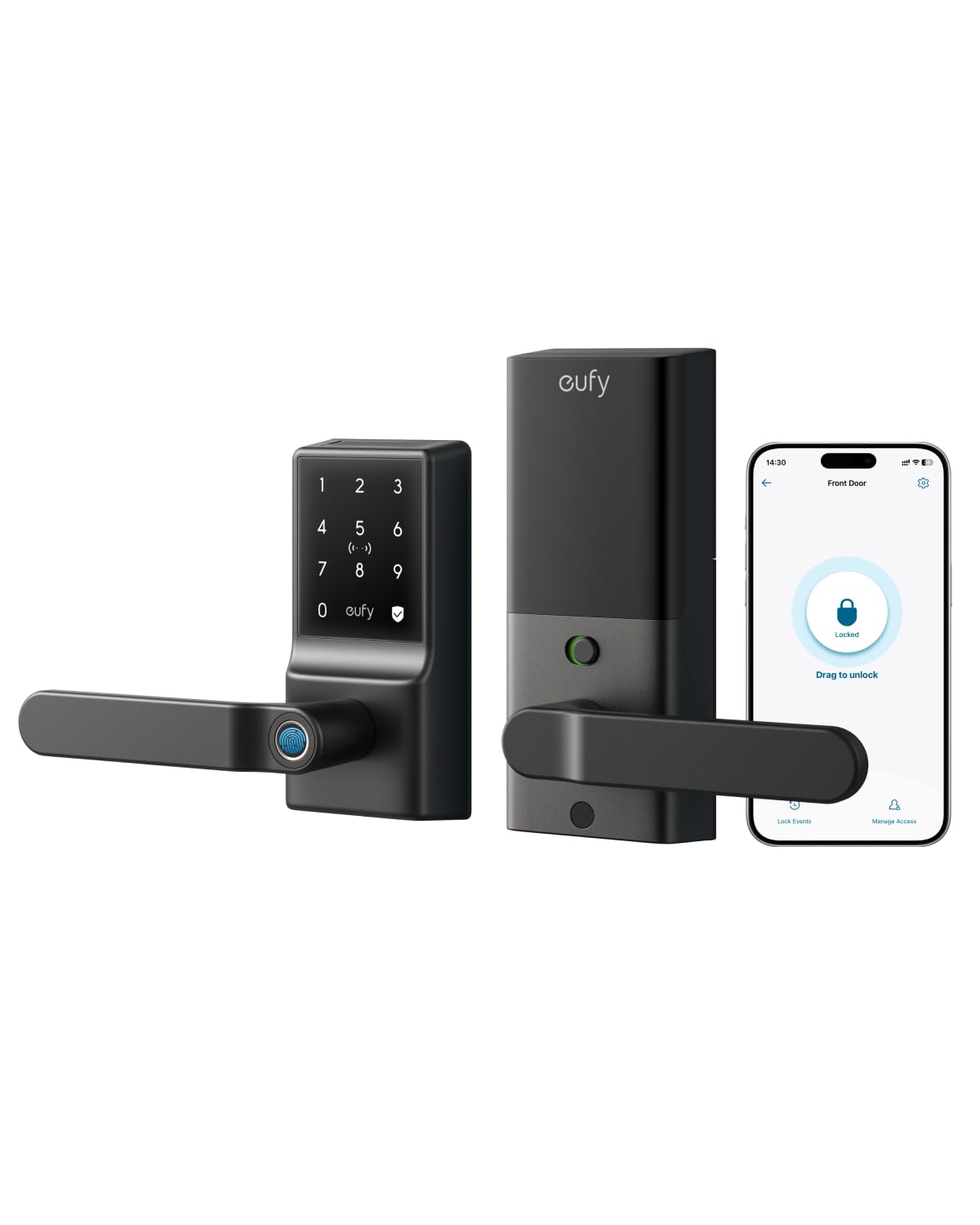
The C33 is the room-level answer. Because it is a knob with a built-in handle rather than a bare deadbolt, it drops onto a bedroom door as easily as a front door, giving a lodger a private space with their own fingerprint access. IP53 covers dust and light rain, and built-in WiFi means no hub. App control lets the owner issue and revoke access remotely.
This is the pick for a household that wants the lodger’s room locked independently of the main entry — a two-lock setup rather than one shared front door lock.
Trade-off: A knob-style lock gives up some physical security compared with a full deadbolt, so it works best on interior doors or as a secondary lock rather than as the only lock on an exterior door.
5. eufy Security Smart Lock C220
Type: Fingerprint keyless deadbolt
Connectivity: Built-in WiFi, app remote control
Battery: Up to 8-month battery
Weather Rating: IP53 waterproof
Rating: BHMA Grade 3
Unlock Methods: Fingerprint, keyless entry
Check the current price on Amazon
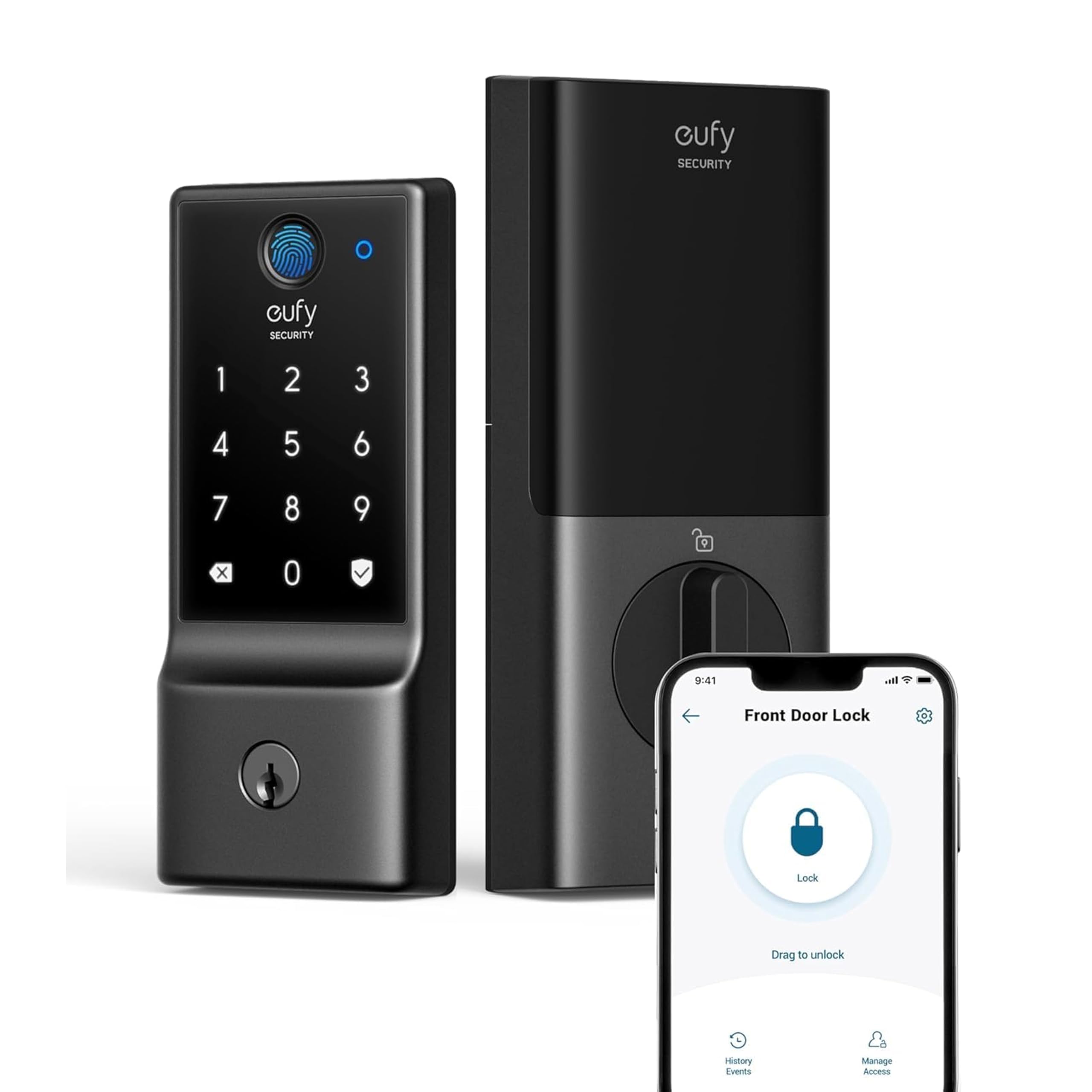
The C220 is the straightforward front-door deadbolt: fingerprint entry, WiFi without a hub, and a battery claim measured in months rather than weeks. IP53 waterproofing means it tolerates weather on an exposed door. BHMA Grade 3 is the entry durability grade, which is honest for the price tier. It is the least fussy lock here.
That simplicity is the pitch for a household that just wants the lodger to have a fingerprint and a code, and the owner to have app control. It earns its place as the value pick that still covers the essentials.
Trade-off: Grade 3 hardware and a deadbolt-only design mean this lock prioritizes price and convenience over heavy-duty build, so it suits a typical residential door rather than a fortified entry.
Before You Buy
- Access model: Decide whether the lodger needs front-door access only, a private room lock, or both. Two locks solve more problems than one clever lock.
- Unlock methods: Fingerprint suits daily users; codes suit temporary visitors; palm vein and voice are conveniences, not necessities.
- Connectivity: Built-in WiFi avoids a hub, but it also drains batteries faster than a bridge-based lock.
- Compatibility: Check the existing door prep — a deadbolt swap is simpler than replacing a knob and deadbolt together.
- Weather rating: An exposed front door needs an IP rating; an interior bedroom door does not.
- Battery life: Longer battery claims reduce the chance of a lockout, but a physical key backup still matters.
- Code management: Look for flexible, deletable codes so a lodger’s access ends cleanly when they leave.
Frequently Asked Questions
-
Can a lodger have their own code without access to the owner’s?
Yes. Locks with flexible code management let the owner issue a separate code per person and delete it individually, which is the core reason a smart lock beats a shared key. -
Is a fingerprint lock better than a keypad for a lodger?
Fingerprint entry is faster and needs nothing to remember, but a keypad code is easier to share temporarily. Many households use both on the same lock. -
Does a smart lock work without WiFi?
The lock still opens by keypad, fingerprint or physical key, but app control and remote code changes need a connection. Built-in WiFi models avoid an extra hub. -
What happens when the battery dies?
Every lock here is a keyless entry design with a physical fallback or a keypad that warns before shutdown. Owners should still keep the mechanical key somewhere outside the rental room. -
Can the owner revoke access remotely?
On the WiFi models, yes — codes and users can be removed from the app without touching the door, which is the cleanest way to end a lodger arrangement.
Bottom Line
For most households with a lodger, the Philips WiFi Keypad Deadbolt with Handle is the best smart lock for the job: it bundles a handle, adds fingerprint and voice on top of codes, and connects directly over WiFi. Households that want a certified brand with rental-style code management should look at the Schlage Encode instead.
