Why there are Amazon links here: Brave Review is paid a commission for qualifying Amazon purchases made through the links below. Your price does not change, and using our links is entirely optional. How this works
Best Thread Border Router for a Detached Garage
A detached garage sits far enough from the house that Wi-Fi and Thread reliability fall apart, so the router in this article has to bridge that gap. The picks below cover three buyer profiles: the budget tinkerer who wants a cheap Matter bridge, the mainstream homeowner running Apple Home or Alexa, and the advanced user building Home Assistant automation. A quick overview table follows, then each pick gets a full review with a trade-off callout. Readers short on time can scan the table and jump straight to the match.
Overview of the Picks
| Product | Key Spec | Best Use | Price Tier |
|---|---|---|---|
| YEELIGHT E1 Smart Home Hub | Matter controller + Thread border router, Ethernet | Budget Matter bridge for YEELIGHT devices | Budget |
| Matter Smart Home Hub M1 Pro | Thread, Zigbee, IR, Matter | Mixed-protocol hub for Tuya setups | Mid |
| Aqara Smart Hub M200 | Thread, Zigbee, PoE, Matter | Wired garage install with PoE | Mid |
| ESP Thread Border Router Board | Thread + Zigbee, sub-Ethernet board | DIY and dev-board builders | Budget |
| Aqara Smart Home Hub M3 | Thread, Zigbee, PoE, IR, Matter | Advanced automation and Home Assistant | Premium |
YEELIGHT E1 Smart Home Hub
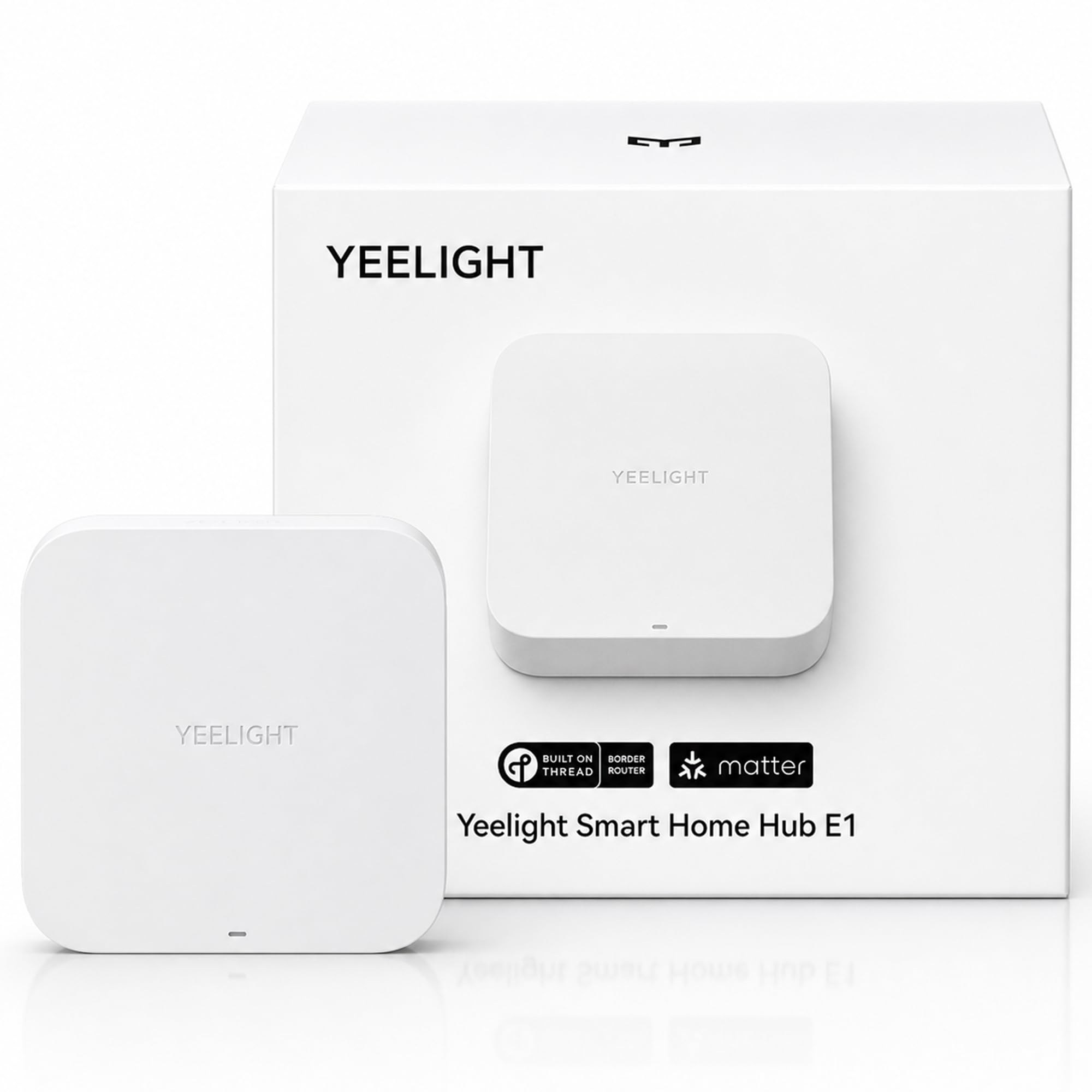
Type: Smart home hub with Matter controller and Thread border router
Connectivity: Wi-Fi and Ethernet gateway
Ecosystem support: Apple Home, Alexa, Google Home, SmartThings
Device support: YEELIGHT Matter devices only
Price tier: Budget
The YEELIGHT E1 is the cheapest way into a Matter and Thread setup on this list, and the Ethernet port is the detail that matters for a detached garage. A wired uplink keeps the hub stable even when the garage Wi-Fi is weak, and the Thread radio extends low-power device coverage from there. It works with all four major smart home platforms, so the hub slots into an existing Apple Home or Alexa routine without a rebuild. The catch is the device list: it supports YEELIGHT Matter devices only, so it is a bridge for one brand rather than a universal hub.
That narrow scope is exactly why it earns a place here. A buyer who already owns YEELIGHT Matter bulbs or sensors and wants them reachable from the garage gets the lowest-cost entry point on the list, and the Ethernet port makes it garage-friendly. A buyer with mixed-brand devices should look elsewhere, because the hub will not adopt them. The trade-off is the limited device support, which is the price of the low price.
Matter Smart Home Hub M1 Pro
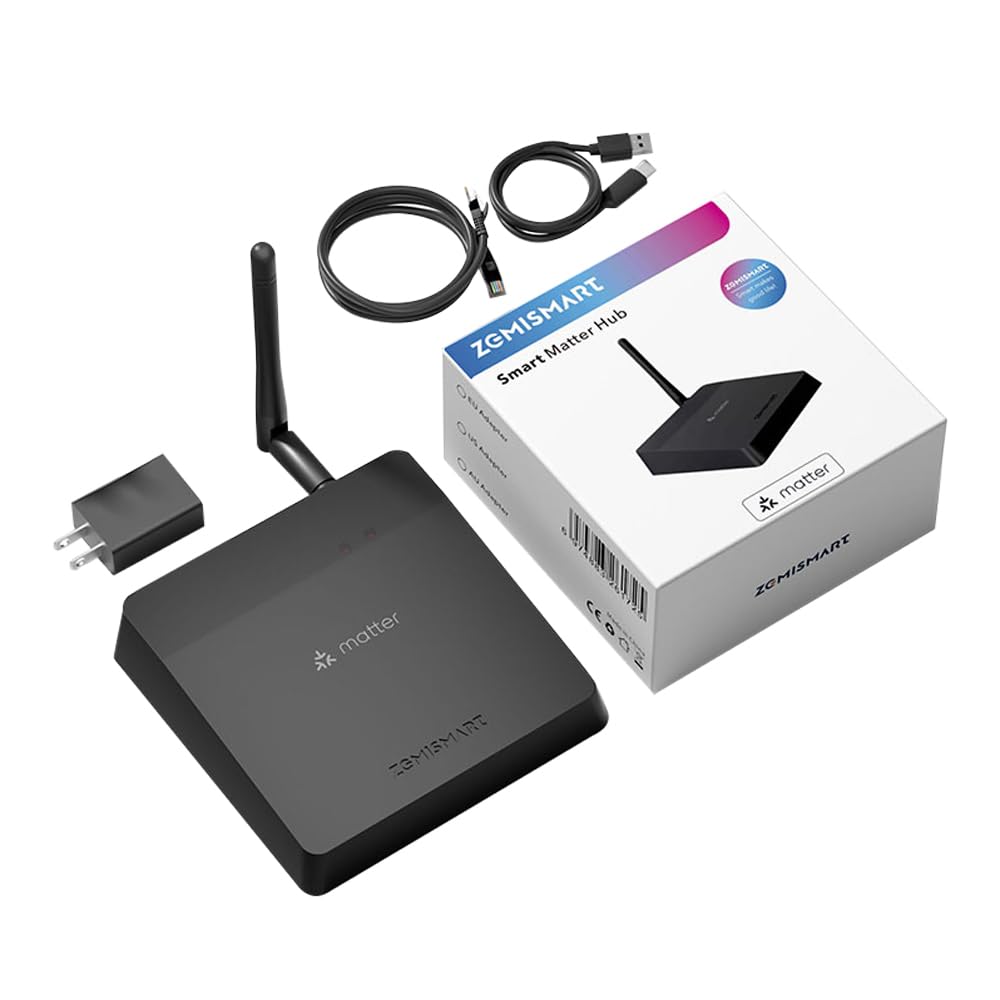
Type: Matter controller, Thread border router, Zigbee and IR hub
Protocols: Thread, Zigbee, Infrared, Matter
Platform role: Tuya Zigbee hub
Price tier: Mid
The M1 Pro bundles three radios into one box: Thread border routing, a Zigbee hub, and an IR blaster. For a garage that already runs Zigbee sensors alongside newer Thread devices, that combination removes the need for two separate hubs. The IR blaster is a useful extra for anyone with an infrared-controlled garage heater or fan, since it can reach those without a smart module. It sits in the middle of the price range and covers the most protocol ground per dollar.
The M1 Pro suits buyers with a Tuya or Zigbee-heavy setup who want Thread added without ripping out what already works. It is less compelling for a pure Apple Home household, because the extra radios go unused there. The trade-off is that the multi-protocol design adds setup complexity — expect more configuration steps than a single-purpose bridge.
Aqara Smart Hub M200

Type: Thread border router with Matter controller
Protocols: Thread, Zigbee, Bluetooth, Wi-Fi, Infrared
Power: PoE (Power over Ethernet)
Ecosystem support: Apple HomeKit, Alexa, SmartThings, Home Assistant
Price tier: Mid
The M200 is the strongest fit for a detached garage that already has Ethernet run to it, because PoE powers the hub and carries data over one cable. That means no outlet near the hub and no Wi-Fi dependency, which is precisely the problem a detached garage creates. On top of Thread border routing and Matter control, it handles Zigbee, Bluetooth, and IR, so a mixed-device garage consolidates onto one hub. It supports all four major ecosystems, including Home Assistant, and it is among the more popular picks on this list.
The M200 suits the homeowner who wants a wired, reliable hub with broad platform support and does not mind a mid-range price. It is overkill for a buyer with only one or two Thread devices and no Ethernet to the garage. The trade-off is the PoE requirement — without a PoE switch or injector, the wired advantage disappears.
ESP Thread Border Router Board

Type: Thread border router and Zigbee gateway board
Form factor: Sub-board with Ethernet
Protocols: Thread, Zigbee
Price tier: Budget
The ESP board is a bare development board rather than a finished consumer hub, and that is the whole point. It offers Thread border routing and a Zigbee gateway on a sub-Ethernet board, which makes it the cheapest hardware path to a wired Thread bridge for a garage. Buyers comfortable with flashing firmware and running Home Assistant or another controller get real flexibility at a fraction of the cost of a retail hub. It is the pick for the tinkerer, not the plug-and-play crowd.
The board suits DIY builders who want Thread coverage in the garage and do not need a polished app or ecosystem certification. It is a poor fit for anyone expecting a phone-app setup, because there is no consumer onboarding here. The trade-off is the bare-board nature — no enclosure, no app, and setup is entirely on the buyer.
Aqara Smart Home Hub M3

Type: Thread border router with Matter controller
Protocols: Thread, Zigbee, Bluetooth, Wi-Fi, PoE, Infrared
Ecosystem support: Apple HomeKit, Alexa, SmartThings, Home Assistant
Best for: Advanced automation
Price tier: Premium
The M3 is the premium option and the most popular pick on this list, and it backs that up with the widest feature set: Thread border routing, Matter control, Zigbee, Bluetooth, Wi-Fi, PoE, and IR in one hub. For a detached garage running advanced automation in Home Assistant or Apple Home, the M3 handles the protocol mixing and the wired backhaul in a single device. PoE again removes the outlet problem, and the IR radio covers legacy appliances. It is built for buyers who want one hub to do everything rather than stitching together cheap bridges.
The M3 suits the advanced user with a large device count and a wired garage, and it earns its premium spot on capability. It is more hub than a small setup needs, and the price reflects that. The trade-off is cost — buyers with a handful of Thread devices will pay for features they never touch.
Before You Buy
- Connectivity: A detached garage often has weak Wi-Fi, so favor a hub with an Ethernet or PoE uplink over a Wi-Fi-only model.
- Protocol coverage: Match the hub’s radios (Thread, Zigbee, Bluetooth, IR) to the devices already in the garage, not to a future wish list.
- Ecosystem compatibility: Confirm the hub works with the platform in use — Apple Home, Alexa, Google Home, SmartThings, or Home Assistant — before buying.
- Device support: Some hubs, like the YEELIGHT E1, support only one brand’s Matter devices; check the supported list first.
- Power: PoE hubs need a PoE switch or injector; confirm that hardware exists before committing to a wired model.
- Setup skill: Bare boards like the ESP model require firmware flashing and a controller, while retail hubs offer app-based onboarding.
- Range: The Thread radio must reach the garage’s far corners; place the hub centrally or plan a second border router.
Frequently Asked Questions
-
What does a Thread border router actually do for a detached garage?
It bridges Thread low-power devices to the home network and the internet, so sensors and locks in the garage stay reachable even when Wi-Fi is thin. -
Do I need Ethernet in the garage for these hubs?
Not strictly, but the strongest picks here use Ethernet or PoE, which is more reliable than Wi-Fi across the distance to a detached structure. -
Can one hub handle both Thread and Zigbee devices?
Yes — the M1 Pro, M200, M3, and ESP board all include Zigbee alongside Thread, which suits garages with mixed devices. -
Is the YEELIGHT E1 a good choice for a mixed-brand setup?
No. It supports YEELIGHT Matter devices only, so it fits single-brand households rather than mixed ones. -
Which pick works with Home Assistant?
The Aqara M200 and M3 both list Home Assistant support, and the ESP board is a natural fit for a Home Assistant builder. -
How many border routers does a garage need?
One well-placed hub usually covers a single garage; a second may help if the structure is large or the signal is blocked.
Bottom Line
For most buyers, the Aqara Smart Hub M200 is the best Thread border router for a detached garage: PoE wiring solves the distance problem, and Thread, Zigbee, Bluetooth, and IR coverage handles a mixed device list across all four major platforms. The Aqara Smart Home Hub M3 is the step up for advanced automation, while the YEELIGHT E1 is the budget entry for single-brand setups and the ESP board is the DIY pick.
