Why there are Amazon links here: Brave Review is paid a commission for qualifying Amazon purchases made through the links below. Your price does not change, and using our links is entirely optional. How this works
Best Wall Mounted Access Point for Clean, Fast Whole-Home Wi-Fi
A wall mounted access point replaces the plastic router-on-a-shelf look with a flush, wired unit that spreads Wi-Fi through a room or floor. The five picks below cover budget Wi-Fi 5 upgrades, mainstream Wi-Fi 6, and current Wi-Fi 7 gear for buyers who want headroom. Homeowners fixing dead zones, small offices wiring a few rooms, and tinkerers building a managed network will all find a match. The overview table below narrows the field fast, and each review explains who the unit suits and who should look elsewhere.
Overview of the Picks
| Product | Key Spec | Best Use | Price Tier |
|---|---|---|---|
| TP-Link Omada EAP235-Wall | Wi-Fi 5, 3 downlink ports, PoE in/out | Budget wall-plate installs | Budget |
| Ubiquiti U7-IW | Wi-Fi 7 in-wall | Modern in-wall upgrades | Premium |
| Ubiquiti U7 Pro Wall | Wi-Fi 7, PoE | High-density rooms | Premium |
| TP-Link Omada EAP720 | Wi-Fi 7, BE5000, 2.5G port | Fast managed business Wi-Fi | Mid-range |
| Ubiquiti U6+ | Wi-Fi 6, dual band, 3 Gbit/s | Mainstream ceiling or wall coverage | Budget |
TP-Link Omada EAP235-Wall

Wireless Standard: Wi-Fi 5, dual band
Wired Ports: 3 downlink Gigabit ports
Power: PoE powered, with PoE out
Management: Omada managed, mesh and roaming supported
Warranty: 5 years
The EAP235-Wall is the practical choice for buyers who want a wall plate that doubles as a small switch. Its three downlink Gigabit ports let a single wall location feed a desk, a TV, and a printer while still broadcasting Wi-Fi, which is a rare convenience at this tier. Power comes in over PoE and passes out to another device, so a single cable run can serve more than one piece of gear.
Omada management and roaming support mean it fits into a multi-unit network without much fuss, and the five-year warranty signals the build is meant to stay on a wall for years. It suits budget-conscious homeowners and small offices that already run PoE. Buyers chasing Wi-Fi 7 throughput or the newest radios should step up, and anyone without a PoE switch will need to add one.
Trade-off: Wi-Fi 5 caps the ceiling on speed, so this pick makes sense for coverage and wired ports rather than future-proof bandwidth.
Check the current price on Amazon
Ubiquiti U7-IW
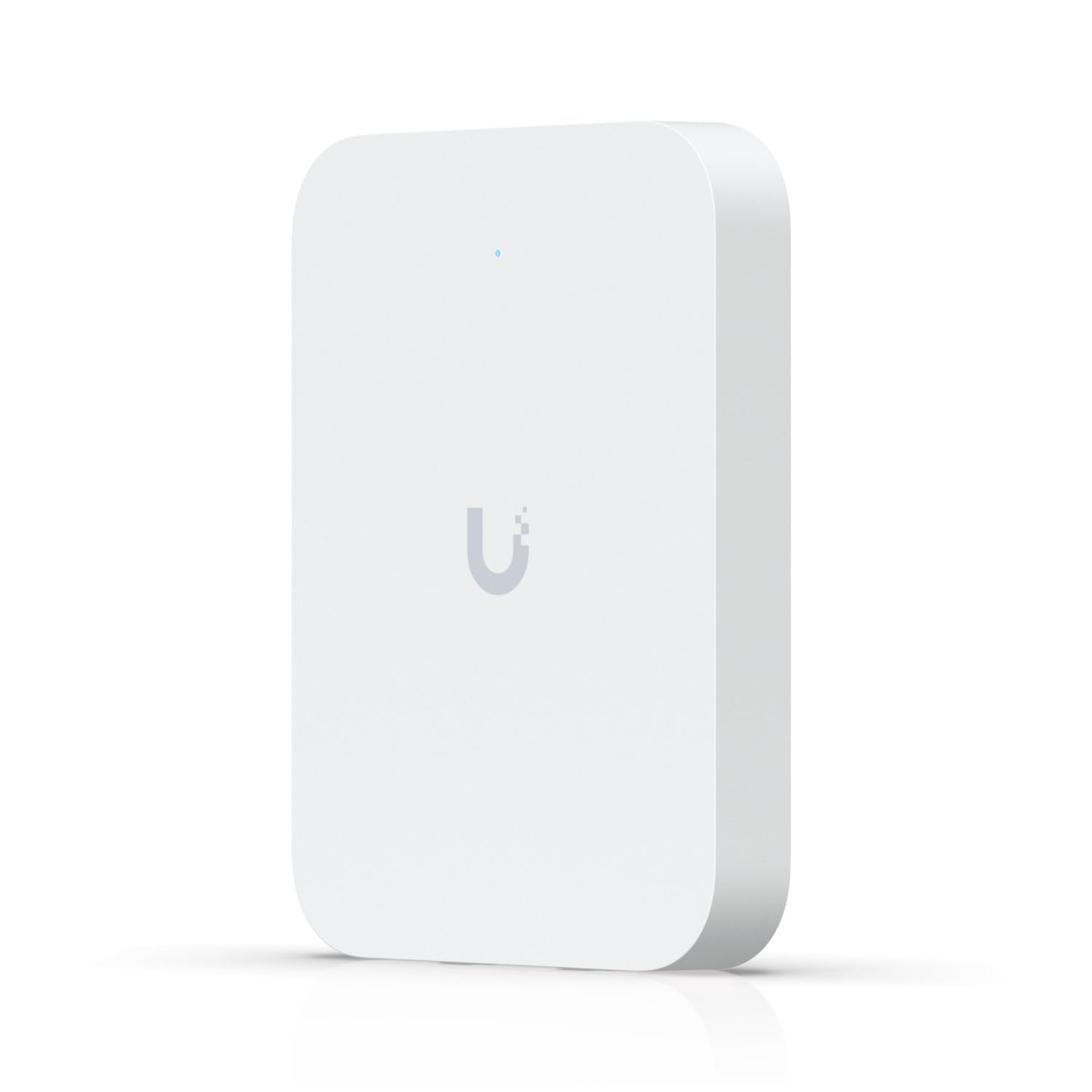
Wireless Standard: Wi-Fi 7
Form Factor: In-wall
Brand Line: Ubiquiti U7 series
The U7-IW brings the newest Wi-Fi generation into an in-wall form factor, which is the cleanest look for a retrofit where a wall plate already exists. Ubiquiti builds its access points for managed deployments, so this unit is aimed at buyers who run or plan to run a UniFi-style controller rather than a stand-alone router. The in-wall shape keeps the radio low and unobtrusive in a room.
It suits buyers who want current-generation Wi-Fi without a ceiling run, and who value a tidy plate over raw port count. It is a poor fit for anyone who wants a plug-and-play setup with no controller, and the premium tier means budget shoppers should look at the Wi-Fi 5 or Wi-Fi 6 options first.
Trade-off: The premium price and controller-oriented design make this a specialist pick rather than a first access point for a casual household.
Check the current price on Amazon
Ubiquiti U7 Pro Wall

Wireless Standard: Wi-Fi 7
Power: PoE
Form Factor: Wall mount
Color: White
Ubiquiti U7 Pro Wall Punto de Acceso WiFi 7 PoE Blanco
The U7 Pro Wall is the higher-capacity sibling in Ubiquiti’s wall lineup, built for rooms where many devices connect at once. Wi-Fi 7 radios and PoE power keep the install to a single cable, and the white wall-mount housing blends into painted walls. It is designed for managed networks where several units cooperate.
This pick earns its place for busy spaces: a home office full of laptops, a small studio, or a room where guests pile onto the network. Buyers who just need basic coverage in one corner will overpay. The PoE requirement also means a proper switch or injector is part of the budget.
Trade-off: Capacity this high is wasted on light use, and the unit assumes a PoE source and a managed setup that not every household has.
Check the current price on Amazon
TP-Link Omada EAP720
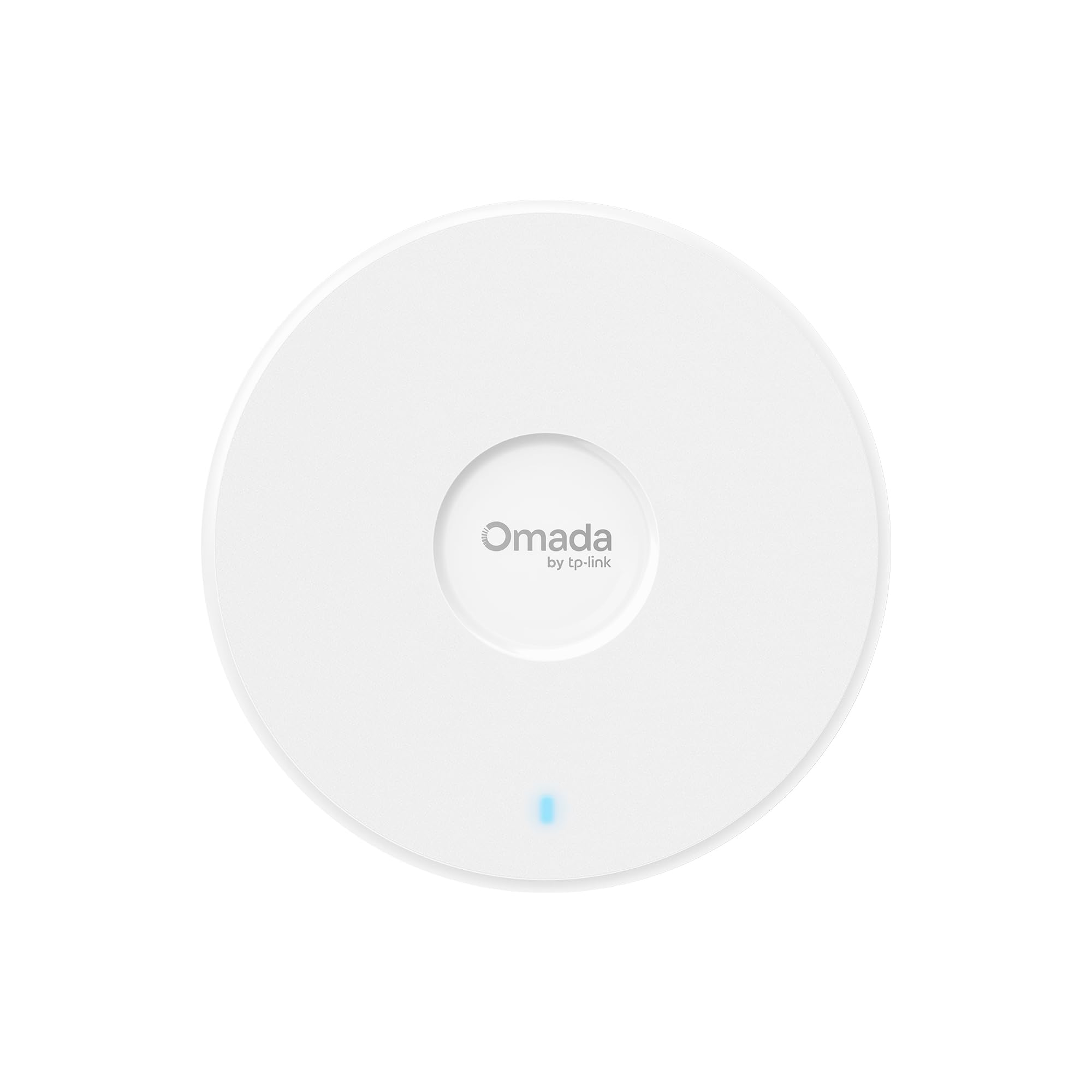
Wireless Standard: Wi-Fi 7, dual band, BE5000
Wired Port: 2.5G port
Power: PoE powered, DC adapter included
Management: Omada managed, mesh, WPA3, roaming
Warranty: 5 years
The EAP720 is the value play among the Wi-Fi 7 units here, pairing BE5000 radios with a 2.5G wired port for buyers who want fast backhaul without the top-tier price. Omada management, WPA3, mesh, and roaming support make it a fit for a small business or a large home with several units. The included DC adapter is a genuine convenience for anyone without a PoE switch yet.
It suits offices and power users upgrading a managed network, and the five-year warranty adds peace of mind for a device left running all day. Casual buyers who only need one room covered will find it more than necessary, and the dual-band design skips the extra radio band some premium units carry.
Trade-off: Dual-band Wi-Fi 7 delivers speed but not the multi-band flexibility of higher-end tri-band gear, so buyers chasing maximum simultaneous throughput should compare carefully.
Check the current price on Amazon
Ubiquiti U6+

Wireless Standard: Wi-Fi 6, dual band, 802.11ax
Throughput: Up to 3 Gbit/s
Compatibility: 802.11 a/b/g/n/ac/ax
Ubiquiti U6+ Dual Band IEEE 802.11 a/b/g/n/ac/ax 3 Gbit/s Wireless Access Point
The U6+ is the sensible middle ground: Wi-Fi 6 rather than the newest generation, with dual-band radios rated up to 3 Gbit/s. That is plenty for streaming, video calls, and a house full of phones and laptops. The 802.11ax standard and broad backward compatibility mean older devices still connect fine.
It suits mainstream households and small offices that want solid, current Wi-Fi without paying for Wi-Fi 7. Buyers who already own Wi-Fi 6 devices get the most from it, and it makes a good second unit for filling a dead zone. Anyone planning a multi-gig wired backbone should look at the 2.5G port on the EAP720 instead.
Trade-off: Wi-Fi 6 leaves less headroom than the Wi-Fi 7 picks, so this is a buy-for-now choice rather than a long-term upgrade path.
Check the current price on Amazon
Before You Buy
- Wireless standard: Wi-Fi 5 is fine for coverage and wired ports; Wi-Fi 6 suits mainstream homes; Wi-Fi 7 is for buyers who want headroom and fast backhaul.
- Power: Most wall units run on PoE, so confirm a PoE switch or injector is on hand — one pick here includes a DC adapter.
- Wired ports: Wall-plate models with downlink ports can feed desks and TVs from one run, which matters in offices and media rooms.
- Management: Omada and Ubiquiti units expect a controller or app for full features; buyers wanting zero setup should weigh that.
- Form factor: In-wall plates look cleanest in retrofits, while standard wall mounts suit new runs and larger rooms.
- Backhaul: A 2.5G port pays off only if the switch and cabling behind it can keep up.
- Warranty: Longer coverage is worth checking on units that stay powered on for years.
Frequently Asked Questions
- What is a wall mounted access point best for? It spreads Wi-Fi from a flush wall unit, which suits dead zones, offices, and rooms where a ceiling run is impractical.
- Does a wall mounted access point need PoE? Most do, though some ship with a DC adapter, so check the power method before buying.
- Is Wi-Fi 7 worth it over Wi-Fi 6 here? Only for buyers who want future headroom and fast wired backhaul; Wi-Fi 6 still covers everyday streaming and calls well.
- Can these units work together as a mesh? The Omada models list mesh and roaming support, which lets several units cooperate across a home or office.
- Do these replace a router? No — they provide Wi-Fi and wired ports, so a router or gateway still handles the network itself.
- Which pick suits a tight budget? The Wi-Fi 5 wall plate offers the lowest entry point, while the Wi-Fi 6 U6+ is the value step up.
Bottom Line
The TP-Link Omada EAP235-Wall is the best wall mounted access point for most buyers who want a tidy plate, wired ports, and dependable coverage without a premium price. Buyers who want current-generation speed should move up to the EAP720, and anyone building a managed high-density network should look at the Ubiquiti U7 line.