Why there are Amazon links here: Brave Review is paid a commission for qualifying Amazon purchases made through the links below. Your price does not change, and using our links is entirely optional. How this works
Best WiFi Camera for a House with Thick Walls
Thick walls, brick, plaster and foil-backed insulation all eat into a WiFi signal, which is why a cheap camera can work fine in a test video and then drop out in a real house. The five cameras below were chosen for how they handle a weak or crowded network — dual-band radios, local storage that keeps recording when the signal stumbles, and battery or plug designs that suit different rooms. Renters who cannot run cable, homeowners covering a back garden through a stone wall, and anyone who wants a camera working without a monthly plan will each find a fit. The overview table below puts all five side by side; the reviews that follow explain who each one is actually for.
The Picks at a Glance
| Product | Key Spec | Best Use | Price Tier |
|---|---|---|---|
| 5G & 2.4G WiFi Camera 4 Pack | 2K, 5GHz + 2.4GHz, 4 cameras | Whole-house coverage on a budget | Budget |
| 2K Plug & Play Camera | 2K, color night vision, wired | Cheapest single-room watch | Budget |
| REOLINK Fisheye Camera | 2K+ 6MP, 360° panorama, 2.4/5GHz | One camera covering a whole room | Premium |
| WYZE Cam OG | 1080p, spotlight, Alexa/Google | Simple outdoor-facing coverage | Budget |
| youkey Magnetic Camera | 2K, battery, 8GB built-in | Renters and wire-free placement | Mid-range |
1. 5G & 2.4G WiFi Camera 4 Pack — Best for Whole-House Coverage
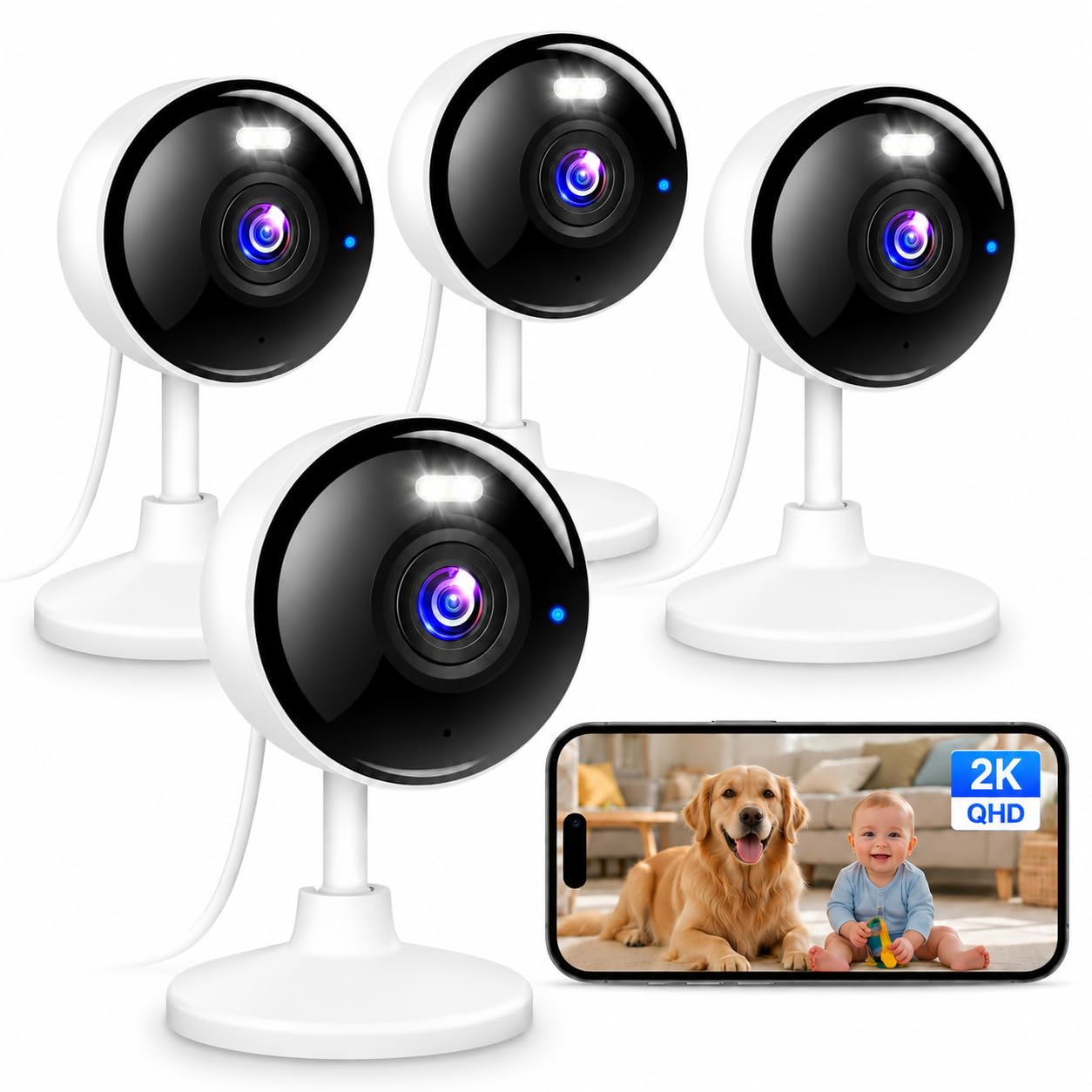
Type: Multi-camera indoor/outdoor kit
Resolution: 2K
Connectivity: 5GHz and 2.4GHz WiFi
Night Vision: Color
Audio: Two-way
Recording: 24/7 local
Smart Home: Works with Alexa
Pack Size: 4 cameras
The headline here is the dual-band radio. A 5GHz band carries more data and copes better with interference than 2.4GHz alone, and having both means the cameras can fall back to the slower band when the 5GHz signal is weak at the far end of a thick-walled house. Four cameras at this price tier make it the obvious choice for covering several rooms or an entry and a back door in one purchase. Local 24/7 recording means footage keeps landing on a card even when the network is struggling, which matters in a house where the router is not close to every room.
Two-way audio and color night vision round it out as a general-purpose monitoring kit for pets, a baby’s room or a nanny camera setup. The trade-off is that four cameras share one power and network budget, so a buyer with only one weak spot to cover is paying for hardware that will sit in a drawer.
Trade-off: The four-pack only makes sense if there are genuinely four places to put a camera; a single-room buyer should look at a one-camera pick instead.
2. 2K Plug & Play Camera — Best Cheap Single Camera
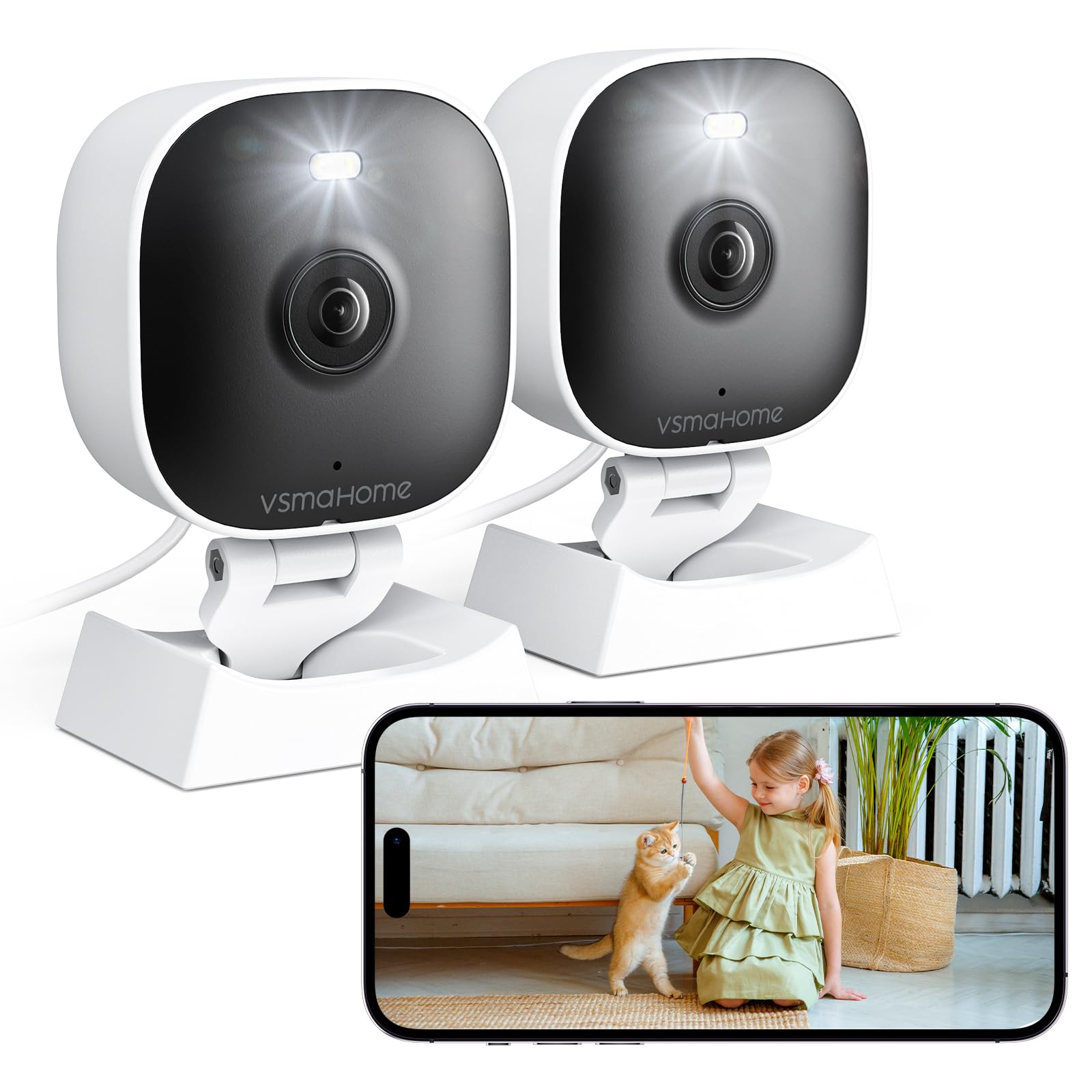
Type: Indoor/outdoor single camera
Resolution: 2K
Night Vision: Color
Audio: Two-way
Recording: 24/7, cloud or memory card
Power: Wired, 6.56ft cable
Setup: Plug and play
This is the simplest way into 2K monitoring: one camera, one cable, and a setup that asks for almost nothing. The 6.56ft wire is the detail to check first — it decides how far the camera can sit from a socket, and in a thick-walled house that often means the camera ends up nearer the router than the buyer planned. Recording works to either a memory card or the cloud, and the card is not included, so budget for one.
Color night vision and two-way audio cover the basics for watching a pet, a baby or an elderly relative. It is the pick for a buyer who wants one room covered cheaply and does not mind a visible cable. The trade-off is the short lead: rooms with few sockets near the mounting spot will need an extension or a different camera.
Trade-off: The fixed 6.56ft cable limits placement, so buyers in rooms with awkward sockets should plan for an extension cord or choose a battery model.
3. REOLINK Fisheye Camera — Best for Covering a Whole Room
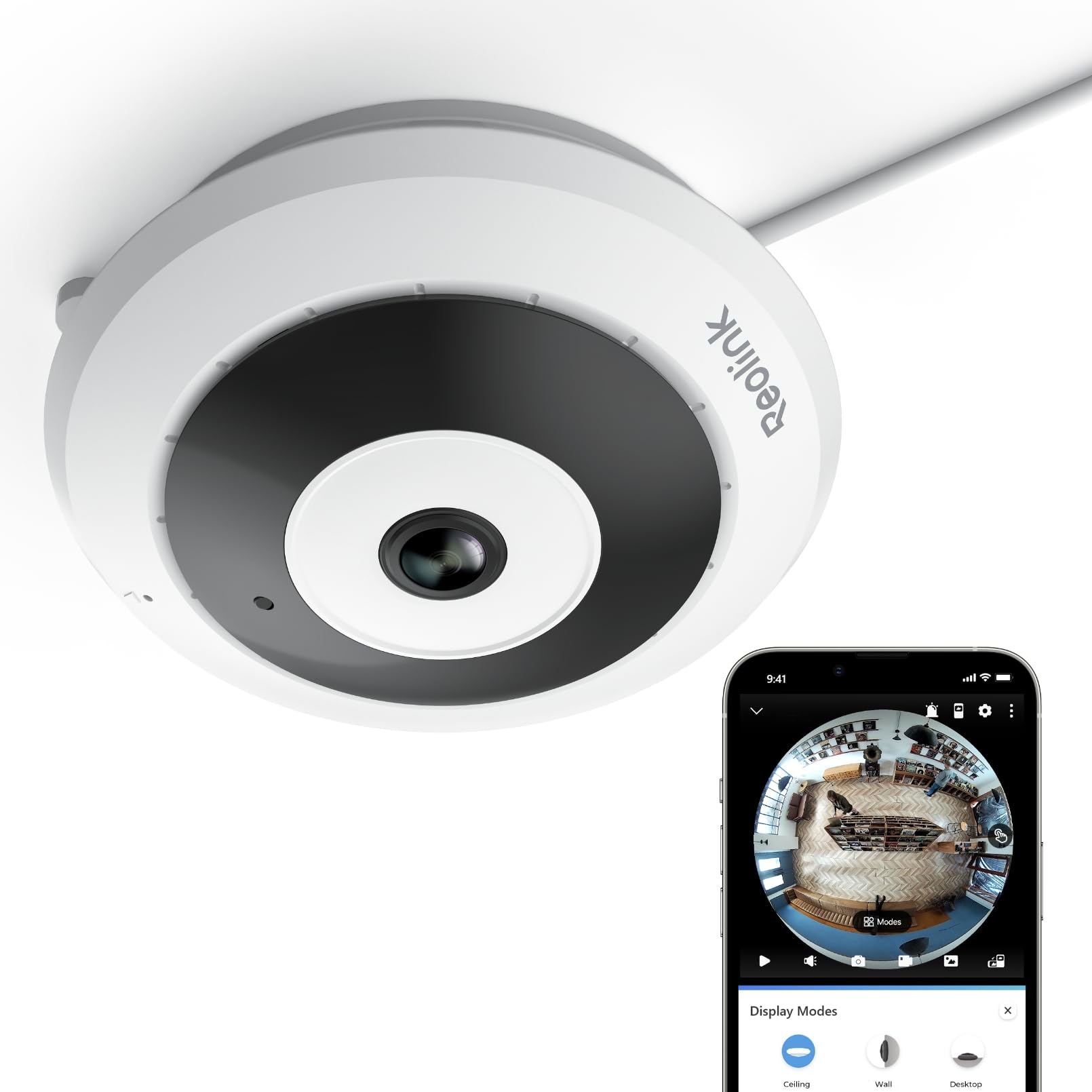
Type: Indoor fisheye camera
Resolution: 2K+ 6MP
Field of View: 360° panorama
Connectivity: 2.4GHz and 5GHz WiFi
Mounting: Ceiling, wall or desk
Motion Detection: Yes
Storage: Up to 512GB microSD
A fisheye lens sees the whole room at once, and the 6MP sensor gives that panorama enough detail to be useful rather than a smeared circle. Dual-band WiFi is the reason it belongs on this list: the 5GHz option gives a cleaner link in a busy house, and the 2.4GHz fallback keeps it connected through a thick wall. Ceiling, wall and desk mounting covers most rooms, and the 512GB card ceiling is generous for continuous local recording.
This is the pick for a buyer who wants one camera to watch an entire open-plan space or a nursery rather than several narrow-angle units. It costs more than the budget options and it is an indoor camera, so it is not the choice for a garden or driveway. The trade-off is price: the panorama and the higher-resolution sensor are what the extra spend buys, and a buyer who only needs a doorway covered is overpaying.
Trade-off: The premium price is hard to justify for narrow coverage — the fisheye earns its cost only when one camera has to see an entire room.
4. WYZE Cam OG — Best Known-Name Budget Pick

Type: Indoor/outdoor camera
Resolution: 1080p
Night Vision: Color, built-in spotlight
Audio: Two-way
Motion Detection: Yes
Smart Home: Works with Alexa and Google
Color: White
The built-in spotlight is the feature that sets this apart at its price: instead of infrared black-and-white footage, it lights the scene and records in color after dark. It works with both Alexa and Google, so it slots into either smart-home setup, and the white housing blends into most interiors. Motion detection and two-way audio cover the everyday monitoring jobs.
It is the safe, well-known budget choice for a first camera, and it is the cheapest way here to get a spotlight and color night vision in one unit. The resolution is the lowest of the five, so fine detail at distance is weaker than the 2K picks. The trade-off is that 1080p: it is fine for recognizing a face across a room and thin on detail across a long garden.
Trade-off: At 1080p this is the least detailed camera here, so buyers who need to identify faces or plates at distance should step up to a 2K model.
5. youkey Magnetic Camera — Best Wire-Free for Renters
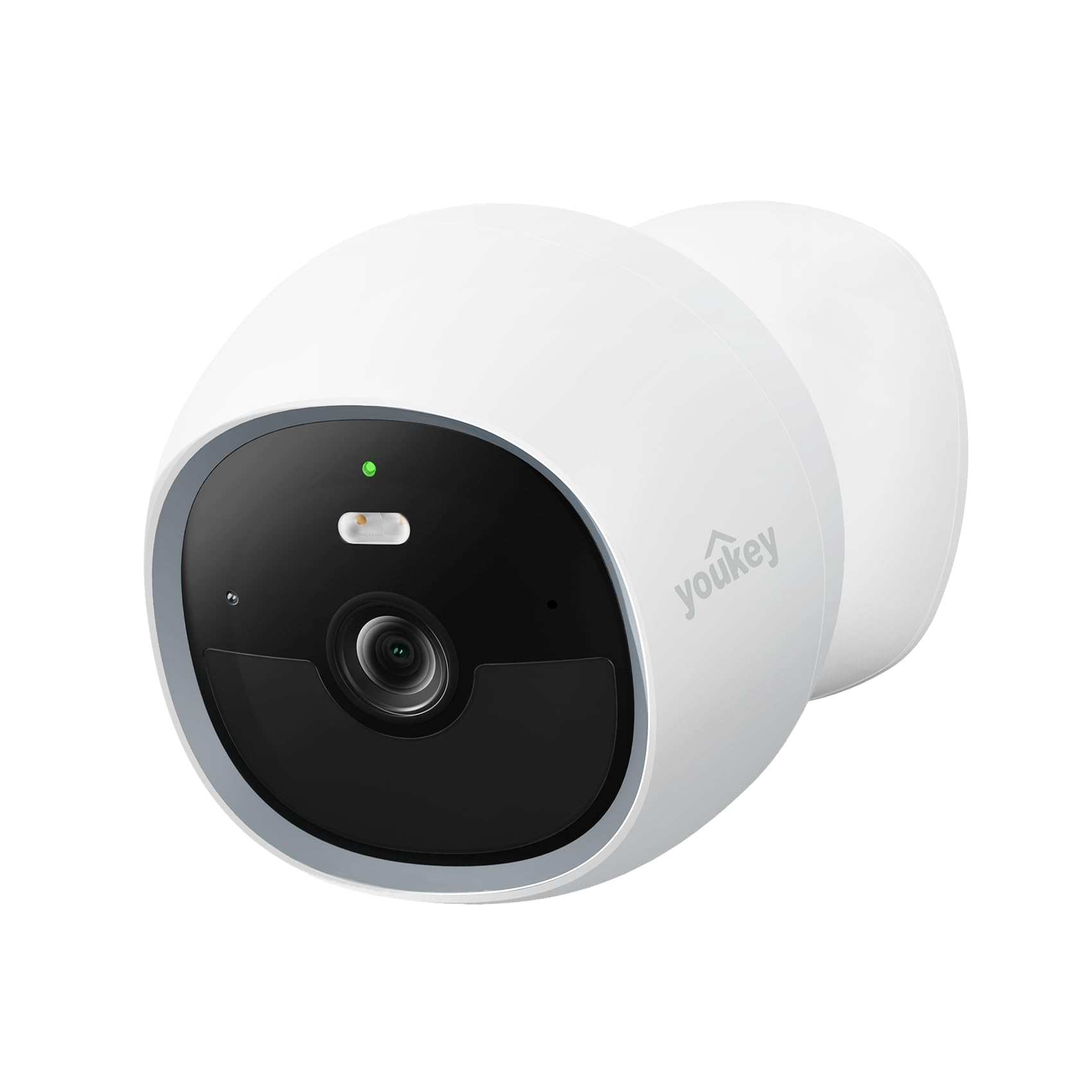
Type: Indoor battery camera
Resolution: 2K
Power: Battery, wire-free
Storage: Built-in 8GB
Subscription: None required
Mounting: Magnetic
Smart Home: Works with Alexa and Google
No cable and no subscription is the pitch, and for renters that combination is genuinely useful — the camera goes up on a magnetic mount without drilling and comes down when the tenancy ends. The built-in 8GB storage means footage is kept on the device with no cloud plan to pay for, and 2K resolution keeps it sharp. Battery power also sidesteps the thick-wall problem in one specific way: the camera can be placed wherever the signal is strongest rather than wherever a socket happens to be.
That freedom is the whole point. A buyer who has been fighting a weak signal at the far side of a brick wall can move this camera closer to the router without an electrician. The trade-off is battery life and fixed storage: 8GB fills up and needs clearing, and the battery has to be recharged periodically.
Trade-off: The built-in 8GB storage is fixed and will need regular clearing, and the battery requires periodic recharging — a wired camera avoids both chores.
Before You Buy
- Connectivity: Prefer a camera with both 5GHz and 2.4GHz radios; the 2.4GHz band travels further through thick walls, while 5GHz is cleaner in a crowded house.
- Power: Wired cameras need a socket near the mounting point, so check cable length before buying; battery models can be placed where the signal is strongest.
- Storage: Local recording to a memory card or built-in storage keeps footage when the WiFi stumbles, and it avoids a subscription.
- Resolution: 2K or higher preserves detail across a room; 1080p is adequate for close-range recognition only.
- Mounting: Ceiling and wall mounts suit permanent installs, magnetic and desk mounts suit renters who need to move the camera.
- Compatibility: Confirm the camera works with the smart-home system already in the house before buying.
- Included accessories: Memory cards are frequently sold separately, so factor one into the total cost.
Frequently Asked Questions
-
Will a WiFi camera work through a thick brick wall?
Usually, but the signal weakens with every wall. A dual-band camera on the 2.4GHz band, or one placed closer to the router, copes far better than a single-band unit at the far end of the house. -
Is 5GHz or 2.4GHz better for a thick-walled house?
2.4GHz travels further and penetrates walls better; 5GHz is faster and less crowded but loses range quickly. The best cameras offer both and switch as needed. -
Do these cameras need a subscription?
No. All five support local recording of some kind — a memory card, built-in storage or both — so a subscription is optional rather than required. -
Which pick suits a renter?
The youkey magnetic camera. It is wire-free, mounts without drilling and needs no subscription, so it can be removed and taken to the next place. -
Which camera covers the largest area?
The REOLINK fisheye. Its 360° panorama and 6MP sensor let one camera watch an entire room instead of several narrow-angle units. -
Is a battery camera better than a wired one?
Not universally. Battery models win on placement freedom and renter-friendliness; wired models avoid recharging and run continuously without a battery to manage.
Bottom Line
For a thick-walled house, the safest pick is the 5G & 2.4G WiFi Camera 4 Pack: dual-band radios, local 24/7 recording and four cameras for the price of one premium unit, which covers the weak-signal corners a single camera cannot reach. A buyer covering one room should take the REOLINK fisheye instead, and a renter should take the youkey.
Check the price of the 5G & 2.4G WiFi Camera 4 Pack on Amazon
