Why there are Amazon links here: Brave Review is paid a commission for qualifying Amazon purchases made through the links below. Your price does not change, and using our links is entirely optional. How this works
Cudy M3000 AX3000 Wi-Fi 6 Mesh System: 2.5G WAN on a Budget
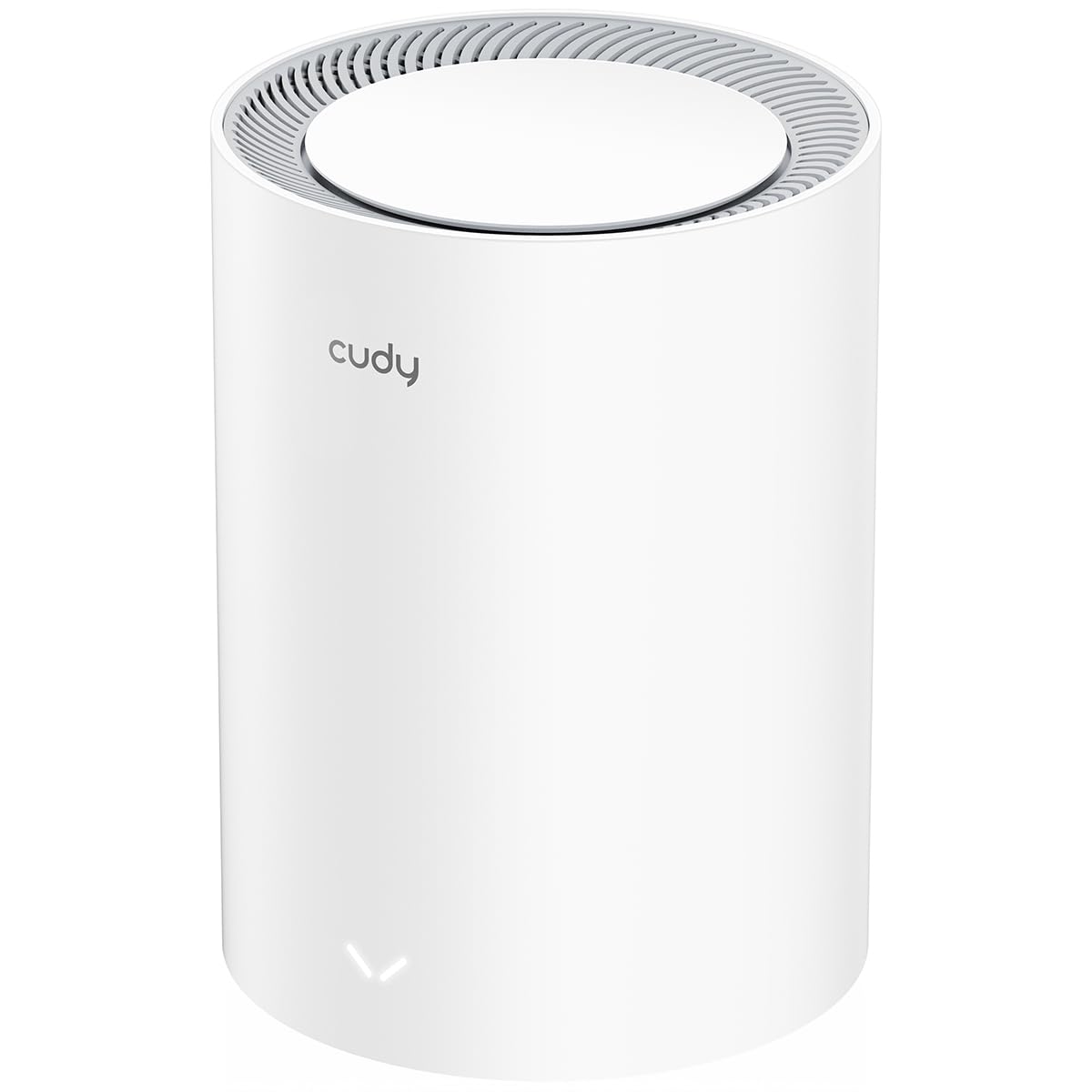
The Cudy M3000 is a single-unit AX3000 Wi-Fi 6 mesh node built around one unusual feature for its class: a 2.5GbE WAN port. It suits buyers on a multi-gig fiber plan who want Wi-Fi 6 coverage in a small apartment or a single floor without paying flagship mesh prices. This review covers what the hardware actually does, where the 970 sq ft coverage claim lands in practice, and which buyers should look elsewhere.
Check the current price on Amazon
Features and Specifications
Wi-Fi Standard: Wi-Fi 6 (AX3000 class)
Wired Ports: 1x 2.5GbE WAN, 1x Gigabit LAN
Stated Device Capacity: 200 devices
Coverage (Stated): 970 sq ft
Mesh Features: Fast Roaming, mesh system expandable with additional units
Remote Access: VPN server and VPN client
Management: App and cloud control
Form Factor: 2.0, 1-pack (single unit)
What the Specs Mean for the Buyer
Build and Port Layout
The M3000 is a two-port router: one 2.5GbE WAN input and one Gigabit LAN output. That is a thin wired loadout, and it defines the product. Buyers who need to hardwire a desktop, a console and a NAS at the same time will run out of ports immediately and need a separate switch.
The 2.5GbE WAN is the headline. On a fiber plan above 1 Gbps, a standard Gigabit WAN port caps the whole network at roughly 1 Gbps no matter how fast the connection is. The 2.5G port removes that ceiling at the input, which is the single reason to pick this unit over a cheaper AX3000 router.
The single Gigabit LAN port is the counterweight. Wired throughput out of the router tops out at Gigabit, so the 2.5G headroom only reaches Wi-Fi clients and whatever is plugged into that one port. Buyers planning a wired multi-gig backbone should treat this as a Wi-Fi-first device.
Capacity and Coverage
The stated 200-device capacity is generous for a home router and covers a household full of phones, laptops, smart plugs, cameras and streaming boxes without crowding. Wi-Fi 6 handles dense client loads better than Wi-Fi 5 through OFDMA and improved scheduling, so the device count is plausible rather than marketing math.
The 970 sq ft coverage figure is the number to read carefully. That is a single small apartment, a studio, or one floor of a house — not a whole home. Buyers in a two-story house or a long rectangular layout will need a second unit, and the mesh support and Fast Roaming mean adding one is the intended path rather than a workaround.
Management, VPN and Maintenance
Setup and control run through the Cudy app and cloud dashboard, which is the normal pattern at this price. The app handles the SSID, guest network, parental controls and firmware updates. Cloud control means the network can be checked remotely, which matters for buyers who travel or manage a second property.
The VPN server and client support is unusual at this tier. A VPN server lets a buyer dial into the home network from outside; a VPN client lets the router push selected traffic through a third-party VPN provider at the network level. Both are typically premium-router features, and their presence here is a real functional gain rather than a checkbox.
Maintenance is minimal: firmware updates through the app, no subscription mentioned, no mandatory cloud account beyond what the app requires. The trade-off is that cloud-dependent management is only as good as the vendor’s servers and app support over time.
Trade-off: The single Gigabit LAN port and 970 sq ft coverage ceiling mean this unit cannot serve as a whole-home wired backbone — buyers with multiple wired devices or a larger floor plan will need a switch and a second node, which erodes the price advantage.
Who the Cudy M3000 Suits — and Who It Does Not
The M3000 fits a specific buyer: someone on a fiber plan faster than 1 Gbps, living in a small apartment or a single floor, who wants Wi-Fi 6 and does not want to pay flagship mesh prices for a 2.5G WAN port. That buyer gets the one feature that actually matters for a multi-gig connection and pays less for it.
It also fits the buyer who wants VPN functionality at the router level without buying a separate VPN appliance. Running a VPN server for remote access or a client for network-wide tunneling is a genuinely useful capability at this price point.
It does not fit buyers with a large home. A 970 sq ft single unit leaves corners and far rooms weak, and the fix is a second node — at which point a two-pack from another brand may be the better comparison.
It does not fit buyers who need wired density. One LAN port is not enough for a desk setup with a PC, console and NAS, and adding a switch adds cost and clutter.
It does not fit buyers who want a proven, long-supported ecosystem. Cudy is a smaller brand than the mainstream mesh names, and buyers who prioritize years of firmware support and a large user community should weigh that against the price.
FAQ
-
Is the Cudy M3000 a router or a mesh node?
It is both. A single unit works as a standalone router, and additional M3000 units can be added as mesh nodes with Fast Roaming to extend coverage. -
Does the Cudy M3000 support multi-gig internet?
Yes, at the input. The 2.5GbE WAN port accepts connections faster than 1 Gbps, so a multi-gig fiber plan is not capped at the router’s WAN. The single LAN port is Gigabit, so wired output is limited to 1 Gbps. -
How much area does one Cudy M3000 cover?
The stated coverage is 970 sq ft, which suits a small apartment or a single floor. Larger homes need a second unit. -
How many devices can the Cudy M3000 handle?
The stated capacity is 200 devices, which is ample for a typical household with phones, laptops, smart home gear and streaming devices. -
Does the Cudy M3000 have a VPN?
Yes. It supports both VPN server and VPN client modes, so it can host a remote-access tunnel into the home network or route selected traffic through a third-party VPN provider. -
Can the Cudy M3000 be controlled remotely?
Yes. Management runs through the Cudy app and cloud dashboard, so the network can be monitored and adjusted from outside the home. -
How many Ethernet ports does the Cudy M3000 have?
Two: one 2.5GbE WAN port and one Gigabit LAN port. Buyers who need more wired connections will need an external switch. -
Is the Cudy M3000 good for gaming?
It is reasonable for wireless gaming on Wi-Fi 6, and the 2.5G WAN helps on a fast connection. Buyers who want a wired console or PC connection have only one LAN port to work with. -
Does the Cudy M3000 work with other mesh systems?
Mesh expansion is intended with additional Cudy M3000 units. Buyers should not expect it to mesh with another brand’s nodes. -
Who should not buy the Cudy M3000?
Buyers in a large multi-story home, buyers who need several wired ports, and buyers who prioritize a long-established mesh ecosystem should look at alternatives.
Bottom Line
The Cudy M3000 is a niche pick that gets one thing right: a 2.5GbE WAN port on Wi-Fi 6 hardware at a price well below the flagship mesh names. Buyers in a small apartment or single floor on a multi-gig fiber plan get the feature that matters most, plus VPN server and client support that usually costs more. Buyers with a large home or a dense wired setup should plan for a second node and a switch — or choose a different system entirely.
