Why there are Amazon links here: Brave Review is paid a commission for qualifying Amazon purchases made through the links below. Your price does not change, and using our links is entirely optional. How this works
Best Dust Management for Networking Gear to Protect Racks and Switches
Dust is the quiet killer of networking gear: it clogs fan grills, settles into open Ethernet ports and coats the inside of rack cabinets until switches run hot. This guide covers five practical dust-management products for home lab owners, small IT closets and anyone maintaining a 19-inch rack. Each pick targets a different job — sealing ports, filtering airflow, or organizing cables so dust has fewer places to collect. The overview table below shows the whole field at a glance so a decision can be made fast.
Overview of the Picks
| Product | Key Spec | Best Use | Price Tier |
|---|---|---|---|
| Cable Management Horizontal Rack Mount 2 Pack | All-metal 1U, 12 finger slots | Tidying patch cables in a 19-inch rack | Budget |
| Cable Matters Cat 6 RJ45 Anti-Dust Covers 50-Pack | 50 RJ45 port covers | Sealing unused switch and patch panel ports | Budget |
| Woanger DIY PC Case Dust Mesh Filter | 1000x300mm PVC mesh, magnetic strips | Custom filtering for fan grills and enclosures | Budget |
| Zonon 1U Brush Strip Cable Management Panel 2 Pack | Cold rolled steel, pass-through brush seal | Blocking dust while routing cables into a rack | Mid-range |
| Tecmojo 1U Horizontal Cable Management 2 Pack | Plastic, 2.6-inch depth, 12 slots, cover | Covered cable routing in AV and network cabinets | Budget |
1. Cable Management Horizontal Rack Mount 2 Pack — Best All-Metal Cable Manager
Type: 1U horizontal rack cable manager
Material: All metal
Slots: 12 big finger slots
Mounting: 19-inch server rack or cabinet
Quantity: 2 pack

Check the current price on Amazon
This two-pack of all-metal 1U managers is built for the front of a 19-inch rack, where the big finger slots hold patch cables in neat runs instead of letting them droop across open equipment faces. The metal construction suits a rack that sees steady use, since steel resists the sag that plastic managers develop under a heavy bundle. Twelve wide slots per unit give room for separating power runs from data runs, which also reduces the tangle where dust and debris collect. The pair covers two rack positions, so a single purchase handles a small network cabinet end to end.
The pick suits home lab owners and small-office installers who want cables off the floor and away from intake fans. It earns its place because metal at a budget price is rare in this category, and the open finger design is quick to re-thread when gear changes. The trade-off is that the open front leaves cable bundles exposed to settling dust, so this manager organizes rather than seals. Buyers wanting a closed barrier should look at a covered or brush-style panel instead.
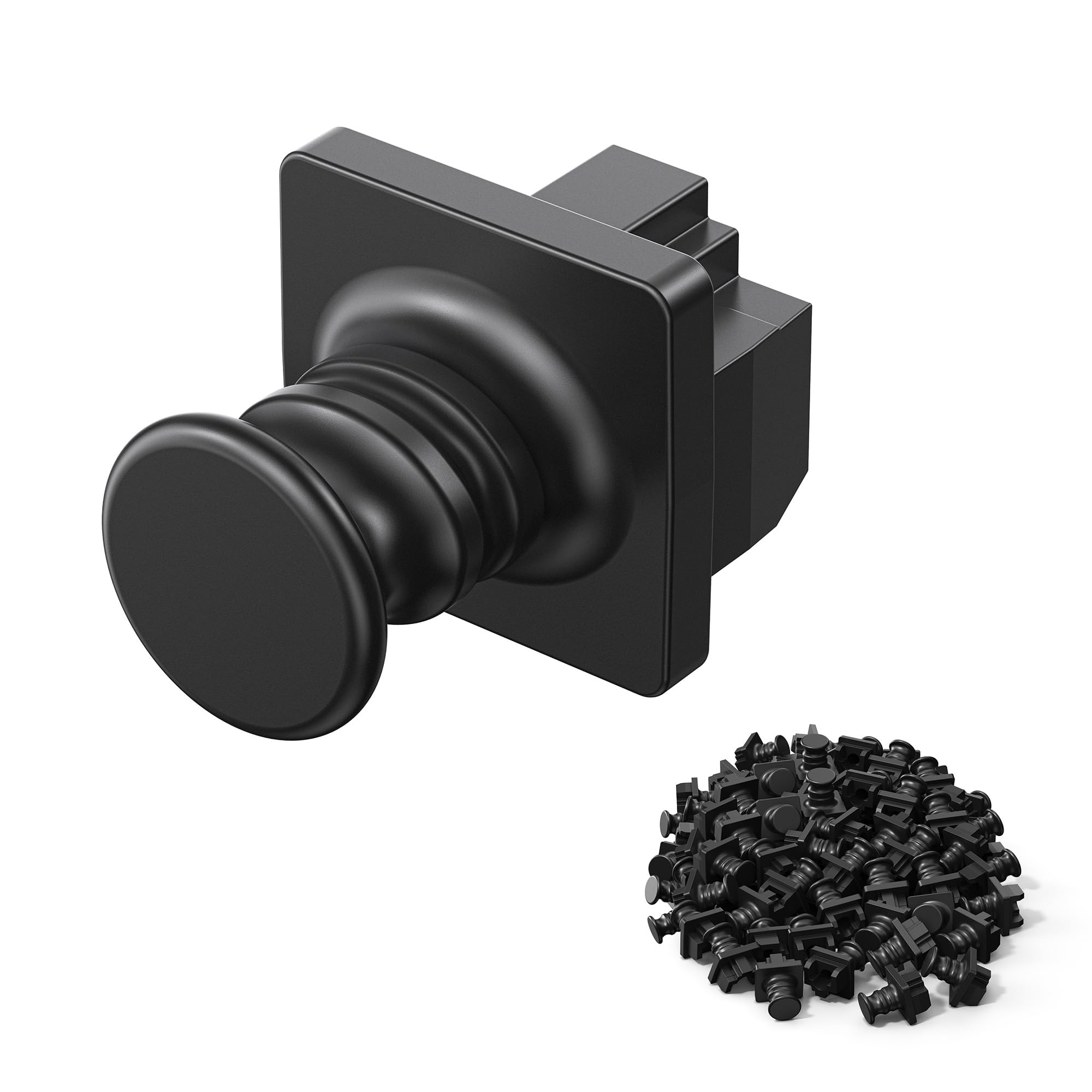
2. Cable Matters Cat 6 RJ45 Anti-Dust Covers 50-Pack — Best Port Protection
Type: RJ45 anti-dust port covers
Compatibility: Cat 6 RJ45 ports
Intended use: Patch panels, switches, routers, server racks, computers
Quantity: 50 pack
Color: Black
Check the current price on Amazon
These small black caps push into unused RJ45 jacks and keep airborne dust out of the contacts, which is where fine particles do the most damage on a switch or patch panel. The Cat 6 rating means they fit the same port geometry as standard Ethernet cabling, so they seat flush and pull out cleanly when a port is needed. A 50-pack covers a dense patch panel or several switches in one go, and the black finish disappears against typical rack hardware. They are passive parts with nothing to wear out beyond the friction fit itself.
The pick suits anyone with spare ports on a router, switch or wall panel in a dusty room — a garage, workshop or basement closet. It earns its place because port caps are the cheapest insurance against intermittent link faults caused by contaminated contacts. The trade-off is that the covers are small and easy to lose once removed, and 50 identical caps offer no way to mark which ports are intentionally reserved. Keeping a few spares in the rack drawer solves that.
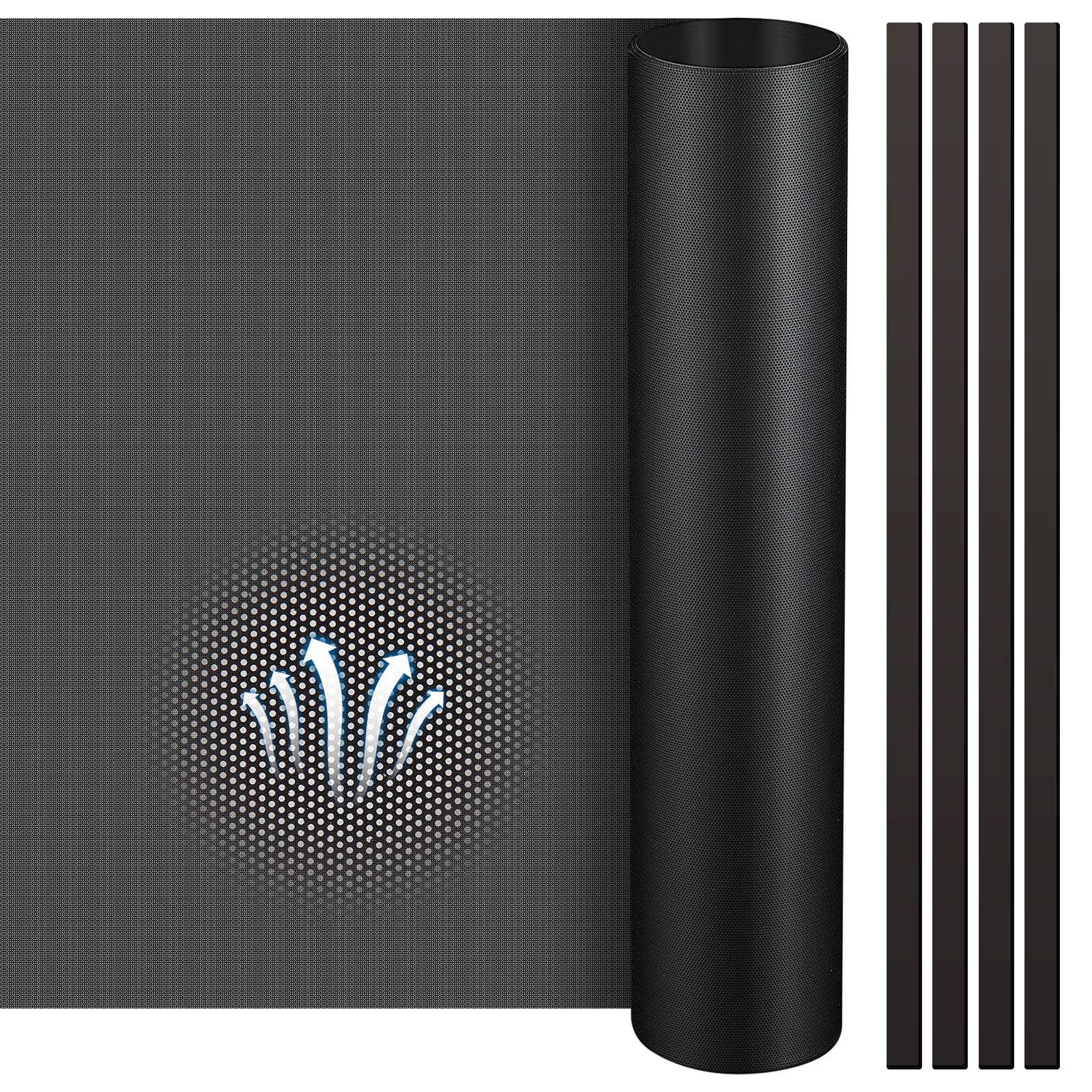
3. Woanger DIY PC Case Dust Mesh Filter — Best Cut-to-Size Filter
Type: DIY dustproof mesh filter
Material: PVC mesh with magnetic strips
Hole size: 0.5 mm
Sheet size: 1000x300mm
Included: 4 magnetic strips
Check the current price on Amazon
This is a raw sheet of fine PVC mesh rather than a finished filter, which makes it the flexible option for gear that never had a filter to begin with. The sheet can be trimmed to fit fan grills, vent panels or the intake openings on a network cabinet, and the included magnetic strips hold the cut piece in place on steel chassis. The fine hole pattern catches the particles that matter most to electronics while still letting air through. It is a hands-on product: measuring, cutting and fitting are part of the job.
The pick suits tinkerers who run switches or mini PCs in custom enclosures, wooden cabinets or converted shelving where no standard filter exists. It earns its place because one sheet covers several small projects, and the magnetic mounting means the filter lifts off for cleaning without tools. The trade-off is that the mesh arrives as a single flat sheet, so curved surfaces and non-magnetic enclosures need extra tape or clips. Buyers who want a drop-in part should choose a purpose-built panel instead.
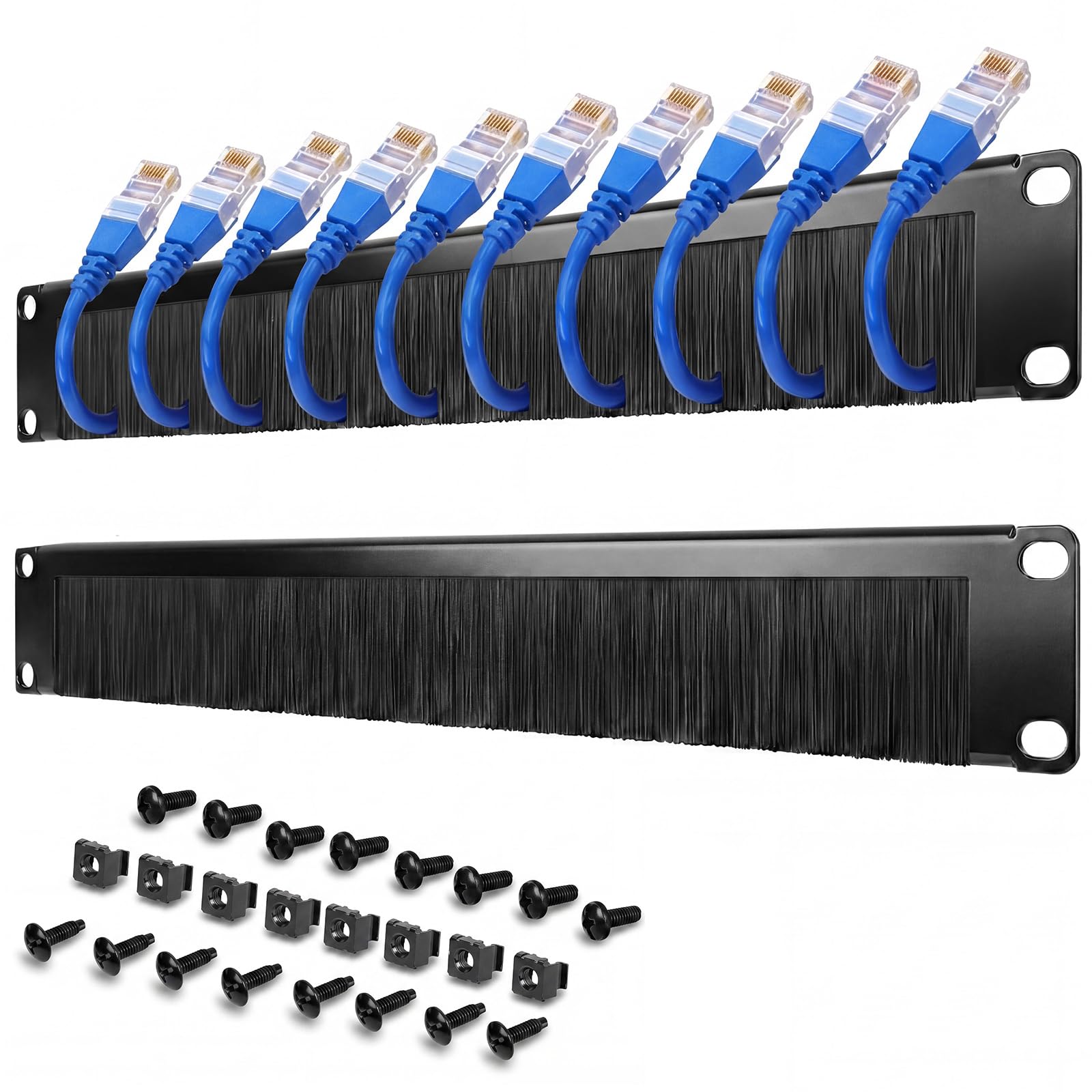
4. Zonon 1U Brush Strip Cable Management Panel 2 Pack — Best Dust-Sealing Pass-Through
Type: 1U brush strip cable management panel
Material: Cold rolled steel
Function: Pass-through cable routing with dust seal
Mounting: 19-inch rack or enclosure
Quantity: 2 pack
Check the current price on Amazon
This panel combines two jobs: cables pass through the brush strip in an orderly row, and the bristles close the gap around them so air and dust do not stream through an open rack slot. Cold rolled steel gives the frame rigidity, and the black finish matches standard rack hardware. Two panels are included, which lets a cabinet seal both the top and bottom cable entry points. It is the most purpose-built dust solution in this group for a closed rack.
The pick suits anyone running a sealed or filtered rack cabinet who needs cable entry without leaving a permanent open hole. It earns its place because airflow management and dust sealing come in one part, and steel construction holds up where plastic panels flex. The trade-off is that the brush strips add resistance when pushing through thick or stiff cable bundles, and very large connectors may not pass cleanly. Planning cable runs before mounting avoids a second attempt.
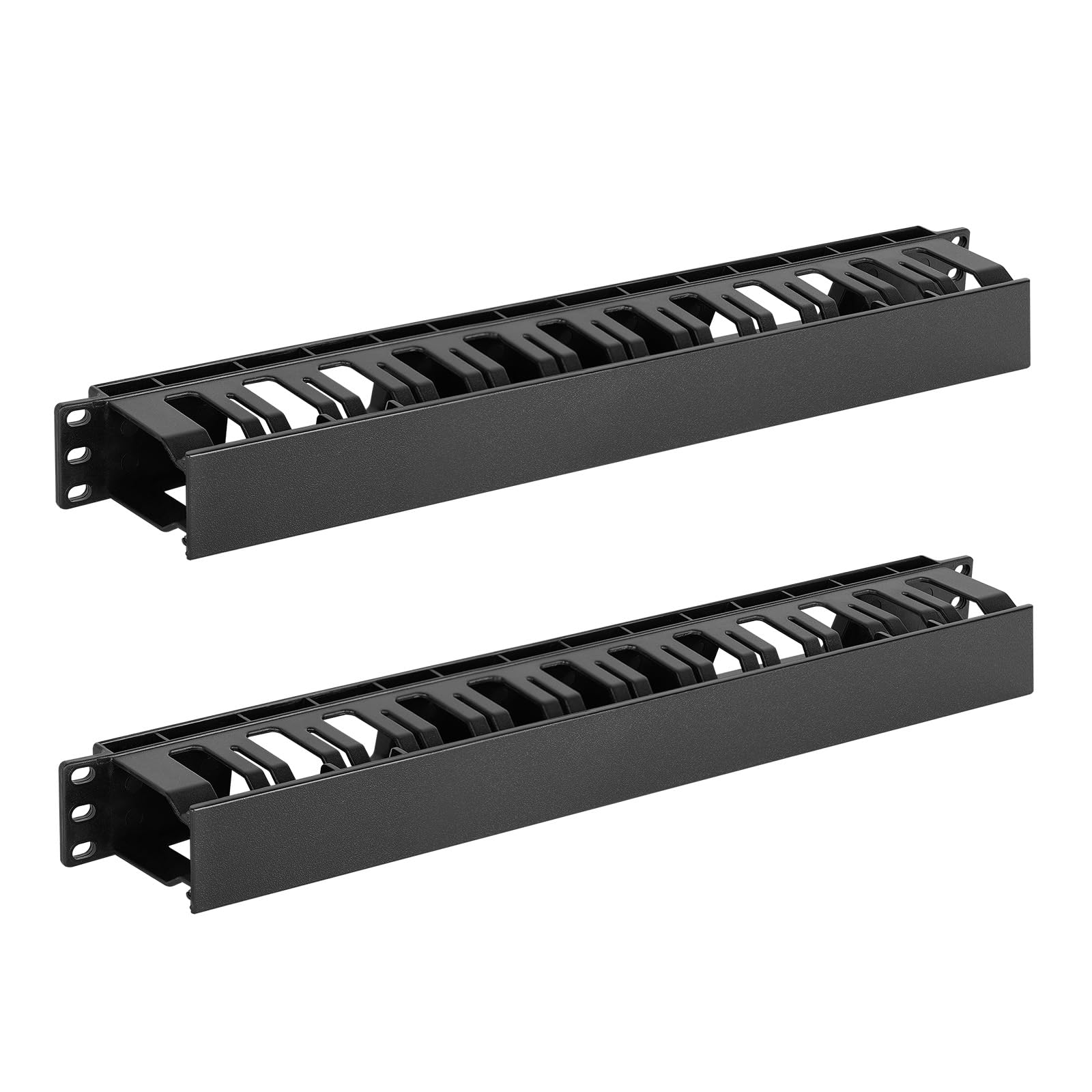
5. Tecmojo 1U Horizontal Cable Management 2 Pack — Best Covered Cable Organizer
Type: 1U horizontal cable management with cover
Material: Plastic
Depth: 2.6 inch
Slots: 12
Mounting: 19-inch AV, IT, data, audio and network cabinets
Quantity: 2 pack
Check the current price on Amazon
This plastic manager adds a snap-on cover over its 12 slots, so cable runs stay hidden and the top surface stays free of the dust that gathers on exposed bundles. The 2.6-inch depth gives room for patch cords to bend without pinching, and the design fits 19-inch AV, IT, data and network cabinets alike. Plastic keeps the weight and cost down, and two units cover two rack positions. It is the neatest-looking option here for a visible rack in a shared room.
The pick suits AV installers and home users with a rack in a living space, where appearance matters as much as airflow. It earns its place because the cover does double duty — tidier frontage and less surface for dust to settle on. The trade-off is that plastic construction is less rigid than steel, so a heavily loaded manager can bow slightly in the middle. Buyers routing thick power cables may prefer the open metal design.
Before You Buy
- Material: Steel panels resist sag and hold up in busy racks; plastic is lighter and cheaper but flexes under heavy bundles.
- Size: Confirm the 1U height and 19-inch width match the rack, and check depth clearance behind the front rails.
- Compatibility: Port covers must match the jack type — RJ45 covers fit Ethernet ports, not fiber or coax.
- Airflow: A dust seal should not choke intake vents; brush strips and coarse mesh pass air, solid covers do not.
- Care: Mesh filters and brush strips collect dust and need periodic cleaning; port caps should be checked after any cable change.
- Included accessories: Magnetic strips, covers and mounting hardware vary by product — check what ships in the box.
- Quantity: Two-packs suit a full rack; a 50-pack of port caps suits a dense patch panel.
Frequently Asked Questions
-
Does dust really damage networking gear?
Yes. Dust clogs fans and heatsinks, raises operating temperatures, and coats port contacts, which can cause intermittent link failures over time. -
Should unused Ethernet ports be covered?
Covering unused ports keeps dust out of the contacts and is the simplest preventive step for switches, routers and patch panels. -
Can a rack be sealed completely against dust?
Not fully. The realistic goal is reducing intake — filtered vents, brush-strip cable entries and covered cable runs all cut the dust that reaches the equipment. -
How often should dust filters be cleaned?
Filters in a dusty room need attention more often than those in a clean office; checking monthly and cleaning when visible buildup appears is a sensible habit. -
Do brush strip panels block airflow too much?
The bristles close gaps around cables while still allowing air movement, so they generally help airflow management rather than hinder it. -
Is metal better than plastic for cable managers?
Metal is more rigid and better for heavy bundles; plastic is lighter, cheaper and often comes with a cover for a cleaner look.
Bottom Line
For most racks, the fastest win is the Cable Matters Cat 6 RJ45 Anti-Dust Covers 50-Pack, which seals unused ports for very little money, paired with the all-metal Cable Management Horizontal Rack Mount 2 Pack to get cables off the equipment faces. Buyers sealing a closed cabinet should move up to the Zonon brush strip panels, while anyone with a custom enclosure gets the most flexibility from the Woanger cut-to-size mesh. Start with the port covers and work outward from there.
