Why there are Amazon links here: Brave Review is paid a commission for qualifying Amazon purchases made through the links below. Your price does not change, and using our links is entirely optional. How this works
eero Pro 7 Tri-Band Mesh Wi-Fi 7 Router: Whole-Home Coverage for Big Houses
The eero Pro 7 is a three-unit mesh system built for large homes and fast internet plans. This review covers what the hardware is designed to do, which households it fits, and where the price and the ecosystem ask buyers to make a trade-off. Buyers who want a set-and-forget Wi-Fi 7 mesh for a big house should read on; anyone on a modest plan or a tight budget will find better value elsewhere.
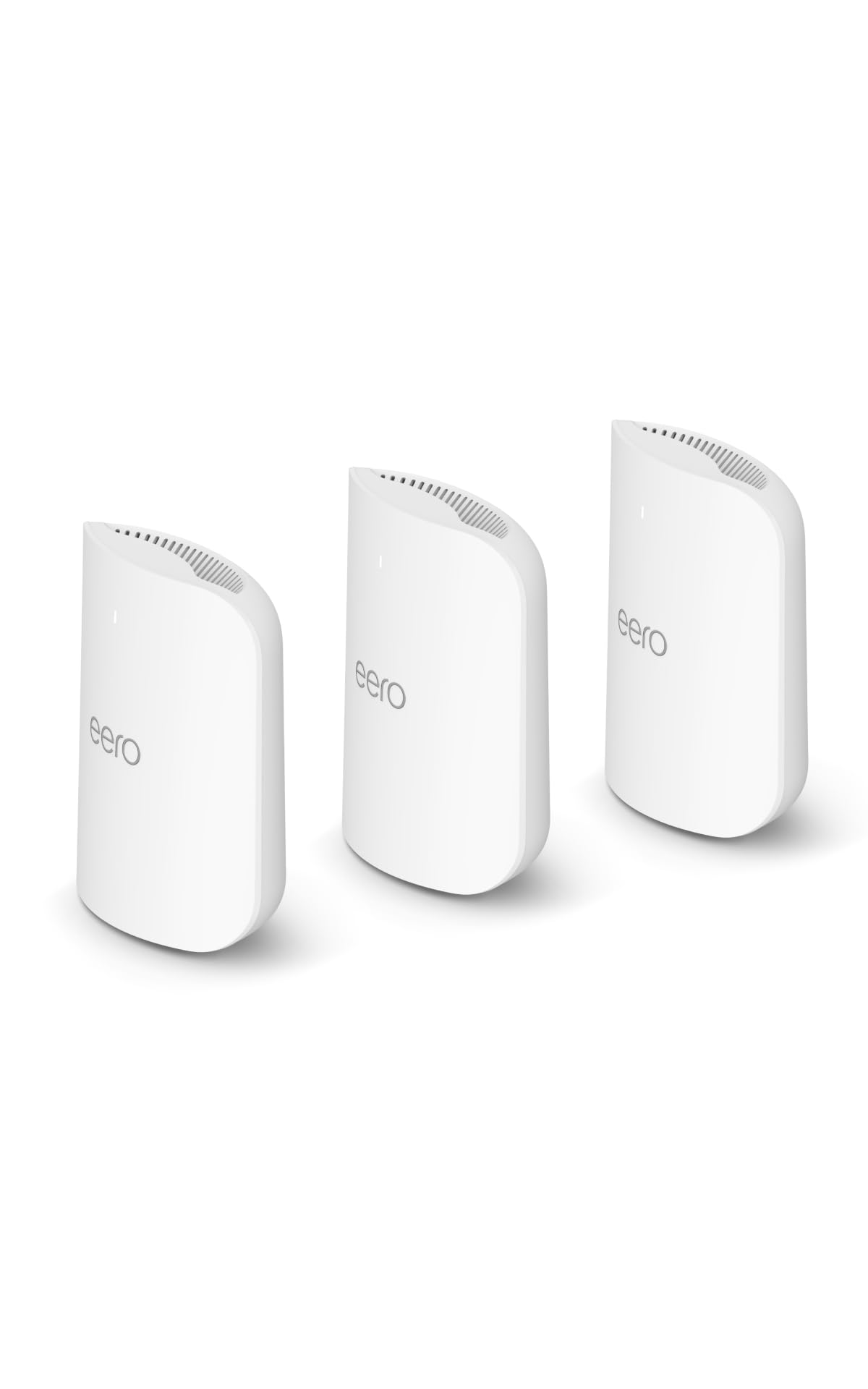
Features and Specifications
Type: Tri-band mesh Wi-Fi 7 router system
Units: 3-pack
Coverage: Up to 6,000 sq. ft.
Internet Plan Support: Up to 5 Gbps
Wireless Standard: Wi-Fi 7
Model Status: Newest model
Build and Design
The 3-pack is the defining feature here. Three nodes are meant to be spread across a house so that each one hands devices off to the next as the user moves between floors and rooms. The 6,000 sq. ft. figure is the manufacturer’s combined coverage claim, and it assumes the nodes are placed with reasonable spacing rather than clustered in one room.
eero hardware has always been small, plain and unobtrusive, and this generation follows that pattern. The nodes are designed to sit on a shelf or a side table rather than be hidden in a cabinet, because a mesh node needs open air around it to do its job. Buyers who want networking gear that disappears into a room will find the design suits them.
Capacity and Speed
Wi-Fi 7 and the 5 Gbps plan support are the two headline capabilities. The 5 Gbps figure matters because it describes how much internet speed the system is built to pass through, not how fast any single device will run. A household on a gigabit plan or above gets a system that will not be the bottleneck; a household on a slower plan is paying for headroom it cannot use yet.
Tri-band means the system runs a separate radio band for communication between the nodes. That backhaul is what keeps mesh performance from collapsing as more devices join the network, and it is the main reason a tri-band mesh costs more than a dual-band one. Homes with many phones, laptops, TVs and smart-home devices benefit most.
Coverage and Placement
Coverage claims are always optimistic, and 6,000 sq. ft. is a best-case figure for a house with open sightlines and wood-frame interior walls. Brick, plaster, metal studs and masonry absorb signal, so a dense or unusually laid-out home will need the nodes placed more carefully than the box suggests.
The practical approach is to start with all three nodes deployed and then move them closer together if any corner of the house still drops. Mesh systems reward experimentation with placement far more than they reward raw node count. Buyers in a very large or multi-building property should expect to potentially add a fourth unit.
Setup and Maintenance
eero systems are managed through a phone app, and setup is designed to be guided rather than technical. There is no browser-based admin page in the traditional router sense, which is a deliberate simplification: the app walks through adding each node and naming the network.
Firmware updates arrive automatically, and the app is where the network is monitored and adjusted. Buyers who like to tinker with channels, VLANs and advanced routing rules will find the controls limited. Buyers who want the network to be someone else’s problem will find the opposite.
Trade-off: The subscription-free basics are genuinely simple, but the app-first design and the premium 3-pack price mean buyers are paying for convenience and ecosystem polish, not for granular control.
Check the current price on Amazon
Performance in Real Households
The performance story for a system like this is less about peak speed and more about consistency. A single router in a large house produces a strong signal near it and a weak one at the far end; a three-node mesh is designed to flatten that curve so every room gets a usable connection. That is the outcome most buyers actually care about.
Wi-Fi 7 hardware also future-proofs the purchase. Devices that support the standard are still a minority, but the system will serve them as they arrive, and the 5 Gbps ceiling means a fiber upgrade will not force a router replacement. For a household that keeps hardware for years, that headroom has real value.
The caveat is that mesh performance depends on the backhaul, and a wireless backhaul is only as good as the placement allows. Where the nodes can be spaced with clear lines between them, the system performs close to its potential. Where walls intervene, throughput drops between nodes even when the client signal looks strong.
Who the eero Pro 7 Suits
This system fits a specific buyer: a large home, a fast internet plan, a lot of connected devices, and a preference for an app that just works over a settings panel full of options. Families in multi-floor houses are the clearest match, especially where dead zones have been a persistent annoyance.
It is not for buyers in a small apartment, who will pay for two nodes they do not need. It is also not for buyers on a basic broadband plan, who will never use the 5 Gbps capability, or for networking enthusiasts who want deep configuration control. Those buyers should look at a single router or a more open mesh platform.
FAQ
-
Is the eero Pro 7 worth it over a single router?
For a large or multi-floor home with dead zones, yes. A single router struggles to cover a big footprint, and a three-node mesh is built to solve exactly that problem. -
Does the eero Pro 7 need a subscription?
The core network features work without one. eero sells an optional subscription with extra security and parental controls, but the router itself does not require it to function. -
How many square feet does the 3-pack cover?
The manufacturer rates the 3-pack at up to 6,000 sq. ft. Treat that as a best case for open layouts; dense walls and masonry will reduce real-world coverage. -
Will the eero Pro 7 work with a 5 Gbps internet plan?
Yes. The system is specified to support internet plans up to 5 Gbps, so it will not cap a fast fiber connection. -
Is Wi-Fi 7 worth paying for now?
It is a future-proofing purchase. Current devices mostly run older standards, but Wi-Fi 7 hardware will serve newer devices as they arrive and extends the useful life of the system. -
Can the eero Pro 7 be used with a wired backhaul?
The nodes are designed to work wirelessly out of the box, and wired connections between nodes generally improve performance where cabling is available. Buyers planning a wired setup should confirm port details before buying. -
How many devices can the eero Pro 7 handle?
The tri-band design and three nodes are intended for busy households with many phones, laptops, TVs and smart-home devices. Exact device counts are not published, but the system is aimed at heavy-use homes. -
Does the eero Pro 7 replace the modem?
No. It is a router system and connects to an existing modem or gateway from the internet provider. -
Is the eero Pro 7 good for gaming?
The system is built for low-latency, high-throughput home networks, and the tri-band backhaul helps keep traffic moving. Serious gamers who want per-device QoS controls may find the app limited. -
What is the return policy if coverage disappoints?
Coverage depends heavily on the home, so buyers should check the retailer’s current return window before committing to a 3-pack.
Bottom Line
The eero Pro 7 tri-band mesh Wi-Fi 7 router 3-pack is the right buy for a large, device-heavy home on a fast internet plan where simplicity matters more than tinkering. It is the wrong buy for a small apartment, a slow connection, or anyone who wants full manual control of the network. Buyers who match the first profile should check the current price before deciding.
