Why there are Amazon links here: Brave Review is paid a commission for qualifying Amazon purchases made through the links below. Your price does not change, and using our links is entirely optional. How this works
Best Books for Securing a Camera Account: 5 Guides to Lock Down Home Surveillance
Securing a camera account is mostly a paperwork problem disguised as a tech problem: the camera is fine, but the app login, the sharing settings, and the cloud storage are where trouble starts. The five guides below cover that ground from different angles — one walks through a specific camera app step by step, one covers online account hygiene in general, and three explain home security systems as a whole. Budget-conscious first-time buyers, small business owners, and privacy-focused renters will each find a fit. The overview table below sorts all five by scope and price tier before the individual reviews.
Overview of the Picks
| Product | Key Spec | Best Use | Price Tier |
|---|---|---|---|
| Indoor Smart Security Camera Manual for Beginners | Step-by-step camera app instructions | New camera owners setting up privacy controls | Mid |
| Account Security Basics | Actionable account-hardening guide | Anyone locking down logins and identity | Budget |
| Smarter Security At Home | General home security primer | Renters and first-time smart-home buyers | Budget |
| Security Cameras and Alarms Handbook | Choosing, installing, and maintaining systems | Home and small business system planning | Free |
| A Beginner’s Guide to Security, Monitoring, Camera Systems, and Surveillance Technology | Complete surveillance technology overview | Buyers researching before they purchase hardware | Mid |
Indoor Smart Security Camera Manual for Beginners
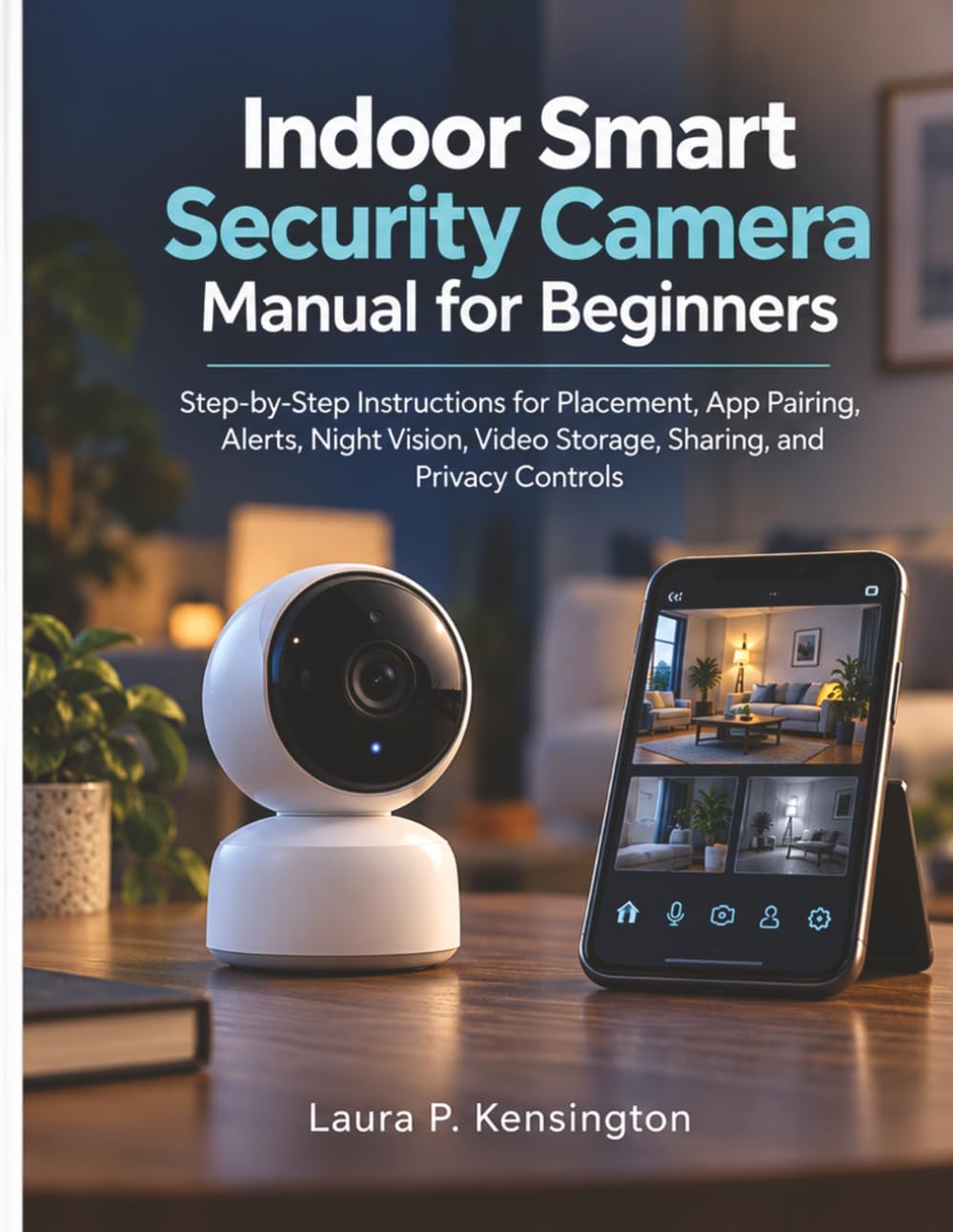
Format: Paperback instructional manual
Scope: Placement, app pairing, alerts, night vision, video storage, sharing, privacy controls
Intended use: Setting up and securing an indoor smart camera
Best for: First-time camera owners
Price tier: Mid
Indoor Smart Security Camera Manual for Beginners
This manual is the most directly on-topic pick for securing a camera account because it treats privacy controls as a chapter rather than an afterthought. The structure follows the actual setup sequence: where to place the camera, how to pair it with the app, how alerts and night vision work, and how video storage and sharing settings interact. That last part matters most — sharing a camera feed is where account permissions get loose, and the book walks through those controls in plain language. It suits a household that has already bought a camera and now needs to configure it correctly.
Buyers who want a general education in online security will find this too narrow; it assumes a camera is already in hand. The trade-off is that a camera-specific manual goes stale as app interfaces change, so the reader should treat the step-by-step screens as a guide to the settings, not a permanent map.
Check the current price on Amazon
Account Security Basics
Format: Paperback guide
Scope: Securing online accounts, preventing identity theft, ending cyber-fraud
Intended use: General account hardening across all services
Best for: Buyers who want the login layer fixed first
Price tier: Budget
This is the broader companion to a camera manual: it covers password habits, account recovery, identity theft prevention, and fraud response across every online service, camera apps included. The approach is described as actionable, meaning checklists and concrete steps rather than theory. For a reader whose camera account shares a password with an email login, this book addresses the root problem directly. It also serves as a good first purchase for anyone who has not yet thought about account security at all.
The limitation is obvious — it says nothing about cameras, placement, or video storage. The trade-off is that a general account guide is only as useful as the reader’s willingness to apply it, and it will not tell anyone which app settings to change on a specific camera.
Check the current price on Amazon
Smarter Security At Home

Format: Paperback home security guide
Scope: Smart home security concepts and setup
Intended use: Planning a connected home security setup
Best for: Renters and first-time smart-home buyers
Price tier: Budget
This book sits at the planning stage, before hardware is chosen. It frames home security as a connected system — cameras, sensors, alerts, and the accounts that tie them together — which helps a buyer understand why account security matters in the first place. The writing targets ordinary households rather than installers, so it stays readable for someone who has never set up a smart device. It works well as a companion to a camera-specific manual for readers who want the bigger picture.
Readers who already own a camera and need app-level instructions will find it too conceptual. The trade-off is that a short, budget-priced overview cannot go deep on any single system, so the reader should expect orientation rather than procedure.
Check the current price on Amazon
Security Cameras and Alarms Handbook
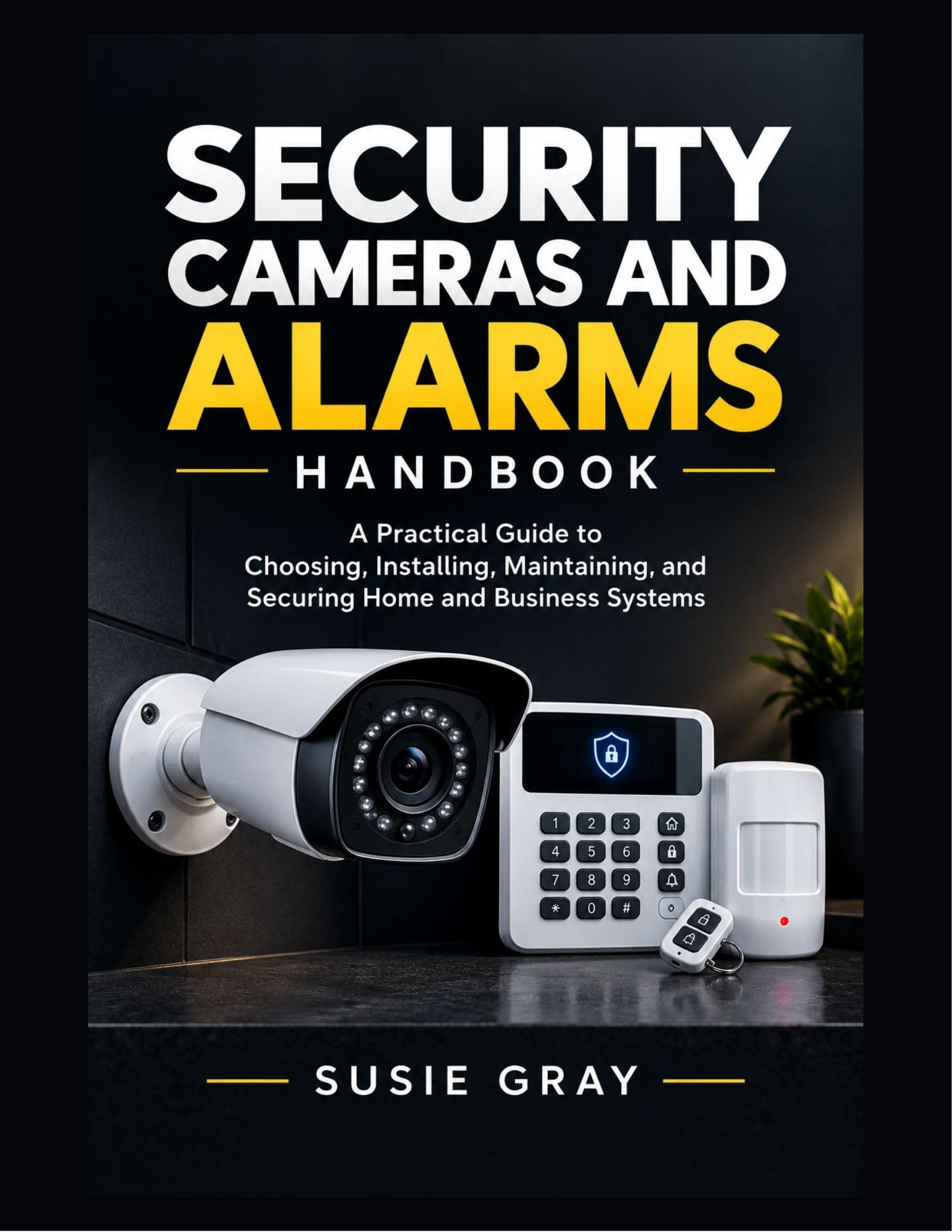
Format: Handbook
Scope: Choosing, installing, maintaining, and securing home and business systems
Intended use: End-to-end system planning and upkeep
Best for: Small business owners and serious home installers
Price tier: Free
Security Cameras and Alarms Handbook
This is the most complete pick in the set, covering the full lifecycle of a camera and alarm system: choosing hardware, installing it, maintaining it, and keeping it secure afterward. The security section is where securing a camera account gets attention, since system-level guides tend to address remote access, user permissions, and network configuration. It suits a small business owner or a homeowner planning a multi-camera install who wants one reference for the whole project. At the free price tier, it is also the lowest-risk way to start.
A handbook of this breadth can only skim any one topic, and the camera-account material will not match a dedicated privacy manual for depth. The trade-off is that a free, wide-ranging handbook spreads its pages across installation and maintenance, leaving less room for step-by-step account hardening.
Check the current price on Amazon
A Beginner’s Guide to Security, Monitoring, Camera Systems, and Surveillance Technology
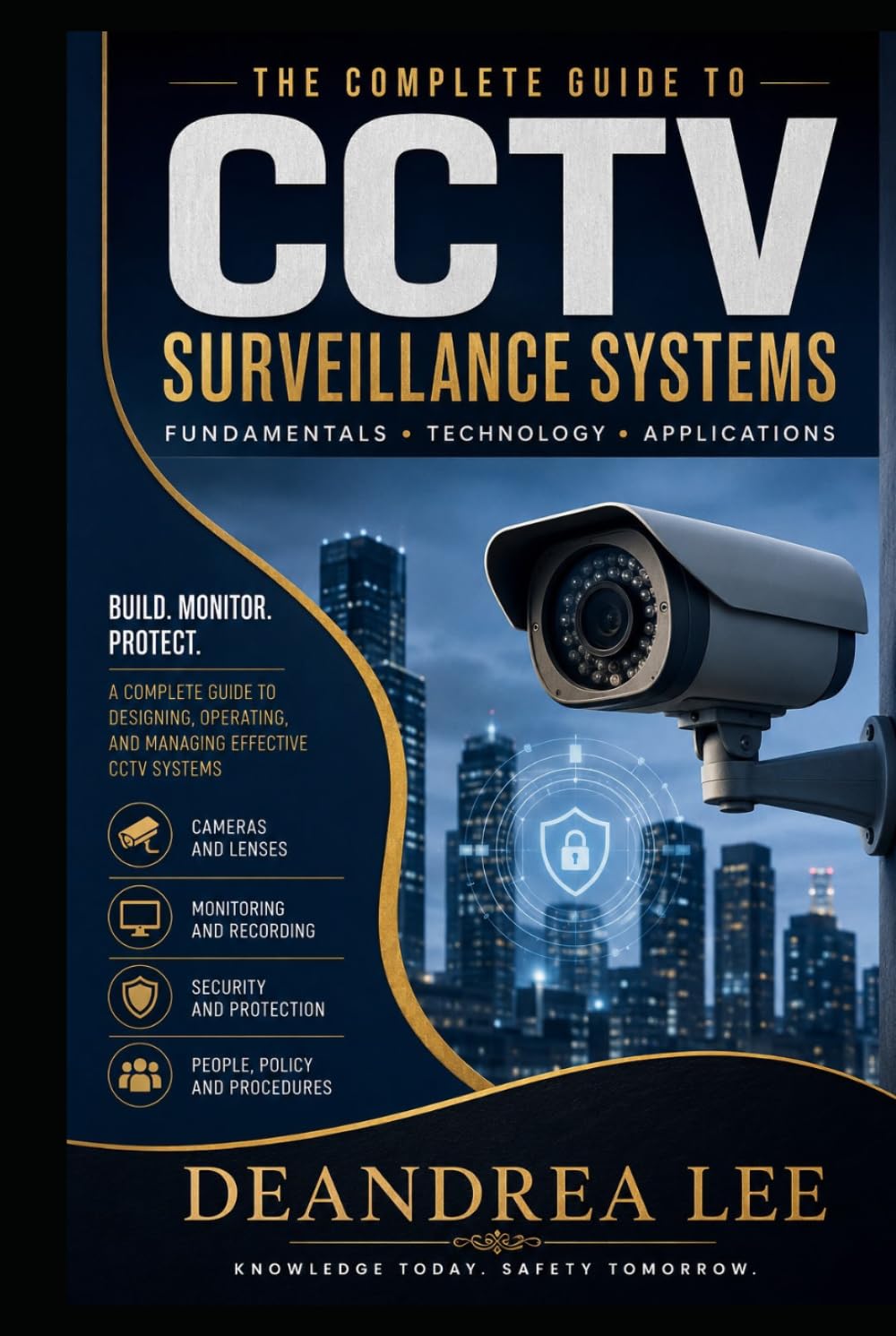
Format: Paperback beginner’s guide
Scope: Security, monitoring, camera systems, surveillance, video monitoring
Intended use: Pre-purchase research on surveillance technology
Best for: Buyers still deciding what to install
Price tier: Mid
A Beginner’s Guide to Security, Monitoring, Camera Systems, and Surveillance Technology
This guide explains how surveillance technology works before the reader commits to a purchase: how monitoring works, what camera systems consist of, and how video is captured and handled. Understanding those fundamentals makes the account-security conversation easier, because the reader can see which parts of the system are exposed to the internet and which stay local. It suits a buyer comparing camera types or deciding between local storage and a cloud plan. The beginner framing keeps the technical material approachable.
Readers who already own hardware and just want to secure an existing app will find it a step behind their needs. The trade-off is that a technology overview describes categories and concepts, not the specific settings menu a particular camera app uses.
Check the current price on Amazon
Before You Buy
- Scope: Decide whether the problem is the camera app specifically or online accounts generally; the first calls for a camera manual, the second for an account security guide.
- Format: All five are print or handbook guides, so buyers who prefer searchable digital references should confirm the format before ordering.
- Hardware stage: Planning guides suit buyers who have not purchased a camera yet; setup guides suit those who have one in hand.
- Depth: The free handbook and the budget overviews trade depth for breadth, while the camera manual goes narrow and specific.
- Currency: App interfaces and privacy settings change, so treat step-by-step screens as guidance on what to configure rather than a permanent reference.
- Business use: Owners of small business systems should favor the handbook, which addresses commercial installs alongside home setups.
Frequently Asked Questions
-
Which book is best for securing a camera account specifically?
The Indoor Smart Security Camera Manual for Beginners, because it dedicates chapters to app pairing, sharing, and privacy controls rather than treating account security as a side topic. -
Is a general account security book enough on its own?
It covers the login side well, but it will not explain camera placement, storage, or app-specific permissions, so most readers pair it with a camera-focused guide. -
Why is one of the picks free?
The Security Cameras and Alarms Handbook is offered at no cost, which makes it the lowest-risk starting point for a reader who wants an overview before spending anything. -
Do these guides work for business camera systems?
The handbook is the best fit for business use, since it covers choosing, installing, and securing systems for both homes and businesses. -
What should a reader do first after buying a guide?
Change the camera account password to something unique, enable two-factor authentication if the app supports it, and review who the feed is shared with. -
Can a guide replace the camera manufacturer’s instructions?
No. The manufacturer’s documentation remains the authority on a specific model; a guide helps the reader understand which settings matter and why.
Bottom Line
For securing a camera account, the Indoor Smart Security Camera Manual for Beginners is the top pick because it addresses the exact settings — app pairing, sharing, storage, and privacy controls — where camera accounts actually get exposed. Buyers who also want their broader logins hardened should add Account Security Basics, and anyone still shopping for hardware should start with the free Security Cameras and Alarms Handbook.
