Why there are Amazon links here: Brave Review is paid a commission for qualifying Amazon purchases made through the links below. Your price does not change, and using our links is entirely optional. How this works
Sifely G2 Gateway: The Bridge That Makes a Smart Lock Remote
A Sifely smart lock works fine standing alone at the door, but it only becomes reachable from anywhere once the Sifely G2 Gateway is in the picture. This review covers what the gateway does, how it connects, what it adds to a Sifely lock, and the limits a buyer should know before adding it to the cart. It is written for the person who already owns — or is about to own — a Sifely lock and is deciding whether the extra hub is worth the spend.
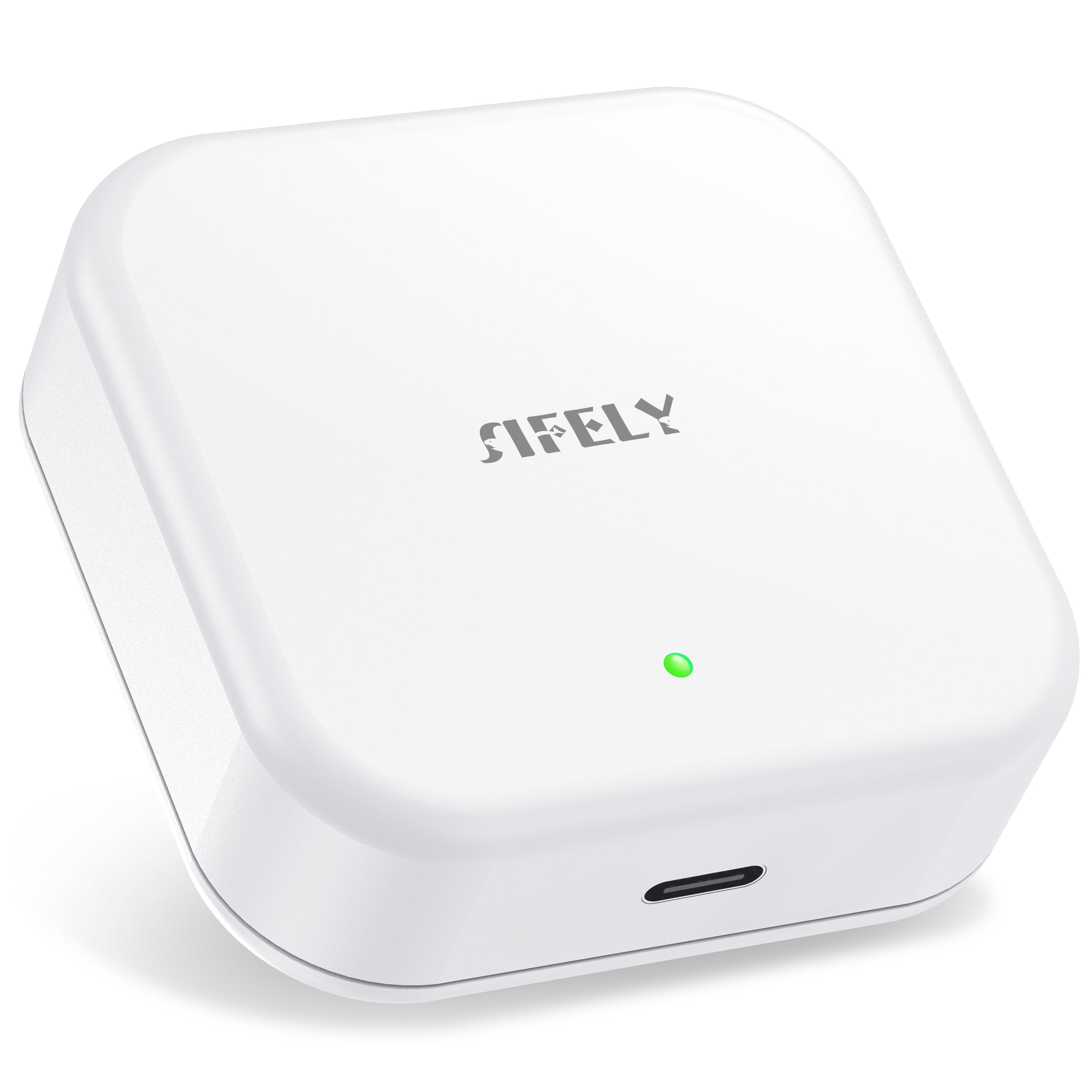
Features and Specifications
Product: Sifely Smart Lock Wi-Fi Gateway
Model: G2
Type: Remote access hub for Sifely smart door locks
Connectivity: 2.4G Wi-Fi only
App Control: Sifely app
Voice Control: Works with Alexa
Intended Use: Bridging a Sifely lock to the internet for remote access
The gateway is a small, single-purpose box. It does not lock or unlock anything on its own; it sits between a Sifely lock and the home Wi-Fi network and passes commands and status back and forth. That is the whole job, and it is the reason the device exists.
Because the unit is a bridge rather than a lock, buyers should think of it as an accessory, not a standalone security product. It earns its place only in a home that already has a compatible Sifely lock, or one that is being bought at the same time.
The 2.4G-only Wi-Fi spec is the first thing to check against a home network. Many modern routers run a single combined network name across both bands, and a device that only speaks 2.4G can struggle to join that kind of setup. Buyers on a mesh system or a combined SSID should confirm a separate 2.4G network is available before ordering.
Build and Placement
The G2 is a compact hub designed to sit indoors, plugged in and left alone. It is not a keypad, not a sensor and not something that mounts on the door itself. Placement matters more than the size of the box: it needs to be within reliable range of the lock and within reach of a power outlet.
That combination is the practical sticking point. A lock on a front door and an outlet in a hallway closet may be far enough apart, with enough walls between them, to weaken the link. Buyers in larger homes or in properties with thick masonry should plan the location before purchase rather than after.
The trade-off here is range versus convenience. A hub placed close to the lock gives the most reliable connection; a hub placed near the router gives the most reliable Wi-Fi. The two are rarely the same spot, and the buyer has to split the difference.
Capacity and Lock Compatibility
This is a one-lock-at-a-time kind of accessory in spirit: it exists to connect a Sifely lock to the internet, and its value scales with how much the household wants to reach that lock remotely. A single rental property, a front door, or a lock on a side entrance are the natural fits.
Compatibility is narrow by design. The gateway is built for Sifely smart door locks, and it will not act as a universal bridge for other brands. A buyer with a mixed set of locks from different makers should not expect this hub to unify them.
The caution is straightforward: this is a brand-locked accessory. Anyone who has not settled on a Sifely lock yet should choose the lock first, because the gateway only pays off inside that ecosystem.
Power and Connectivity
The hub runs on household power and depends on the home Wi-Fi network to do its job. That means two points of failure exist that a standalone lock does not have: the outlet and the router. A power cut or a dropped network takes remote access offline, even though the lock itself keeps working at the door.
The 2.4G-only radio is a deliberate cost-saving choice at this price, and it is the spec most likely to cause trouble on setup day. Buyers with a router that hides or merges the 2.4G band should expect to dig into the router settings.
Alexa support is the payoff. Once the gateway is paired, voice commands and remote checks become possible, which is the entire reason to buy it. Without the hub, a Sifely lock stays a local device.
App and Remote Access
The Sifely app is the control surface. Through the gateway, the app can reach the lock when the household is away from home, which is the feature that separates this hub from the lock alone. Remote access is the headline benefit, and it is the one buyers are paying for.
Remote access also means remote dependence. When the internet is down, the app cannot reach the lock no matter how well the gateway is placed. Buyers who need guaranteed entry in an outage should keep a physical key or code path as a backup.
The app experience itself is tied to the Sifely ecosystem. There is no third-party smart home platform beyond Alexa listed here, so buyers deep into another ecosystem should check expectations before buying.
Maintenance and Reliability
Maintenance is minimal: keep the hub powered, keep the router running, and keep the app updated. There is no battery to swap in the gateway itself, which is one less chore than a battery-powered lock demands.
Reliability tracks the home network. A stable 2.4G connection and a sensible placement are the two levers a buyer controls, and both are worth getting right on day one.
The trade-off is that the gateway adds a dependency without adding a fallback. It makes the lock smarter, not more resilient.
Trade-off: The G2 is a brand-specific bridge with a 2.4G-only radio, so it only makes sense for Sifely lock owners on a compatible network — and it adds a router dependency to a door that otherwise works offline.
Check the current price on Amazon
FAQ
-
What does the Sifely G2 Gateway actually do?
It connects a Sifely smart door lock to the home Wi-Fi network so the lock can be reached remotely through the Sifely app and through Alexa. Without it, the lock works locally at the door. -
Does the gateway work with any smart lock?
No. It is built specifically for Sifely smart door locks. Buyers with locks from other brands should not expect it to bridge them. -
Why does it only support 2.4G Wi-Fi?
The 2.4G band travels further and costs less to build into a small hub, which suits an accessory at this price. The catch is that combined or hidden 2.4G networks can complicate setup. -
Can the lock still be used if the internet goes down?
Yes. The lock keeps working at the door with codes and keys. What stops is remote access through the app, because the gateway needs the network to relay commands. -
Does it work with Alexa?
Yes. Alexa support is listed as a feature, and it is one of the main reasons to add the hub to a Sifely lock. -
Where should the gateway be placed?
Somewhere between the lock and the router, indoors, plugged into power, and close enough to the lock for a reliable link. Buyers in large homes should test placement before mounting anything. -
Is a subscription required?
Nothing in the product listing points to a subscription. The gateway is a one-time hardware purchase that works with the Sifely app. -
Does the gateway need its own batteries?
No. It runs from household power, so there is no battery to replace inside the hub itself. -
Who should skip the Sifely G2 Gateway?
Anyone who does not own a Sifely lock, anyone who only needs local keypad entry, and anyone whose router cannot present a clean 2.4G network. -
Is the gateway enough on its own to secure a door?
No. It is a connectivity accessory. The lock does the securing, and the gateway only extends what that lock can do.
Bottom Line
The Sifely G2 Gateway is a narrow, inexpensive add-on that does one job well: it puts a Sifely smart lock online so the household can reach it from anywhere and control it by voice. Buyers who already own a Sifely lock and run a friendly 2.4G network will get exactly what they paid for. Buyers outside that ecosystem, or on a router that hides the 2.4G band, should fix those two things first — the gateway is only as useful as the lock and the network behind it.
