Why there are Amazon links here: Brave Review is paid a commission for qualifying Amazon purchases made through the links below. Your price does not change, and using our links is entirely optional. How this works
Best Door Sensor for Automation Triggers: 5 Picks That Fire Reliably
A door sensor is only useful for automation if its signal actually reaches the hub that runs the routine. This roundup covers five contact sensors chosen for trigger reliability across the major ecosystems — Zigbee, Matter, SmartThings and Ring. It suits three kinds of buyer: the renter who wants a handful of cheap Zigbee contacts, the Alexa or SmartThings household that needs a hub-included starter kit, and the Ring Alarm owner adding window coverage. The overview table below puts every pick side by side so the right one is obvious in under a minute.
The Picks at a Glance
| Product | Key Spec | Best Use | Price Tier |
|---|---|---|---|
| Aqara Zigbee Door and Window Sensor 1 Pack | Zigbee, Aqara hub required, HomeKit and Alexa | Apple HomeKit automations | Budget |
| SONOFF SenseGuard DW Gen2 4-Pack | Zigbee, tamper proof, 4-pack | Multi-door coverage on a budget | Budget |
| Tapo Door Sensor Starter Kit T31 | Matter compatible, 3 sensors plus hub with chime | First-time smart home setup | Mid-range |
| Wireless Home Automation Sensor 4-Pack | Zigbee, built-in hub, SmartThings and Alexa | Hub-free Zigbee start | Mid-range |
| Ring Alarm Contact Sensor 2-Pack | Ring base station required, slim design | Ring Alarm security setups | Mid-range |
1. Aqara Zigbee Door and Window Sensor 1 Pack

Protocol: Zigbee
Hub Requirement: Aqara Hub required
Ecosystems: Apple HomeKit, Alexa, IFTTT
Form Factor: Wireless mini contact sensor
Pack Size: 1 sensor
This is the smallest and most specialized pick in the group. The Aqara sensor is built around a Zigbee radio and a compact two-piece contact body, with the magnet mounted on the door or sash and the transmitter on the frame. Its real strength is the automation depth on the Apple side — HomeKit users get the sensor exposed as a native contact accessory, which means it can drive lights, scenes and notifications without a workaround. The "kid safety" framing in the name points at the same idea from a different angle: a door opening triggers a chime or a phone alert. IFTTT support broadens the routine options for anyone who already lives in that ecosystem.
It earned its place because single-sensor flexibility matters when a buyer is testing automations before committing to a whole house. Buyers who want to add one more trigger to an existing Aqara or HomeKit setup will find it the least disruptive option here.
Trade-off: The Aqara Hub is mandatory — without it the sensor is inert, so the real cost is the hub plus the sensor, not the sensor alone.
2. SONOFF SenseGuard DW Gen2 4-Pack
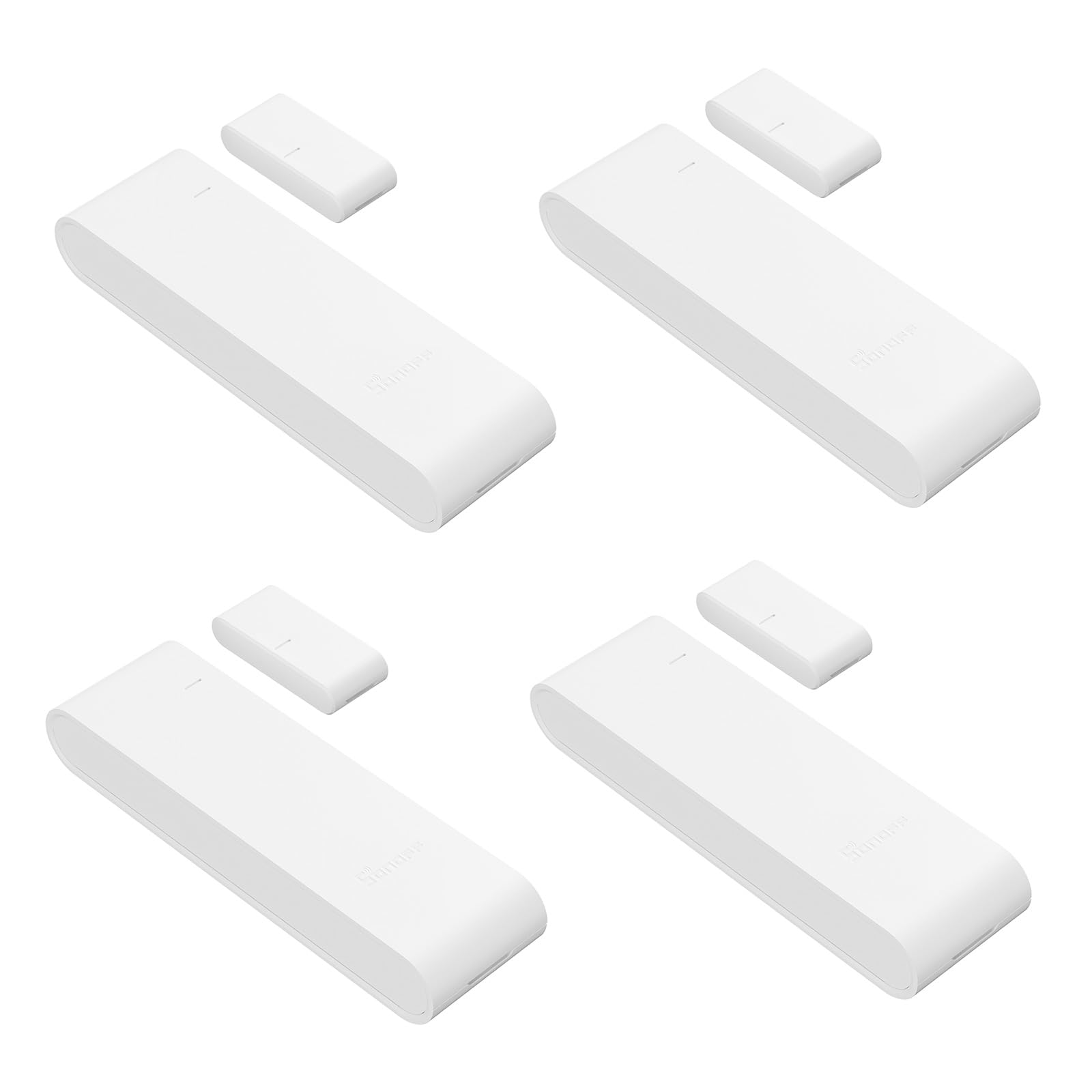
Protocol: Zigbee
Hub Requirement: Zigbee hub required
Ecosystems: Alexa, Home Assistant, SmartThings
Special Feature: Tamper proof
Pack Size: 4 sensors
This four-pack is the value play for anyone covering several doors or windows at once. Each unit monitors open and closed state and pushes a phone alert, and the tamper-proof design means the sensor body resists being pried off its mount — a sensible detail for a device that doubles as a security tripwire. The Zigbee radio keeps it interoperable with Home Assistant and SmartThings, which is where this pack really shines: a Home Assistant user can wire four contact sensors into door-open automations, presence routines and alarm logic without paying per sensor. Alexa support covers the simpler notification case.
It suits buyers who already own a Zigbee coordinator and want to scale coverage cheaply. The pack format is the point — buying four singles from a premium brand would cost considerably more.
Trade-off: A four-pack only pays off if all four sensors get used; buyers with one or two doors will be paying for spares that sit in a drawer.
3. Tapo Door Sensor Starter Kit T31

Protocol: Matter compatible
Included: 3 contact sensors plus 1 smart hub
Hub Feature: Built-in chime
Capability: Smart automation, real-time notification
Pack Size: 3 sensors and hub
This is the pick for a household starting from zero. The kit bundles three contact sensors with the hub that runs them, so there is no separate coordinator to source and no compatibility guessing — open the box, pair, and the automations have somewhere to live. Matter compatibility is the headline: it lets the sensors bridge into the major platforms rather than locking the buyer into one app. The hub’s built-in chime is a practical touch, because a door sensor that makes an audible sound is doing half of what most people actually want it for.
It earned its place as the least intimidating entry point in the roundup. Buyers who want door alerts and simple routines without researching Zigbee coordinators will get there fastest with this kit.
Trade-off: The hub is proprietary — the sensors are only useful with this system, so the bundle is a commitment rather than a stepping stone to a mixed-protocol setup.
4. Wireless Home Automation Sensor 4-Pack
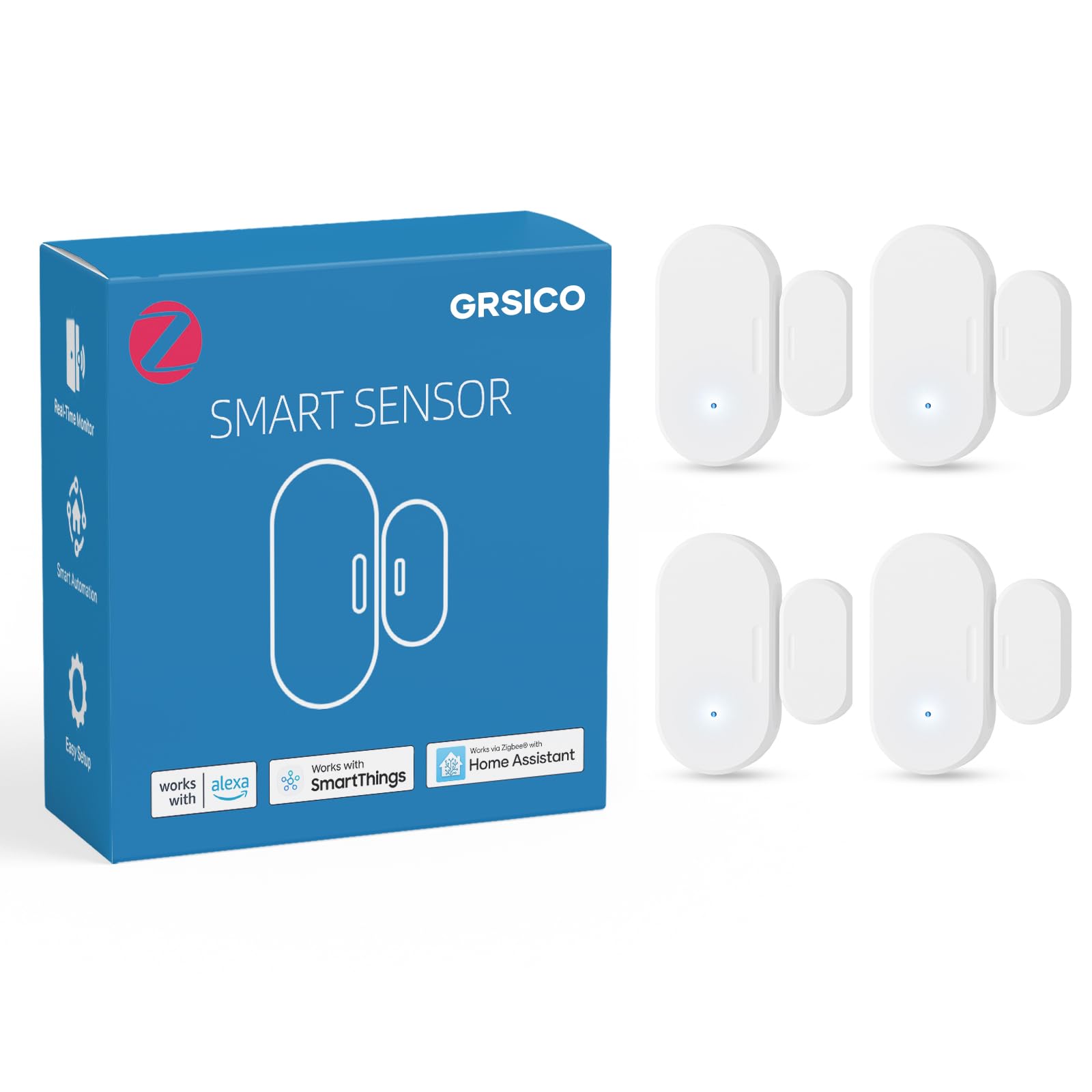
Protocol: Zigbee
Hub: Built-in Zigbee hub included
Ecosystems: SmartThings, Alexa, Home Assistant
Intended Use: Door and window security
Pack Size: 4 sensors
This pack takes the opposite approach to the SONOFF set: instead of assuming the buyer owns a coordinator, it ships with a built-in Zigbee hub. That makes it a self-contained four-sensor system that can still be pulled into SmartThings, Alexa or Home Assistant for automation logic. The design is aimed squarely at door and window security, so the natural routines are open-door alerts, entry notifications and away-mode trips.
It fits buyers who want multi-door coverage and a hub in one purchase, particularly SmartThings users who want a second Zigbee mesh to extend reach into a far room. The four-pack keeps per-door cost down compared with buying sensors individually.
Trade-off: Bundled hubs in budget kits tend to be basic — buyers with elaborate automation plans may find the included hub’s feature set limiting compared with a dedicated coordinator.
5. Ring Alarm Contact Sensor 2-Pack

Protocol: Ring proprietary
Hub Requirement: Ring Base Station required
Battery Life: Approximately 3 years
Form Factor: Slim design
Pack Size: 2 sensors
This is the security-first option, and the most popular pick in the group by a wide margin. The second-generation sensor is slim enough to sit discreetly on a frame, and Ring rates the battery at roughly three years — a meaningful figure for anyone who does not want to be up a ladder swapping cells. Installation is the peel-and-place type, and the sensor ties into the Ring app for instant window and door alerts. Automations here lean toward alarm and notification logic rather than creative smart-home scenes.
It earned its place for Ring Alarm households specifically. A buyer already running a Ring Base Station gets two more zones with zero compatibility friction, and the slim body suits windows where a bulkier sensor would look wrong.
Trade-off: The Ring Base Station is required and the ecosystem is closed — these sensors will not trigger routines in HomeKit or Home Assistant, so they only make sense inside a Ring setup.
Before You Buy
- Hub compatibility: Every sensor here needs a hub or base station of some kind. Confirm the household already owns one, or buy a kit that includes it.
- Protocol: Zigbee sensors are the most flexible across Home Assistant, SmartThings and Alexa. Matter and proprietary systems are more locked in but simpler to set up.
- Pack size versus doors: Count the doors and windows that actually need coverage before choosing a multi-pack. Spare sensors add cost without adding automation.
- Battery life: Longer rated battery life matters for sensors mounted high on windows or in hard-to-reach spots.
- Mounting surface: Slim bodies suit window sashes and narrow frames; bulkier units are better on standard door frames.
- Security extras: Tamper-proof bodies and audible chimes are worth having if the sensor doubles as a security tripwire.
- Ecosystem lock-in: Decide whether the goal is a closed, simple system or an open one that mixes brands before committing to a hub.
Frequently Asked Questions
-
What is the best door sensor for automation triggers overall?
The Tapo T31 kit is the easiest starting point because it includes the hub and supports Matter, while the SONOFF four-pack is the better value for buyers who already own a Zigbee coordinator. -
Do door sensors need a hub to work?
Yes — every sensor in this roundup relies on a hub, base station or built-in coordinator to translate the open/close signal into an automation or alert. -
Can a door sensor trigger lights and routines?
Zigbee and Matter sensors can drive lights, scenes and notifications through Home Assistant, SmartThings, Alexa or HomeKit, depending on the ecosystem. -
How long do door sensor batteries last?
It varies by model. The Ring sensor is rated at approximately three years, which is on the longer end for this category. -
Are door sensors good for home security?
They work well as tripwires for entry alerts, especially tamper-proof models, but they are a supplement to a full alarm system rather than a replacement. -
Can different brands of door sensor be mixed in one home?
Only within the same protocol and coordinator. Zigbee sensors from different brands can often share one hub, but Ring sensors stay inside the Ring ecosystem.
Bottom Line
For most buyers, the Tapo Door Sensor Starter Kit T31 is the safest first purchase — three sensors, the hub that runs them and Matter support in one box, with no compatibility research required. Buyers already running Home Assistant or SmartThings should take the SONOFF four-pack instead for cheaper per-door Zigbee coverage. Ring Alarm owners have an obvious answer in the second-generation contact sensor pair, and HomeKit households should default to the Aqara sensor with its hub. Check current prices before deciding, since bundles and multi-packs shift often.
