Why there are Amazon links here: Brave Review is paid a commission for qualifying Amazon purchases made through the links below. Your price does not change, and using our links is entirely optional. How this works
Best Local Control Smart Home System for a House With Unreliable Broadband
A house with flaky broadband needs a smart home that keeps working when the internet does not. The five hubs below all run automations locally, so lights, schedules and sensors carry on through an outage. Three buyer types should pay attention: the tinkerer who wants full local control, the homeowner who wants Alexa and Google to keep working offline-ish, and the alarm owner who wants existing wired sensors to survive a dead router. The overview table below shows the short version; the reviews explain the trade-offs.
Overview of the Picks
| Product | Key Spec | Best Use | Price Tier |
|---|---|---|---|
| Home Assistant Green | Official Home Assistant hardware | Full local automation, no cloud | Mid |
| YoLink Local Hub YS1606 | LoRa, local API, offline automations | Long-range sensors across a large property | Mid |
| Hubitat Elevation C-8 Pro | Z-Wave, Zigbee, Matter, no subscription | Mixed-protocol homes that want local rules | Mid |
| Homey Pro (Early 2023) | Z-Wave, Zigbee, Wi-Fi, BLE, IR, Matter, Thread | One hub for every radio | Premium |
| Konnected Alarm Panel Pro | 12-zone wired alarm conversion | Making an old wired alarm smart | Mid |
Home Assistant Green
Type: Smart home hub
Platform: Home Assistant (official hardware)
Cloud dependency: Local automation, cloud optional
Best for: Advanced local automation
Setup effort: Moderate to high

Home Assistant Green | Smart Home hub with Advanced Automation | Official Home Assistant Hardware
Check price on Amazon: https://www.amazon.com/dp/B0CXVKSG19/?tag=wdowd-20
Home Assistant Green is the official box for Home Assistant, the open-source platform that runs everything on the local network by default. It is a small, fanless unit built to sit quietly next to a router and serve the Home Assistant software without the buyer assembling a Raspberry Pi. Automation rules, dashboards and device state all live on the device, so schedules and sensor triggers keep firing when broadband drops. The platform supports a huge range of integrations, which is the point: one hub, many brands.
This is the pick for the tinkerer who wants total local control and does not mind learning a new interface. It is not for the buyer who wants a phone app that works in five minutes — Home Assistant rewards patience and punishes shortcuts. The trade-off is that the platform’s power comes with a learning curve, and some integrations still lean on cloud services that stop responding during an outage.
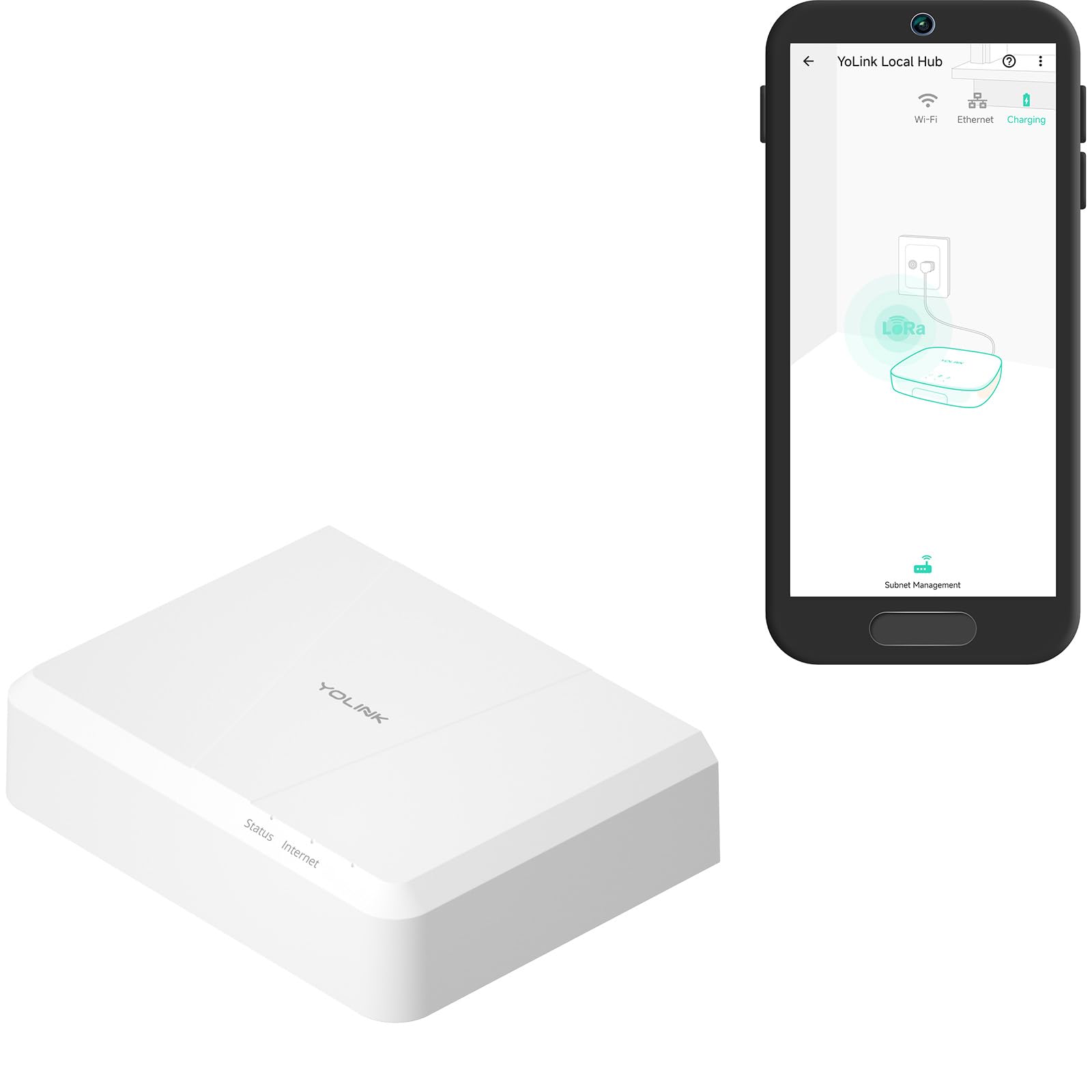
YoLink Local Hub Smart Home Gateway YS1606
Type: Smart home gateway
Protocol: LoRa (YoLink)
Automation: Local after setup
Internet: Required for initial setup
Best for: Long-range sensors on large properties
Check price on Amazon: https://www.amazon.com/dp/B0F5H494MV/?tag=wdowd-20
The YoLink gateway uses the LoRa radio protocol, which trades bandwidth for range and wall penetration — the name claims up to 2,034 feet, which suits outbuildings, gates and detached garages. Setup requires an internet connection once, after which automations and custom schedules run locally and keep working through an outage. A local API is included, so the hub can be wired into a broader local system rather than locked to one app.
This pick suits the owner of a spread-out property who needs sensors far from the house to stay connected. It is not for someone building a mainstream Zigbee or Z-Wave setup — YoLink devices are their own ecosystem, and the hub is only as useful as the sensors bought alongside it. The trade-off is ecosystem lock-in: the local automation is genuinely local, but it only covers YoLink hardware and whatever the local API can reach.
Hubitat Elevation C-8 Pro Smart Home Hub
Type: Smart home hub
Protocols: Z-Wave, Zigbee, Matter
Voice: Alexa, Google, HomeKit compatible
Subscription: None required
Best for: Mixed-protocol homes that want local rules
Check price on Amazon: https://www.amazon.com/dp/B0CR4G1G8M/?tag=wdowd-20
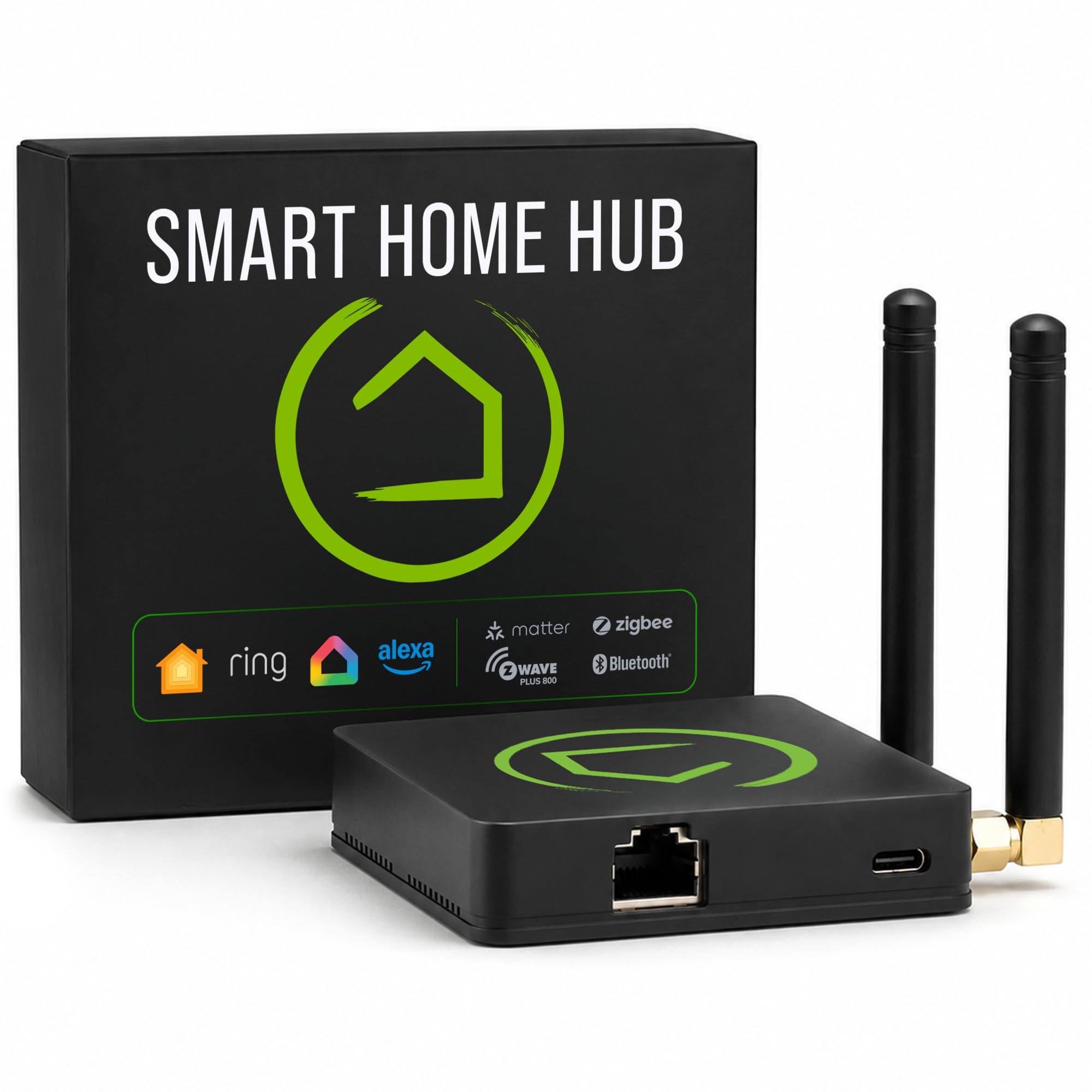
Hubitat Elevation is built around one promise: the automation rules live in the box, not in a cloud server. It speaks Z-Wave, Zigbee and Matter, works with Alexa, Google Home and HomeKit for voice, and integrates with Ring cameras without a subscription. The C-8 Pro is the current flagship of that line, aimed at households that have accumulated devices from several brands and want them to talk to each other locally.
This is the best fit for a mixed-protocol home where the owner wants local rules but still wants voice assistants to work normally. It is not for the absolute beginner — the rule builder is powerful and expects the user to think in triggers and conditions. The trade-off is that the interface feels utilitarian compared with consumer-grade hubs, and getting the most out of it takes an evening of reading.
Homey Pro (Early 2023)
Type: Smart home hub
Radios: Z-Wave Plus, Zigbee, Wi-Fi, BLE, Infrared, Matter, Thread
Voice: Siri, Alexa, Google Home
Best for: One hub for every radio
Price tier: Premium

Check price on Amazon: https://www.amazon.com/dp/B0C5RFQNN4/?tag=wdowd-20
Homey Pro is the everything hub: Z-Wave Plus, Zigbee, Wi-Fi, Bluetooth LE, infrared, Matter and Thread in a single premium box. The infrared radio is the unusual part — it can control TVs and air conditioners that have no smart features at all. Automations run on the device, and the flow-based editor is friendlier than most local-first platforms while still being genuinely capable.
This pick suits the buyer who wants one hub to cover every device in the house and is willing to pay for that convenience. It is not for the budget-conscious — this is the premium option here, and the price buys breadth rather than raw power. The trade-off is cost: the upfront outlay is high, and the value only shows up if the household actually has devices across several radio types.
Konnected Alarm Panel Pro Conversion Kit
Type: Wired alarm conversion panel
Zones: 12
Connection: Wi-Fi and Ethernet
Subscription: None
Best for: Making an existing wired alarm smart

Check price on Amazon: https://www.amazon.com/dp/B08RJZPPYR/?tag=wdowd-20
The Konnected Alarm Panel Pro is a conversion kit for homes that already have a wired alarm: it takes over the existing zones and puts them under smart control. Twelve zones cover a typical house, and both Wi-Fi and Ethernet are supported — the wired connection matters in a broadband-flaky house because it removes one more wireless failure point. There is no battery and no monthly subscription, and it works with SmartThings and Alexa.
This suits the homeowner with an old wired alarm who wants to keep the sensors and skip the monitoring contract. It is not for a house with no pre-existing wiring — the whole value is in reusing what is already in the walls. The trade-off is that the kit is only as good as the alarm wiring it inherits, and installation means working inside the existing alarm panel, which is not a job for everyone.
Before You Buy
- Cloud dependency: Confirm the hub runs core automations locally, not just the app interface. Some hubs keep schedules local but still need the cloud for voice.
- Protocol match: Check which radios the hub supports against the devices already owned. A Z-Wave hub will not talk to Zigbee sensors.
- Setup requirement: Most local hubs still need an internet connection once for initial setup. Plan for a stable window before installation.
- Wired vs wireless: For a house with unreliable broadband, Ethernet to the hub is more reliable than Wi-Fi and worth the cable run.
- Voice assistant ties: Alexa and Google routines often depend on the cloud. Local rules should be built to work without them.
- Existing wiring: Alarm conversion kits depend on the quality of the original wired system. Inspect the panel before buying.
Frequently Asked Questions
-
Will a local hub still work if the internet goes down?
Yes, for automations stored on the hub. Schedules, sensor triggers and local rules keep running. Voice assistants and remote app access typically stop until broadband returns. -
Which pick is best for a beginner?
Homey Pro has the friendliest flow editor of the group. Hubitat is more capable but expects more from the user. -
Can a local hub control devices from different brands?
It depends on the radios. Hubitat and Homey Pro support several protocols; the YoLink gateway is limited to its own ecosystem. -
Does a local system need a subscription?
None of the picks require one. Hubitat and Konnected state this explicitly, and Home Assistant is open source. -
What about an existing wired alarm?
The Konnected kit is the direct answer. It reuses the wired zones and removes the monitoring contract. -
Is Ethernet really better than Wi-Fi here?
For a broadband-unreliable house, yes. A wired connection to the hub removes one wireless failure point from the chain.
Bottom Line
For most houses with unreliable broadband, the Hubitat Elevation C-8 Pro is the best local control smart home system: it runs rules on the box, covers Z-Wave, Zigbee and Matter, and asks for no subscription. Homey Pro is the upgrade for households with devices across every radio, and Home Assistant Green remains the pick for anyone who wants full local control and enjoys the tinkering.
