Why there are Amazon links here: Brave Review is paid a commission for qualifying Amazon purchases made through the links below. Your price does not change, and using our links is entirely optional. How this works
Best Mesh System for a Solid Brick House: 5 Picks That Punch Through Walls
Solid brick walls block Wi-Fi signals far more than drywall, so a single router rarely reaches every room in an older brick home. The five mesh systems below are chosen for their ability to push a strong signal through dense walls and cover a whole house from a few well-placed nodes. Budget-conscious buyers with a modest footprint will find a value pick, while large brick homes and gigabit internet plans have premium options here too. The overview table below shows every pick side by side, and each review explains who it suits and where it falls short.
Overview of the Picks
| Product | Key Spec | Best Use | Price Tier |
|---|---|---|---|
| TP-Link Deco X55 (3-Pack) | AX3000 WiFi 6, up to 6,500 sq. ft. | All-around value for mid-size brick homes | Budget |
| NETGEAR Orbi 770 Series (3-Pack) | WiFi 7 tri-band, up to 8,000 sq. ft. | Large homes with heavy device loads | Premium |
| Amazon eero Max 7 (3-Pack) | WiFi 7, up to 7,500 sq. ft., 750+ devices | Gigabit-plus plans and smart-home households | Premium |
| Linksys Velop Micro 7 (3-Pack) | Dual-band BE5000, up to 6,600 sq. ft. | Smaller brick homes on a modern standard | Mid-range |
| TP-Link Deco S4 (2-Pack) | AC1900, up to 3,800 sq. ft. | Tight budgets and compact homes | Budget |
TP-Link Deco X55 AX3000 WiFi 6 Mesh System (3-Pack)

Coverage: Up to 6,500 sq. ft.
Standard: WiFi 6 (AX3000)
Ports: 3 Gigabit ports per unit
Backhaul: Supports Ethernet backhaul
Units: 3-pack
The TP-Link Deco X55 AX3000 WiFi 6 Mesh System, Deco X55(3-Pack) is the middle-of-the-road pick that handles most brick homes without overspending. Its three units spread a WiFi 6 signal across a large footprint, and the three Gigabit ports on each node let a wired device sit wherever a node is placed. Ethernet backhaul support matters in a brick house: running a cable between nodes bypasses the walls entirely and keeps speeds high.
Three nodes give enough flexibility to place one near the router and two deeper into the house, which is how a mesh beats a single router through brick. The Deco app keeps setup simple for buyers who do not want to tinker. This pick suits families in a mid-size brick home who want a reliable, modern standard without paying flagship prices.
Trade-off: The AX3000 class tops out well below multi-gig internet plans, so buyers with very fast fiber will not see their full speed on Wi-Fi.
Check the current price on Amazon
NETGEAR Orbi 770 Series WiFi 7 Mesh System (3-Pack)

Speed: Up to 11 Gbps
Standard: WiFi 7 tri-band
Devices: 100 devices
Ports: 2.5 Gig port
Coverage: Up to 8,000 sq. ft.
Units: Router + 2 satellite extenders
The NETGEAR Orbi 770 Series WiFi 7 Mesh System, Up to 8,000 sq ft., 3 Pack is built for large brick houses that need both reach and raw throughput. A tri-band WiFi 7 design with a dedicated backhaul channel keeps the link between the router and its two satellites strong, which is the part that usually struggles when walls are thick. The 2.5 Gig port gives a fast wired path for a modem or a desktop.
The Orbi line is known for a simple app setup and a dedicated satellite link that keeps node-to-node traffic off the channels used by phones and laptops. With a coverage rating this high, it fits sprawling multi-floor brick homes where three nodes can be spread out. It suits buyers with many connected devices and a fast internet plan who want headroom for years.
Trade-off: This is a premium system, and buyers on a slower internet plan will pay for WiFi 7 speed their connection cannot feed.
Check the current price on Amazon
Amazon eero Max 7 Mesh WiFi System (3-Pack)
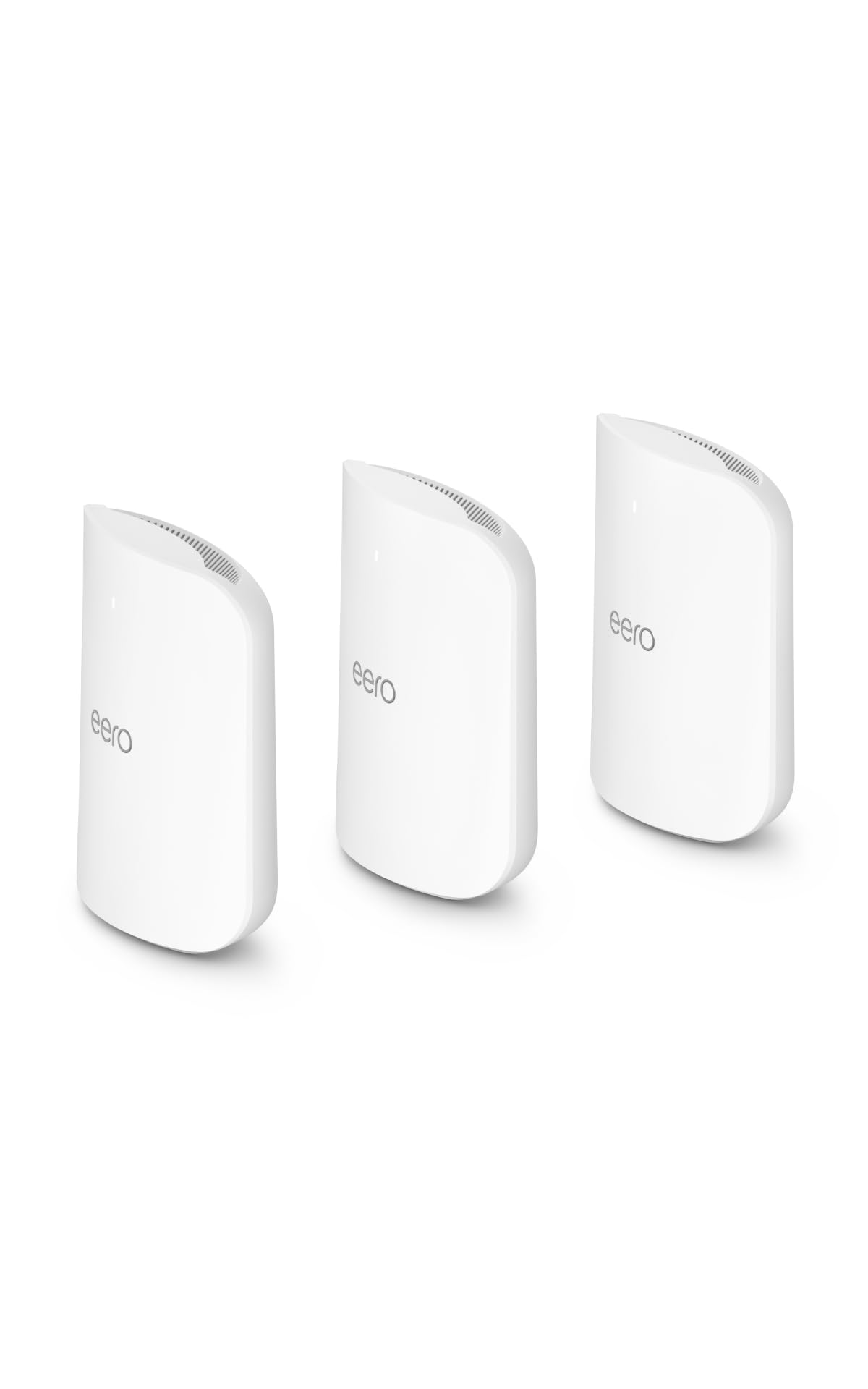
Standard: WiFi 7
Internet plans: Up to 10 Gbps
Coverage: Up to 7,500 sq. ft.
Devices: 750+ devices
Units: 3-pack
Voice control: Works with Alexa
The Amazon eero Max 7 mesh wifi system (newest model) – Supports internet plans up to 10 Gbps, Coverage up to 7,500 sq. ft., Connect 750+ devices, 3-pack is the most future-proofed pick in this roundup. It supports internet plans up to 10 Gbps and a device count that dwarfs a typical household, so it will not be the bottleneck as smart-home gear multiplies. The three nodes cover a large brick home, and the system works with Alexa for voice control through Echo devices.
eero systems are known for a set-and-forget setup that most buyers can finish in minutes. For a big brick house with a top-tier fiber plan and dozens of connected devices, this system removes the guesswork. It suits buyers who want the newest standard and the least fiddling.
Trade-off: This is the highest-priced pick here by a wide margin, so the value only lands for households that actually use the speed and device headroom.
Check the current price on Amazon
Linksys Velop Micro 7 Dual-Band BE5000 WiFi 7 Mesh System (3-Pack)
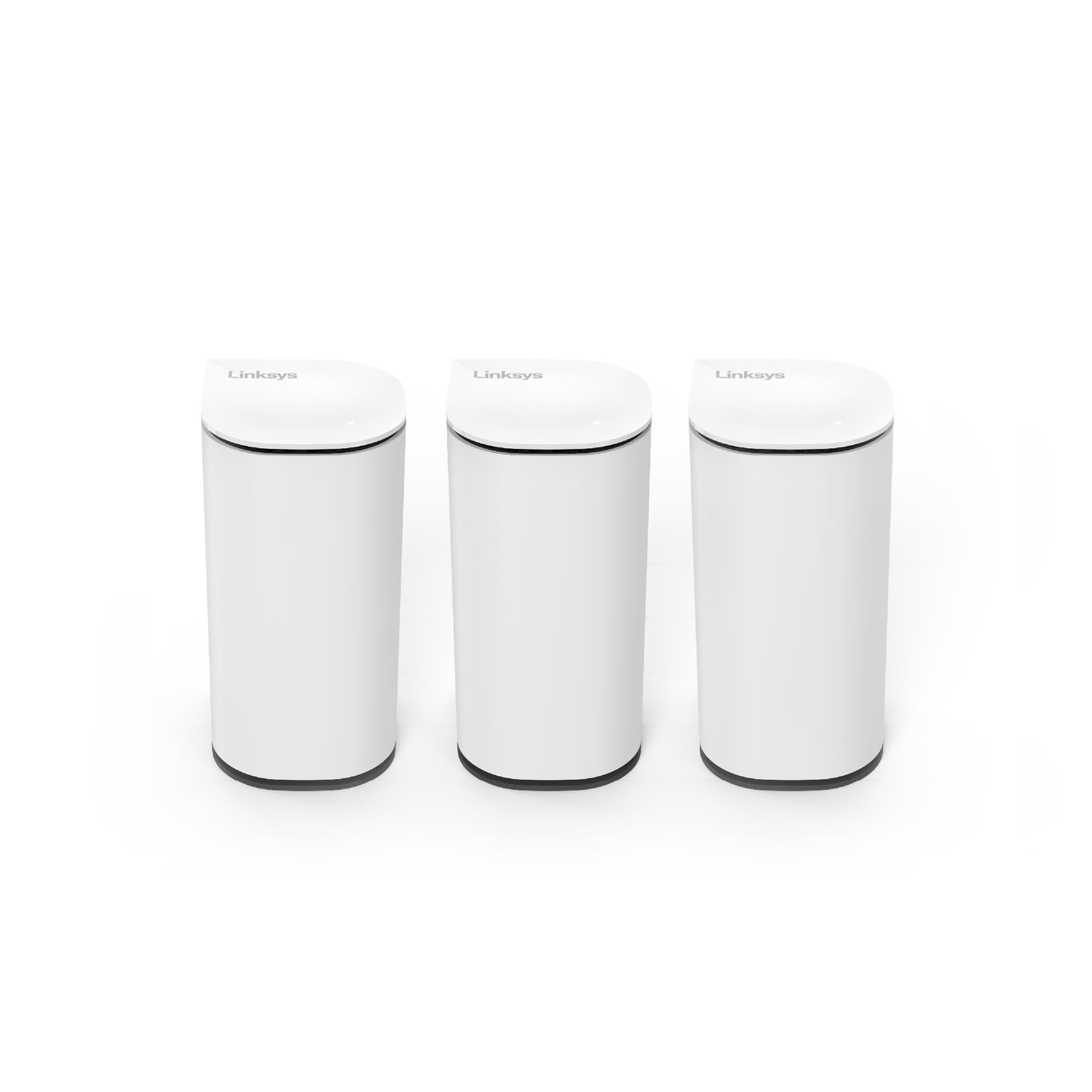
Standard: WiFi 7 dual-band (BE5000)
Streams: 4 WiFi streams up to 5 Gbps
Coverage: Up to 6,600 sq. ft.
Internet plans: Up to 2.5 Gbps
Units: 3-pack
The Linksys Velop Micro 7 Dual-Band BE5000 Wi-Fi 7 Mesh System, 3-Pack brings the newest standard to a smaller brick home without the flagship price. Its compact nodes are easy to tuck onto a shelf or a windowsill, which helps when a brick house offers limited spots to place hardware. Coverage reaches a solid mid-size footprint, and support for internet plans up to 2.5 Gbps covers most cable and fiber connections.
A dual-band design keeps the hardware simpler and cheaper than tri-band rivals, which is a reasonable match for households with moderate device counts. Three compact nodes spread the signal around thick walls more easily than one bulky router. It suits buyers who want WiFi 7 and a tidy look in a home that does not need extreme speed.
Trade-off: Dual-band means less separate capacity for node-to-node traffic, so very crowded networks will feel the limit sooner than a tri-band system.
Check the current price on Amazon
TP-Link Deco S4 Whole Home Mesh WiFi System (2-Pack)

Coverage: Up to 3,800 sq. ft.
Standard: AC1900
Role: WiFi router and extender replacement
Features: Parental controls
Units: 2-pack
The TP-Link Deco S4 Whole Home Mesh WiFi System, Deco S4(2-Pack) is the budget entry for smaller brick homes. Two nodes replace a router and extender with a single network name, so devices roam between them without the user switching networks by hand. Parental controls come built in, which helps families manage screen time from one app.
AC1900 is an older standard, but for a compact brick house on a basic internet plan it covers the essentials at a low cost. Two nodes fit a modest footprint, and setup through the Deco app is straightforward. It suits renters, first-time mesh buyers, and anyone covering a small brick home on a tight budget.
Trade-off: The two-node coverage and older standard make this a poor fit for large homes or fast internet plans, where it will be the weak link.
Check the current price on Amazon
Before You Buy
- Coverage vs. wall thickness: Brick blocks more signal than drywall, so choose a system rated above the square footage of the home to leave margin for walls and floors.
- Node count: Three nodes spread through a brick house beat two nodes pushed to their limit; more units mean shorter hops through dense walls.
- Ethernet backhaul: Systems that support a wired link between nodes sidestep brick walls entirely and keep speeds high, so check for Ethernet ports.
- Internet plan speed: Match the system to the plan; a WiFi 7 system is wasted on a slow connection, and an older standard will bottleneck a fast one.
- Standard and devices: WiFi 6 and WiFi 7 handle crowded smart homes better than older AC systems, so count connected devices before choosing.
- Placement: Nodes need open space and, ideally, line of sight through doorways; solid brick walls between nodes will always cost some signal.
- Budget vs. future-proofing: A budget system covers a small home today, while a premium pick buys headroom for faster plans and more devices later.
Frequently Asked Questions
-
Will a mesh system work through solid brick walls?
Yes, but with limits. Multiple nodes placed closer together shorten the distance each signal travels through brick, and Ethernet backhaul between nodes avoids the walls completely. -
How many mesh nodes does a brick house need?
It depends on size and layout. A small brick home can work with two nodes, while a large multi-floor brick house usually needs three or more to keep every room covered. -
Is WiFi 7 worth it for a brick house?
WiFi 7 helps most in crowded homes and on fast internet plans. In a brick house, the bigger win usually comes from good node placement and wired backhaul, so the standard matters less than the layout. -
Can mesh nodes be wired together in an older brick home?
Many systems support Ethernet backhaul, which is the most reliable fix for thick walls. Running a cable between nodes is worth it when the walls are the main obstacle. -
Does a mesh system replace a router and extender?
Yes. A mesh system replaces both with a single network name, so devices switch nodes automatically instead of requiring a manual network change. -
Where should mesh nodes go in a brick house?
Place nodes in open areas near doorways and central hallways, and avoid tucking them behind furniture or inside cabinets. Spacing nodes too far apart forces the signal through more brick.
Bottom Line
For most brick homes, the TP-Link Deco X55 three-pack is the best mesh system for a solid brick house: it covers a large footprint, supports Ethernet backhaul for a wall-proof wired link, and stays affordable. Buyers with very fast internet and many devices should step up to the NETGEAR Orbi 770 or the eero Max 7, while small homes on a budget are well served by the Deco S4. Start with the TP-Link Deco X55 and check the current price before deciding.
