Why there are Amazon links here: Brave Review is paid a commission for qualifying Amazon purchases made through the links below. Your price does not change, and using our links is entirely optional. How this works
Best NAS for a Home Network: 5 Picks for Backup, Streaming and Sharing
A home network NAS turns a router and a few drives into private storage that every phone, laptop and TV in the house can reach. The five picks below cover three buyer profiles: beginners who mainly want automatic phone backup, media households streaming 4K to several screens, and advanced users running Docker, virtual machines or Plex. The overview table shows the differences at a glance, and each review states plainly who the unit is not for.
Overview of the Picks
| Product | Key Spec | Best Use | Price Tier |
|---|---|---|---|
| UGREEN NAS DH2300 2-Bay | 4GB RAM, diskless, 2 bays | First NAS, phone backup | Budget |
| UGREEN NAS DXP2800 2-Bay | Intel N100, 8GB DDR5, 2.5GbE | Plex and Docker at home | Mid-range |
| Synology DS225+ 2-Bay | Intel CPU, hardware transcoding | Photo backup and media sharing | Mid-range |
| UGREEN DXP4800 Plus 4-Bay | Intel 8505, 10GbE, 4 bays | Families, creators, small teams | Premium |
| BUFFALO LinkStation 220 4TB | 4TB included, 2 bays | Plug-and-play home cloud | Budget |
1. UGREEN NAS DH2300 2-Bay — Best Budget Entry Point

Type: Two-bay desktop NAS
Memory: 4GB RAM on board
Drives: Diskless — drives purchased separately
Intended use: Phone backup, private cloud, file sharing
Best for: Beginners and personal users
UGREEN NAS DH2300 2-Bay is the simplest way into a home network NAS. The 4GB of on-board RAM is enough for file serving, remote access and phone backup, which is exactly what the name promises. Two bays mean buyers can start with one drive and add a second later, or run a mirrored pair for redundancy.
The diskless configuration keeps the sticker low, but drives must be budgeted on top. Buyers who want a small, quiet box for syncing photos and documents rather than transcoding video will find the hardware matched to the job. It is not for anyone planning to run Plex with several simultaneous streams or heavy Docker workloads — the memory and entry-level positioning put those out of reach.
Trade-off: The diskless box plus two drives pushes the real cost well above the listed price, and 4GB of RAM leaves little room for app-heavy use.
Check the current price on Amazon
2. UGREEN NAS DXP2800 2-Bay — Best for Plex and Docker
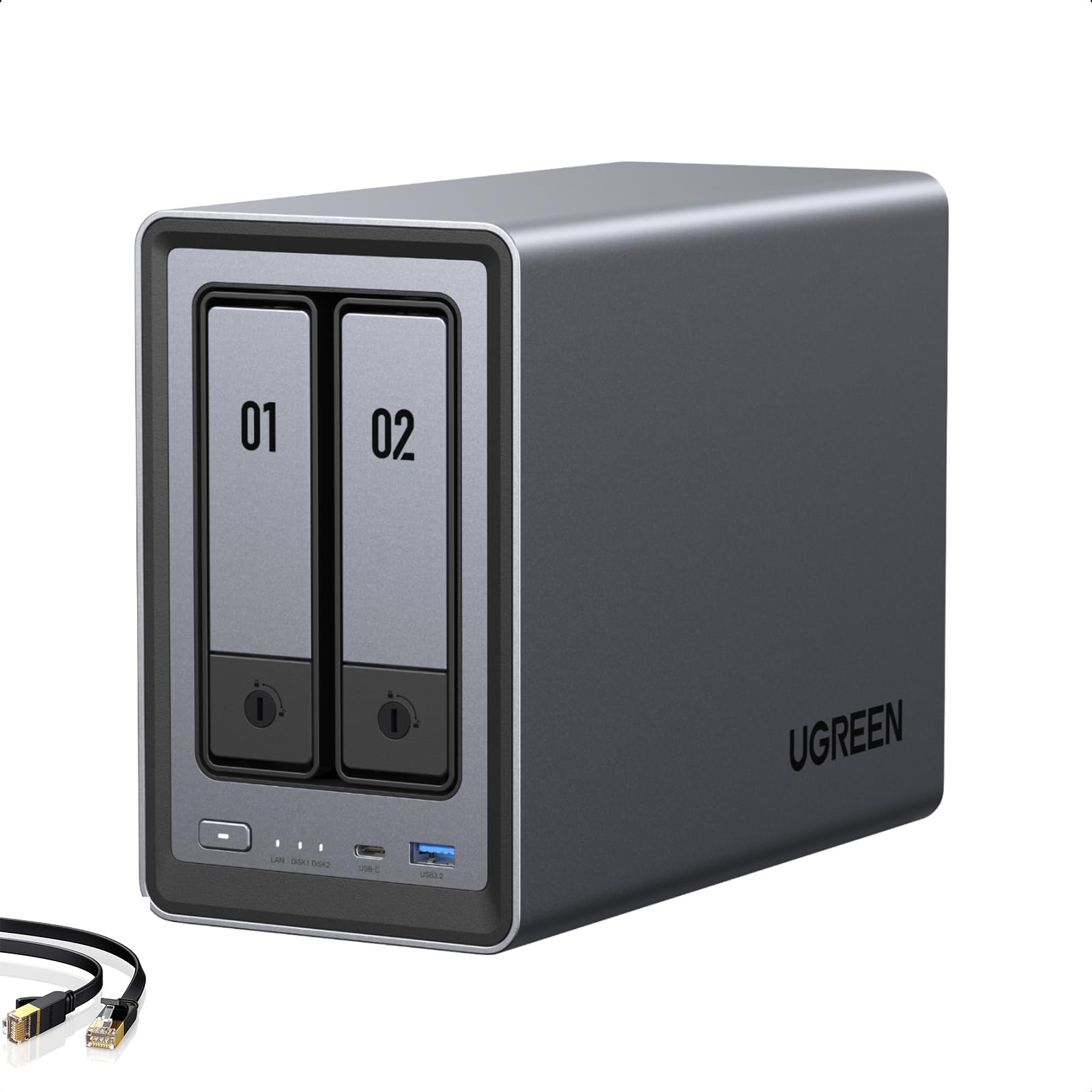
Processor: Intel N100
Memory: 8GB DDR5
Network: 2.5GbE
M.2 Slots: 2x M.2 NVMe
Video Out: 4K HDMI
Drives: Diskless, 2 bays
UGREEN NAS DXP2800 2-Bay targets the buyer who wants a real media server without a four-bay footprint. The Intel N100 and 8GB of DDR5 give it enough headroom for Docker containers, virtual machines and Plex, and the 4K HDMI output allows direct playback on a TV. Two M.2 NVMe slots let buyers add fast cache or dedicated app storage without giving up a drive bay.
The 2.5GbE port is the standout for a home network, since it moves large files far faster than standard gigabit when paired with matching hardware. Remote workers and creators editing from a laptop will notice the difference. It is not for buyers who want drives included out of the box, nor for anyone who needs more than two bays of raw capacity.
Trade-off: Two bays cap future expansion, and the diskless package means the total outlay is higher than the listing suggests.
Check the current price on Amazon
3. Synology DS225+ 2-Bay — Best for Photo Backup and Sharing

Type: Two-bay diskless NAS
Processor: Intel CPU
Transcoding: Hardware transcoding support
Intended use: Private cloud, photo backup, file sharing, streaming
Best for: Households standardizing on one ecosystem
Synology DS225+ 2-Bay is built around the software experience as much as the hardware. The Intel CPU with hardware transcoding lets the unit convert video on the fly for phones and TVs that cannot play a file natively, which is the feature most often missed on cheaper boxes. Photo backup and file sharing are the headline uses, and the platform’s app catalog is the reason many buyers pick this brand.
It suits households that want a set-and-forget private cloud with a mature interface. Buyers who prefer to tinker at the command line or run arbitrary containers may find the ecosystem more restrictive than a Docker-first alternative. The two-bay limit applies here too, and drives are not included.
Trade-off: The diskless package and ecosystem lock-in mean buyers pay a premium for software polish rather than raw hardware per dollar.
Check the current price on Amazon
4. UGREEN DXP4800 Plus 4-Bay — Best for Families and Small Teams
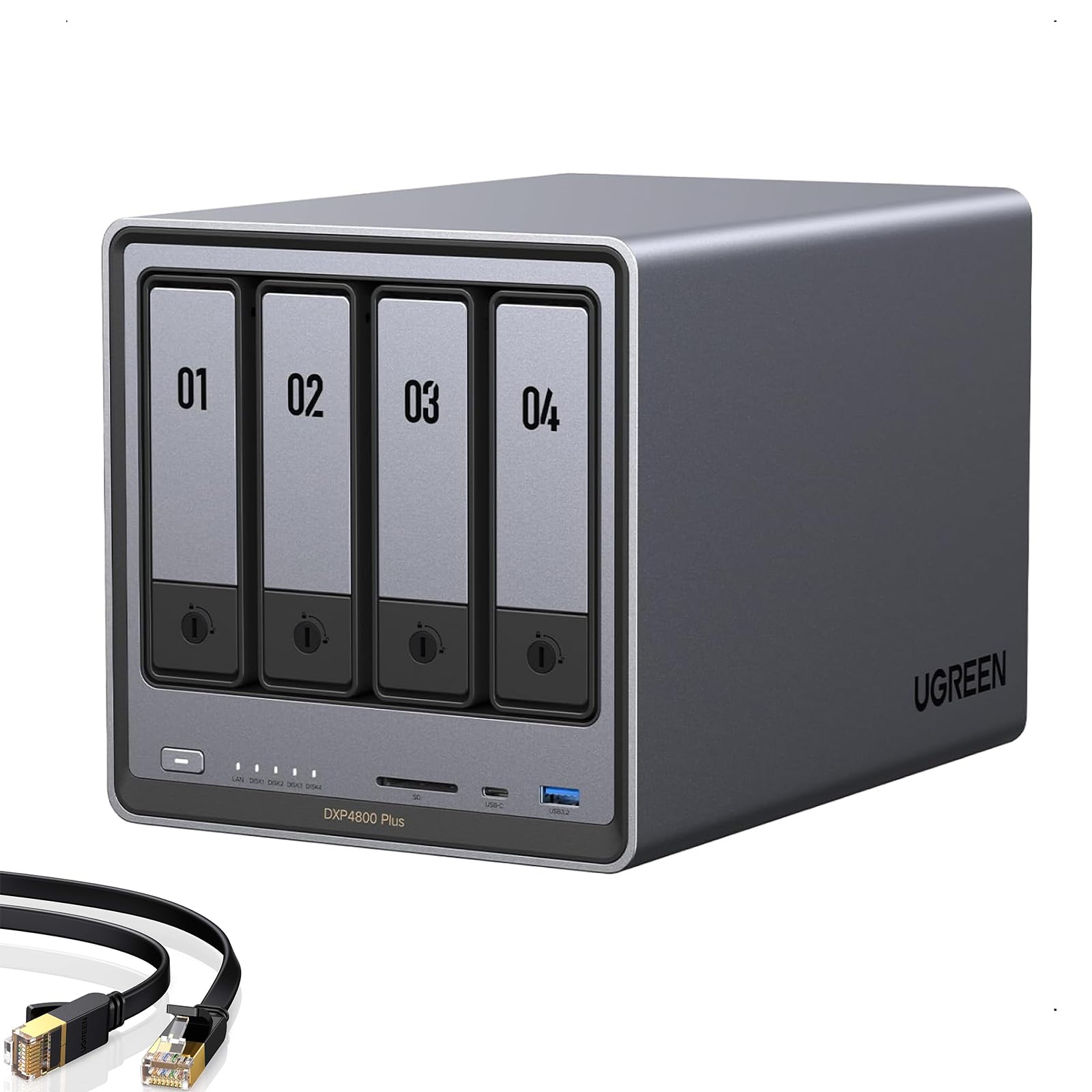
Processor: Intel 8505
Memory: 8GB DDR5
Network: 10GbE and 2.5GbE
Storage: Built-in 128G SSD, 2x M.2 NVMe
Bays: 4, diskless
Intended use: 4K home media, file server, hardware transcoding
UGREEN DXP4800 Plus 4-Bay is the pick for a household or small team that has outgrown two bays. Four drive bays allow a larger array with redundancy, while the built-in 128G SSD and dual M.2 slots handle the operating system, apps and cache separately from bulk storage. The 10GbE port is the headline for creators moving large video projects across a wired network.
Hardware transcoding and the Intel 8505 make it a credible 4K media server for several screens at once. Families consolidating photos, documents and movies onto one box will appreciate the headroom. It is not for buyers on a tight budget, and the diskless package means the total cost climbs quickly once four drives are added.
Trade-off: This is the most expensive route here, and the 10GbE port only pays off with a matching router or switch and fast drives.
Check the current price on Amazon
5. BUFFALO LinkStation 220 4TB — Best Plug-and-Play Home Cloud

Capacity: 4TB total
Drives: Hard drives included
Bays: 2
Type: Network attached storage
Intended use: Home cloud, network storage
Best for: Buyers who want zero assembly
BUFFALO LinkStation 220 4TB removes the two biggest friction points of a first NAS: buying drives and installing them. The 4TB of included storage is enough for years of documents, photos and a modest media library, and the two-bay chassis leaves room for a mirrored setup if the buyer adds a second drive. Setup is aimed at home users rather than administrators.
It suits a household that wants shared folders and a simple home cloud without learning a new platform. Buyers planning to run Plex, Docker or virtual machines should look elsewhere — this is a storage appliance, not an application server. The bundled drives also mean less freedom to choose capacity and drive type.
Trade-off: The included drives and modest hardware make this the least flexible pick, so it works best as a straightforward file and backup box.
Check the current price on Amazon
Before You Buy
- Bays: Two bays suit backup and light media; four bays are the safer choice for growing photo and video libraries.
- Drives included or diskless: Bundled drives mean faster setup; diskless units let buyers choose capacity, speed and drive type.
- Processor and RAM: An entry chip with 4GB handles file serving; media transcoding, Docker and VMs need more headroom.
- Network speed: A 2.5GbE or 10GbE port only helps with a matching router or switch and fast drives.
- Transcoding: Hardware transcoding matters if phones and TVs must play formats they cannot decode natively.
- Expansion: M.2 NVMe slots allow cache or app storage without sacrificing a drive bay.
- Budget: Factor in drives, a backup drive and possibly a switch before comparing total cost.
Frequently Asked Questions
- How many bays does a home network NAS need? Two bays cover backup and light media for most households; four bays give more capacity and redundancy for families and creators.
- Is a diskless NAS cheaper? The box costs less up front, but drives must be added, so the total often lands close to a bundle with included drives.
- Can a NAS replace cloud storage? Yes for photos, documents and media, provided the owner keeps an off-site backup for anything irreplaceable.
- Does a NAS need a fast router? Not for basic backup, but 2.5GbE or 10GbE ports only deliver their speed with matching network hardware.
- What is hardware transcoding for? It converts video on the fly so phones and TVs can play files they would otherwise reject.
- Can a beginner set one up? Yes — bundled-drive units and beginner-focused models are designed for setup without networking knowledge.
Bottom Line
For most homes, the UGREEN NAS DXP2800 2-Bay is the best NAS for a home network: the Intel N100, 8GB of DDR5, 2.5GbE and dual M.2 slots cover Plex, Docker and fast file transfers without the four-bay price. Buyers who want drives included should start with the BUFFALO LinkStation 220, and households that need maximum capacity should step up to the DXP4800 Plus.
