Why there are Amazon links here: Brave Review is paid a commission for qualifying Amazon purchases made through the links below. Your price does not change, and using our links is entirely optional. How this works
Best Network Setup for a House Share: 5 Mesh Systems That End the Wi-Fi Wars
A house share puts unusual strain on a home network: multiple bedrooms behind closed doors, a shared living room full of streaming, and a router that usually sits wherever the landlord left it. The best network setup for a house share is a mesh system, because multiple units spread signal through walls and floors where a single router gives up. This guide covers five mesh kits at different price tiers, from a budget starter to a premium Wi-Fi 7 package. The overview table below shows the key differences at a glance, then each pick gets a short review.
Overview of the Picks
| Product | Key Spec | Best Use | Price Tier |
|---|---|---|---|
| TP-Link Deco S4 (3-Pack) | AC1900, up to 5,500 sq. ft. | Budget whole-house coverage | Budget |
| TP-Link Deco X55 (3-Pack) | AX3000 Wi-Fi 6, up to 6,500 sq. ft. | Best all-round value | Mid-range |
| Amazon eero 6+ (3-Pack) | Gigabit plans, up to 4,500 sq. ft. | Simple app-managed setup | Mid-range |
| NETGEAR Orbi 370 (3-Pack) | Wi-Fi 7, up to 6,000 sq. ft. | Fast shared households | Upper mid-range |
| Amazon eero 7 (3-Pack) | Wi-Fi 7, up to 6,000 sq. ft. | Future-proof large homes | Premium |
TP-Link Deco S4 Mesh AC1900 WiFi System, Deco S4(3-Pack)

Type: Mesh Wi-Fi system, 3-pack
Standard: AC1900 dual-band
Coverage: Up to 5,500 sq. ft.
Ports: Gigabit ports
Compatibility: Works with Alexa
Function: Replaces WiFi router and extender
The Deco S4 is the entry point to mesh networking, and it earns its place by covering a whole shared house for less than the cost of most single premium routers. Each unit carries Gigabit ports, so a bedroom console or desktop can be wired rather than fighting for airtime. Setup runs through the Deco app, and the three units replace both the old router and any extenders lying around the house.
This is the pick for a house share where the priority is coverage on a tight budget and the broadband plan is modest. It suits renters who want something that works without a networking hobby. The trade-off is that AC1900 is older Wi-Fi 5 technology, so it will not unlock the full speed of a fast fiber plan.
TP-Link Deco X55 AX3000 WiFi 6 Mesh System, Deco X55(3-Pack)

Type: Mesh Wi-Fi system, 3-pack
Standard: AX3000 Wi-Fi 6
Coverage: Up to 6,500 sq. ft.
Ports: 3 Gigabit ports per unit
Function: Replaces wireless router and extender
Feature: Supports Ethernet backhaul
The Deco X55 is the sweet spot for most shared houses: Wi-Fi 6 speeds, the widest stated coverage in this group, and three Gigabit ports on every unit. Ethernet backhaul support matters in a house share, because it lets each node talk to the others over a cable if the property is already wired. That keeps speed high even when several housemates stream at once.
This pick suits a household with a modern broadband plan and four or more people competing for bandwidth. It is the one to choose when coverage and value both count. The trade-off is that the three-port design is generous for the price, so the plastic chassis feels lighter than premium rivals.
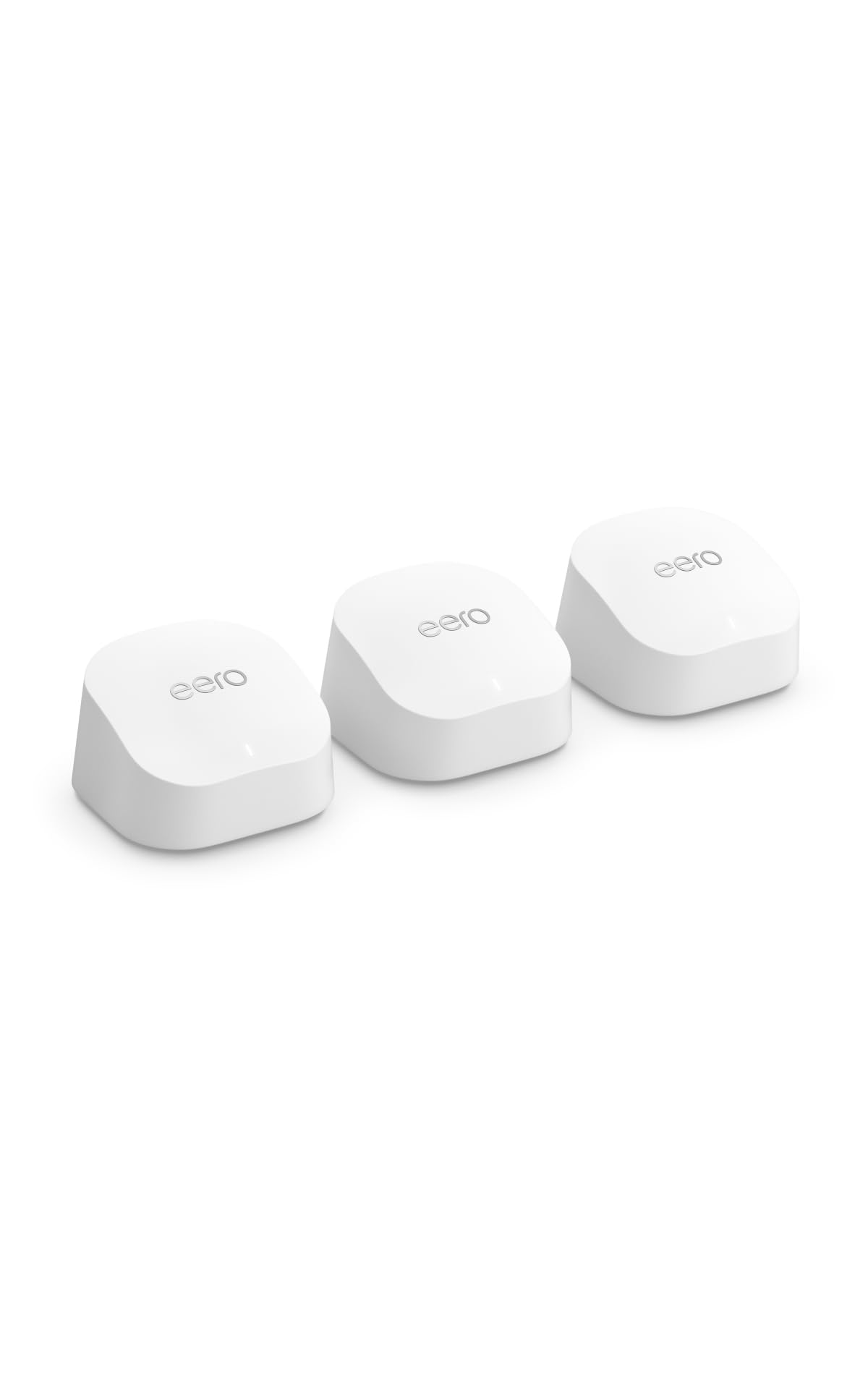
Amazon eero 6+ Mesh WiFi System, 3-Pack
Type: Mesh Wi-Fi system, 3-pack
Standard: Supports internet plans up to a Gigabit
Coverage: Up to 4,500 sq. ft.
Device Load: Connect 75+ devices
Management: eero app
The eero 6+ is the simplest system here to run, and in a house share simplicity is worth real money. The eero app handles setup, guest access and device management, so a housemate who moves out can be removed without resetting the whole network. It supports internet plans up to a Gigabit and handles 75+ connected devices, which covers phones, laptops, TVs and smart speakers across several rooms.
This pick suits sharers who want the network to disappear into the background and never need a manual. It also works well where the broadband plan tops out around a Gigabit. The trade-off is the lowest stated coverage in this group, so a long or multi-floor house may need a fourth node.
NETGEAR Orbi 370 Series WiFi 7 Mesh System, 3-Pack

Type: Mesh Wi-Fi system, router plus 2 satellite extenders, 3-pack
Standard: Wi-Fi 7 dual-band
Speed: Up to 5 Gbps
Coverage: Up to 6,000 sq. ft.
Device Load: 70 devices
Ports: 2.5 Gig port
Security: Security features included
The Orbi 370 brings Wi-Fi 7 and a 2.5 Gig port to the shared house, which is more headroom than most broadband plans can use today but useful for a household that upgrades. The router-plus-two-satellites design is a familiar Orbi layout, and the dedicated satellite units are built to hold a strong link back to the base. Security features are bundled in, which helps when several people share one network.
This pick suits a busy house share with gamers, remote workers and heavy streamers who want the fastest wireless on offer without jumping to the top price tier. The trade-off is that Wi-Fi 7 only pays off with matching devices and a fast plan, so a household on basic broadband is paying for capability it cannot use.
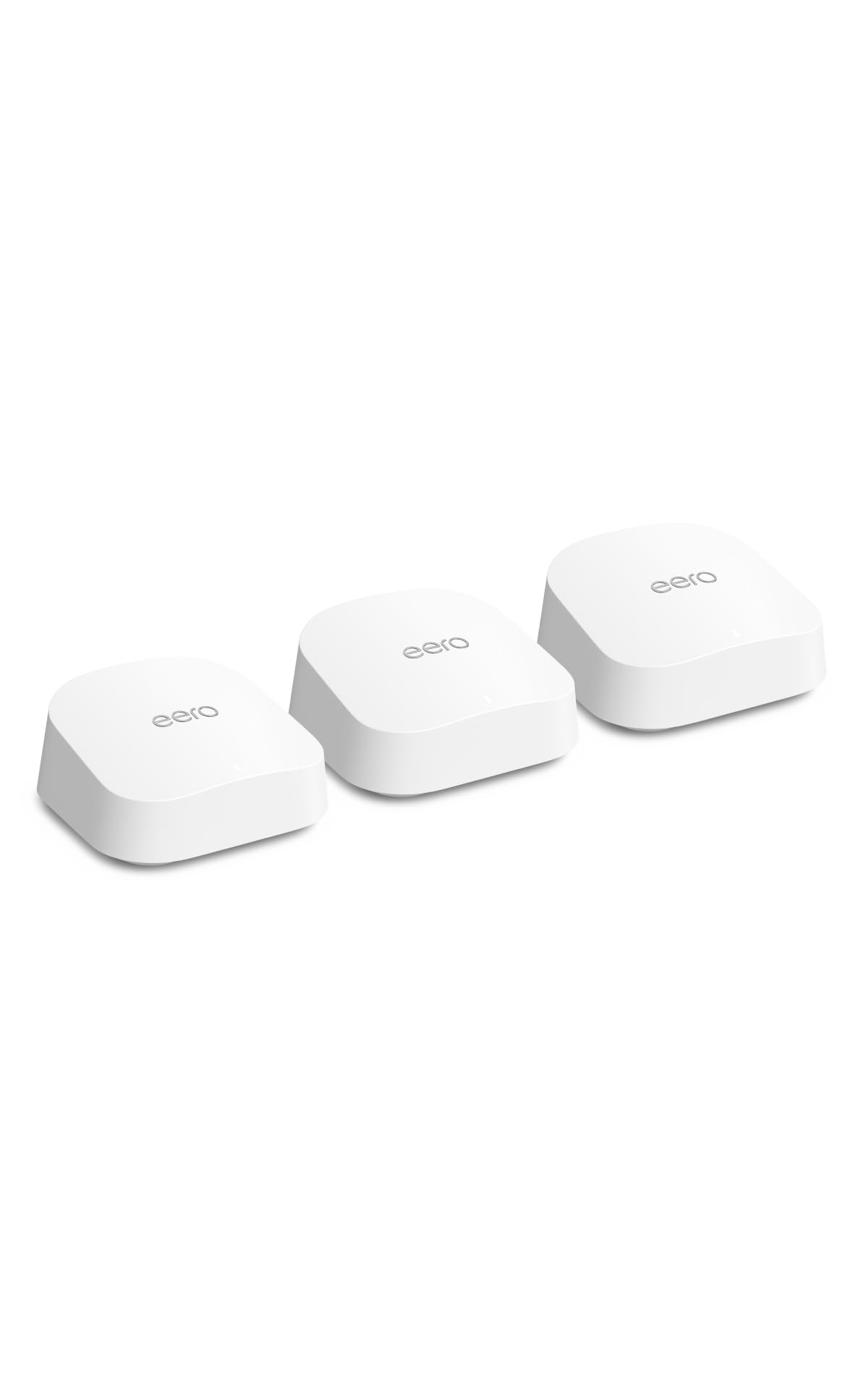
Amazon eero 7 Dual-Band Mesh Wi-Fi 7 Router, 3-Pack
Type: Mesh Wi-Fi 7 router, 3-pack
Standard: Wi-Fi 7 dual-band
Speed: Supports internet plans up to 2.5 Gbps
Coverage: Up to 6,000 sq. ft.
Management: eero app
The eero 7 is the newest model in this lineup and pairs Wi-Fi 7 with the same easy eero app management. It supports internet plans up to 2.5 Gbps and covers up to 6,000 sq. ft., so a large shared house gets both speed and reach from three units. For a landlord or a group of long-term sharers, it is the closest thing here to a set-and-forget network.
This pick suits a house share that plans to stay put and wants the network to last through the next broadband upgrade. It is the premium choice for large properties. The trade-off is the top price in this group, and the dual-band design means the fastest Wi-Fi 7 features are reserved for devices that support them.
Before You Buy
- Coverage: Match the stated square footage to the whole property, not just the shared rooms, and add a node for thick walls or multiple floors.
- Broadband speed: A mesh system can only pass through the speed the plan delivers, so a budget AC kit is wasted on a multi-Gigabit connection.
- Device count: Count phones, laptops, TVs, consoles and smart devices per housemate, then check the stated device load.
- Wired ports: Gigabit or 2.5 Gig ports let consoles and desktops connect by cable, which frees wireless bandwidth for everyone else.
- Management: An app with guest access and device removal makes it easy to manage housemates moving in and out.
- Placement: Nodes need open space and roughly even spacing; a cupboard or a metal rack will kill the signal.
- Standard: Wi-Fi 6 is the sensible baseline today, while Wi-Fi 7 is worth the premium only with matching devices and a fast plan.
Frequently Asked Questions
-
How many mesh units does a house share need?
Three units suit most shared houses, with a fourth added for long properties or multiple floors. -
Is a mesh system better than an extender for a house share?
Yes, because mesh units hand devices between nodes seamlessly, while an extender creates a second network name and a weaker half. -
Does every housemate need their own router?
No. One mesh system with a guest network covers the whole house, and the app lets the account holder manage access. -
Will a mesh system work with any broadband provider?
These kits connect to a standard modem or router, so they work with most providers, though a combined modem-router unit may need to be put into bridge mode. -
Is Wi-Fi 7 worth it in a shared house?
It is worth it for heavy users with a fast plan and newer devices; otherwise Wi-Fi 6 delivers better value. -
Where should the main unit go?
Central and elevated, away from the kitchen and any metal, with the satellites spaced between it and the far bedrooms.
Bottom Line
For most house shares, the TP-Link Deco X55 is the best network setup for a house share: it pairs Wi-Fi 6 speed with the widest coverage here and three Gigabit ports per unit at a mid-range price. The Deco S4 covers a tight budget, the eero 6+ wins on simplicity, and the two Wi-Fi 7 kits are the pick for households planning a fast-plan future. Start with the TP-Link Deco X55 and add a node only if the property demands it.