Why there are Amazon links here: Brave Review is paid a commission for qualifying Amazon purchases made through the links below. Your price does not change, and using our links is entirely optional. How this works
Best Router for a House With a Dead Spot in the Kitchen
A dead spot in the kitchen is usually a coverage problem, not a speed problem: the room sits at the far edge of the router’s reach, often behind an appliance wall or a chimney breast. The five picks below solve it in different ways — a budget single router with mesh support, compact mesh nodes, a two-unit system, and a tri-band three-pack for larger homes. The list suits renters who want one box, owners wiring a whole floor, and households with a kitchen full of connected appliances. The overview table below is the fastest way to pick.
Overview of the Picks
| Product | Key Spec | Best Use | Price Tier |
|---|---|---|---|
| TP-Link Archer AX21 V5 | Dual band, WiFi 6, Easy Mesh, Gigabit | Budget single-router fix | Budget |
| Amazon eero 7 | Dual-band WiFi 7, up to 2,000 sq. ft., 1-pack | Small home, newest standard | Mid-range |
| Amazon eero 6+ | Mesh WiFi, up to 1,500 sq. ft., 75+ devices | Apartment or condo | Mid-range |
| NETGEAR Nighthawk MK72 | AX3000 mesh, router + 1 satellite, up to 3,000 sq. ft. | Two-floor home, 35+ devices | Mid-range |
| TP-Link Deco XE75 | AXE5400 tri-band WiFi 6E, 3-pack, up to 7,200 sq. ft. | Large home, many rooms | Premium |
Best Budget Pick: TP-Link AX1800 WiFi 6 Router (Archer AX21 V5)

Band: Dual band
Standard: WiFi 6
Wired Ports: Gigabit
Mesh: Easy Mesh compatible
Voice Control: Works with Alexa
Setup: Certified for Humans
TP-Link AX1800 WiFi 6 Router (Archer AX21 V5)
The Archer AX21 V5 is the entry point to WiFi 6 in a single, plain box. It runs dual band with gigabit wired ports, so a kitchen desktop or a smart display can be cabled instead of fighting for airtime. Easy Mesh support means a second compatible unit can be added later if one router cannot punch through to the kitchen. Setup is billed as Certified for Humans, which in practice means a guided app process rather than a browser config page.
This is the pick for a smaller home where the dead spot is mild — a kitchen that drops to two bars rather than one. It earns its place on price and on the mesh escape hatch: the buyer is not locked in if coverage proves short. The caution is that a single dual-band unit still has to reach the kitchen on its own, and no mesh support helps until a second node is bought.
Trade-off: One router cannot add coverage it does not have, so a severe kitchen dead spot will eventually need a second mesh unit.
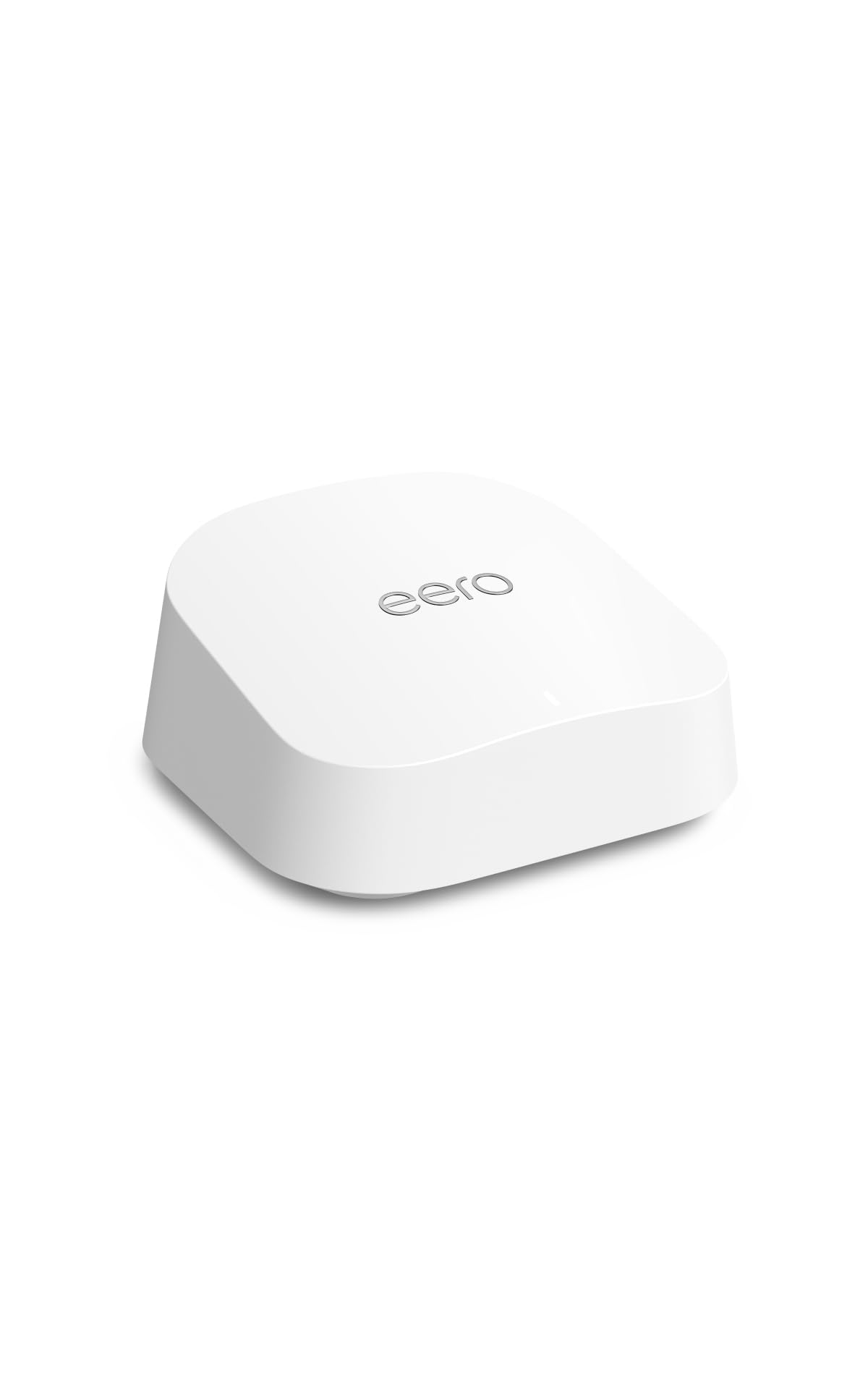
Best for Newer Standards: Amazon eero 7 Dual-Band Mesh Wi-Fi 7 Router
Band: Dual band
Standard: WiFi 7
Plan Support: Up to 2.5 Gbps
Stated Coverage: Up to 2,000 sq. ft.
Form Factor: 1-pack mesh router
The eero 7 is the newest-standard option in this group, built on WiFi 7 and rated to support internet plans up to 2.5 Gbps. It is a single mesh node rated for up to 2,000 square feet, which covers a typical single-floor home with the kitchen included. The eero line is designed around app management and quiet, shelf-friendly hardware rather than visible antennas.
It suits a buyer who wants the current generation and a clean install, and who expects to add a second eero later if the kitchen still struggles. The placement is the whole game here: put the node centrally and the kitchen usually falls inside the rated footprint. The caution is that this is a dual-band unit — the second radio band is shared, so a house packed with devices may feel congestion before it feels distance.
Trade-off: Dual-band hardware at a WiFi 7 price means the premium buys the newer standard, not extra radio capacity.
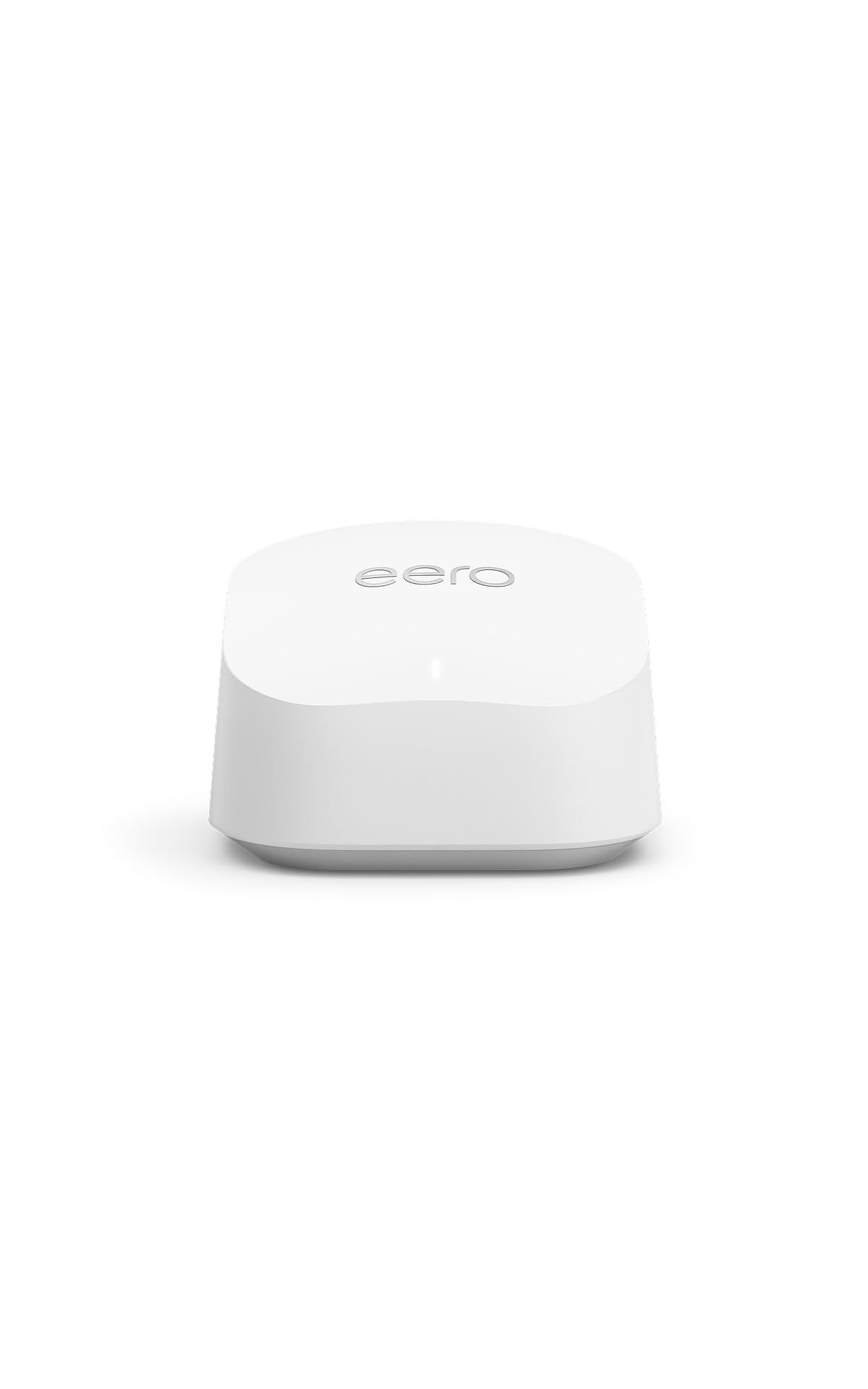
Best for Small Homes: Amazon eero 6+ Mesh WiFi Router
Standard: Mesh WiFi (WiFi 6)
Plan Support: Up to a Gigabit
Stated Coverage: Up to 1,500 sq. ft.
Device Load: 75+ devices
Form Factor: 1-pack
The eero 6+ is aimed at apartments, condos, and small houses: a single node rated for up to 1,500 square feet and a stated load of 75+ devices. That device figure matters in a kitchen full of smart plugs, a fridge display, a speaker, and phones on the counter. It supports internet plans up to a gigabit, so it will not bottleneck a standard cable or fiber connection.
It earns its place as the sensible small-home pick — enough capacity for a connected kitchen without paying for coverage the floor plan cannot use. The buyer profile is a renter or a first-time mesh owner who wants one node and an app. The caution is the flip side of its size: 1,500 square feet leaves little margin, and a kitchen at the far corner of a longer home may still need a second node.
Trade-off: The rated coverage is modest, so this node is the wrong choice for a spread-out floor plan with the kitchen at one end.
Best Two-Unit System: NETGEAR Nighthawk Advanced Whole Home Mesh WiFi 6 System (MK72)

Standard: Dual-band WiFi 6 (AX3000)
Configuration: Router + 1 satellite extender
Stated Coverage: Up to 3,000 sq. ft.
Device Load: 35+ devices
Support: Free expert help
The MK72 ships as a pair: a router plus one satellite extender, together rated for up to 3,000 square feet. That two-box layout is the direct answer to a kitchen dead spot — the satellite goes near the kitchen, the router stays where the line comes in, and the two form one network name. It is dual-band WiFi 6 at AX3000, with a stated load of 35+ devices and free expert help included for setup.
This is the pick for a two-floor home or a long single floor where one box demonstrably cannot reach. The satellite is the point: it converts a coverage problem into a placement decision. The caution is device headroom — 35+ devices is a lower stated figure than the eero 6+ offers, so a very crowded smart home should weigh that before choosing.
Trade-off: The lower stated device load makes this pair a weaker fit for a household with dozens of always-on gadgets.
Best for Large Homes: TP-Link Deco XE75 AXE5400 Tri-Band WiFi 6E System, 3-Pack

Standard: Tri-band WiFi 6E (AXE5400)
Bands: Includes 6GHz band
Stated Coverage: Up to 7,200 sq. ft.
Security: WPA3
Configuration: 3-pack, replaces router and extender
Management: AI-driven
TP-Link Deco XE75 AXE5400 Tri-Band WiFi 6E System, 3-Pack
The Deco XE75 is the coverage-heavy option: three units rated together for up to 7,200 square feet, with a dedicated 6GHz band in the tri-band WiFi 6E layout. WPA3 security and AI-driven management round it out, and the system is designed to replace both an old router and any standalone extender. Three nodes mean one can sit close to the kitchen without sacrificing the rest of the house.
It suits a large or multi-story home where a single dead spot is really a symptom of overall reach. The 6GHz band helps most with newer devices that support it, keeping them off the busier bands. The caution is cost and complexity: this is the premium pick, and three nodes need sensible placement to avoid overlap.
Trade-off: The premium price buys coverage and a 6GHz band that older devices cannot use, so the benefit is smaller in a house of legacy hardware.
Before You Buy
- Coverage: Compare the stated square footage against the actual floor plan, and remember that walls, appliances, and floors cut into it.
- Band: Tri-band and 6GHz hardware help crowded homes; dual-band is fine for modest device counts.
- Device Load: Check the stated device figure if the kitchen is full of smart appliances and speakers.
- Mesh Expansion: Easy Mesh or a node-based system lets a second unit be added later without replacing everything.
- Placement: A node near the kitchen beats a more powerful router in the wrong corner; plan where each unit will sit.
- Plan Speed: Match the router to the internet plan — a gigabit plan needs hardware rated to carry it.
- Setup Support: Guided app setup or included expert help shortens the install for less technical buyers.
Frequently Asked Questions
-
Will a new router fix a kitchen dead spot on its own?
Sometimes — if the kitchen sits just outside the current router’s reach, a single stronger unit placed centrally can close the gap. If the room is behind thick walls or at the far end of the house, a mesh node near the kitchen is the more reliable fix. -
Is a mesh system better than one powerful router?
For a single dead spot, a two-unit mesh system usually wins because the second node sits near the problem room. One router only helps if it can be placed close enough to the kitchen. -
Does WiFi 6E matter for a kitchen dead spot?
The 6GHz band in WiFi 6E helps with congestion rather than distance, and only newer devices can use it. It is a bonus for crowded homes, not a cure for coverage gaps. -
How many mesh units does a typical house need?
A small home or apartment often needs one node; a two-floor home usually needs two; a large or multi-story house is better served by a three-pack. -
Where should the extra node go?
Roughly halfway between the router and the kitchen, not inside the kitchen itself — placing it in the dead spot gives it a weak signal to repeat. -
Do these routers work with smart kitchen appliances?
Yes — they are standard WiFi routers, and the stated device loads on the mesh models are sized for households with many connected gadgets.
Bottom Line
For most homes with a kitchen dead spot, the NETGEAR Nighthawk MK72 is the practical answer: a router plus a satellite rated for up to 3,000 square feet, so one unit can sit near the kitchen and the network stays unified. Buyers on a tight budget should start with the TP-Link Archer AX21 V5 and add a mesh unit only if needed, while large homes are best served by the three-node Deco XE75.
