Why there are Amazon links here: Brave Review is paid a commission for qualifying Amazon purchases made through the links below. Your price does not change, and using our links is entirely optional. How this works
Best WiFi Extender for a Flat with Concrete Walls
Concrete walls block WiFi signals far more than drywall does, so a router that works fine in an open-plan home can leave a flat’s back bedroom or bathroom in a dead zone. The five picks below cover the realistic options: a budget plug-in extender, a WiFi 6 step-up, a long-range booster, a mesh add-on for eero owners, and a full mesh system for larger flats. Most readers should start with the overview table and jump straight to the one that matches their router and budget.
The Picks at a Glance
| Product | Key Spec | Best Use | Price Tier |
|---|---|---|---|
| TP-Link RE550 AC1900 | Up to 2200 sq. ft., 32 devices, Gigabit port | Budget plug-in for one weak room | Budget |
| TP-Link RE715X AX3000 | Up to 2400 sq. ft., 64 devices, WiFi 6 | Main pick for most flats | Mid-range |
| WiFi Extender Signal Booster AX3000 (21099 sq. ft.) | 165+ devices, Ethernet port, WiFi 6 | Long-range single-unit coverage | Mid-range |
| Amazon eero 6 add-on extender | Adds up to 1500 sq. ft., WiFi 6 | Existing eero mesh owners only | Mid-range |
| TP-Link Deco X55 (3-Pack) | Up to 6500 sq. ft., 3 Gigabit ports per unit | Whole-flat mesh replacement | Premium |
TP-Link AC1900 WiFi Range Extender RE550

Type: Dual-band wall-plug range extender
Coverage claim: Up to 2200 sq. ft.
Devices: Up to 32
Ports: Gigabit Ethernet
Setup: App-based
Mesh: EasyMesh compatible
The RE550 is the value pick. It plugs into a wall socket, repeats the existing dual-band signal, and gives buyers a Gigabit Ethernet port for a device that needs a wired connection — a TV, console or desktop in the far room. App setup means no fiddling with browser menus, and EasyMesh support lets it join a compatible TP-Link mesh network rather than working as a lone repeater.
This is the right choice for a renter or a buyer covering one stubborn room without spending much. The trade-off is speed: an extender on this tier roughly halves the throughput it passes along, and the dual-band design is a step behind WiFi 6 for crowded households.
Who it suits: Budget-conscious buyers covering a single dead room.
Why it earned its place: Cheapest reliable option with a wired port.
Trade-off: Halves throughput at range and lacks WiFi 6, so it is not the pick for heavy 4K streaming or many devices.
Check the current price on Amazon
TP-Link AX3000 WiFi 6 Range Extender RE715X
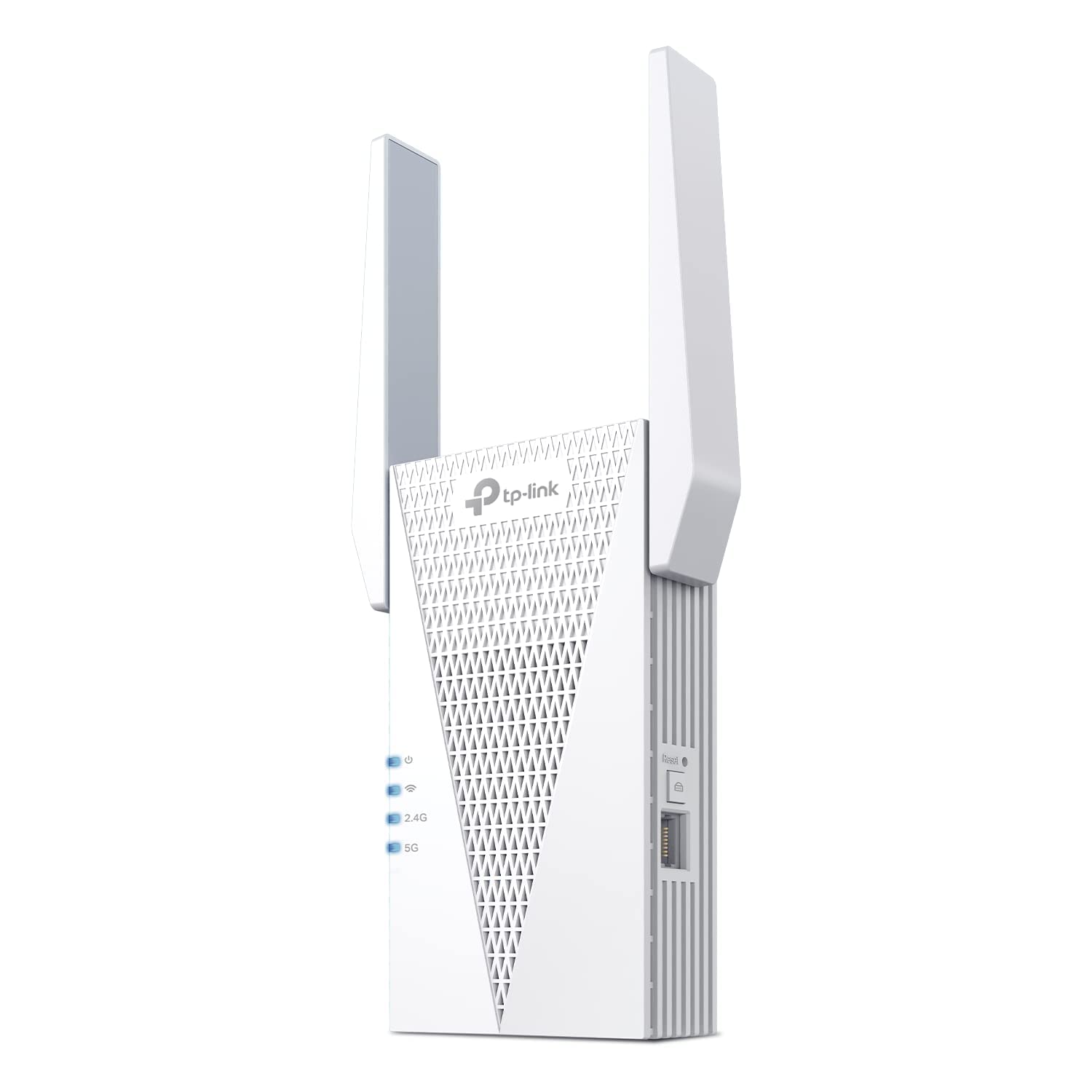
Type: Dual-band WiFi 6 wall-plug extender
Coverage claim: Up to 2400 sq. ft.
Devices: Up to 64
Ports: Ethernet
Setup: App-based
Mesh: EasyMesh compatible
The RE715X is the strongest all-rounder for a flat with concrete walls. WiFi 6 handles more devices at once and copes better with interference from neighbouring networks, which matters in apartment buildings. It supports up to 64 devices and carries an Ethernet port for a wired backhaul if a cable run is possible — the single biggest fix for a concrete-wall flat.
It costs more than the RE550 for coverage that is only marginally larger on paper. The trade-off is that the extra money buys WiFi 6 and device capacity, not dramatic range, and a single extender still struggles to punch through two thick walls in a row.
Who it suits: Most flat dwellers with a modern router and 10+ connected devices.
Why it earned its place: Best balance of price, WiFi 6 and wired backhaul support.
Trade-off: The premium over the budget pick buys speed and capacity rather than much extra reach.
Check the current price on Amazon
WiFi Extender Signal Booster AX3000 (21099 sq. ft.)
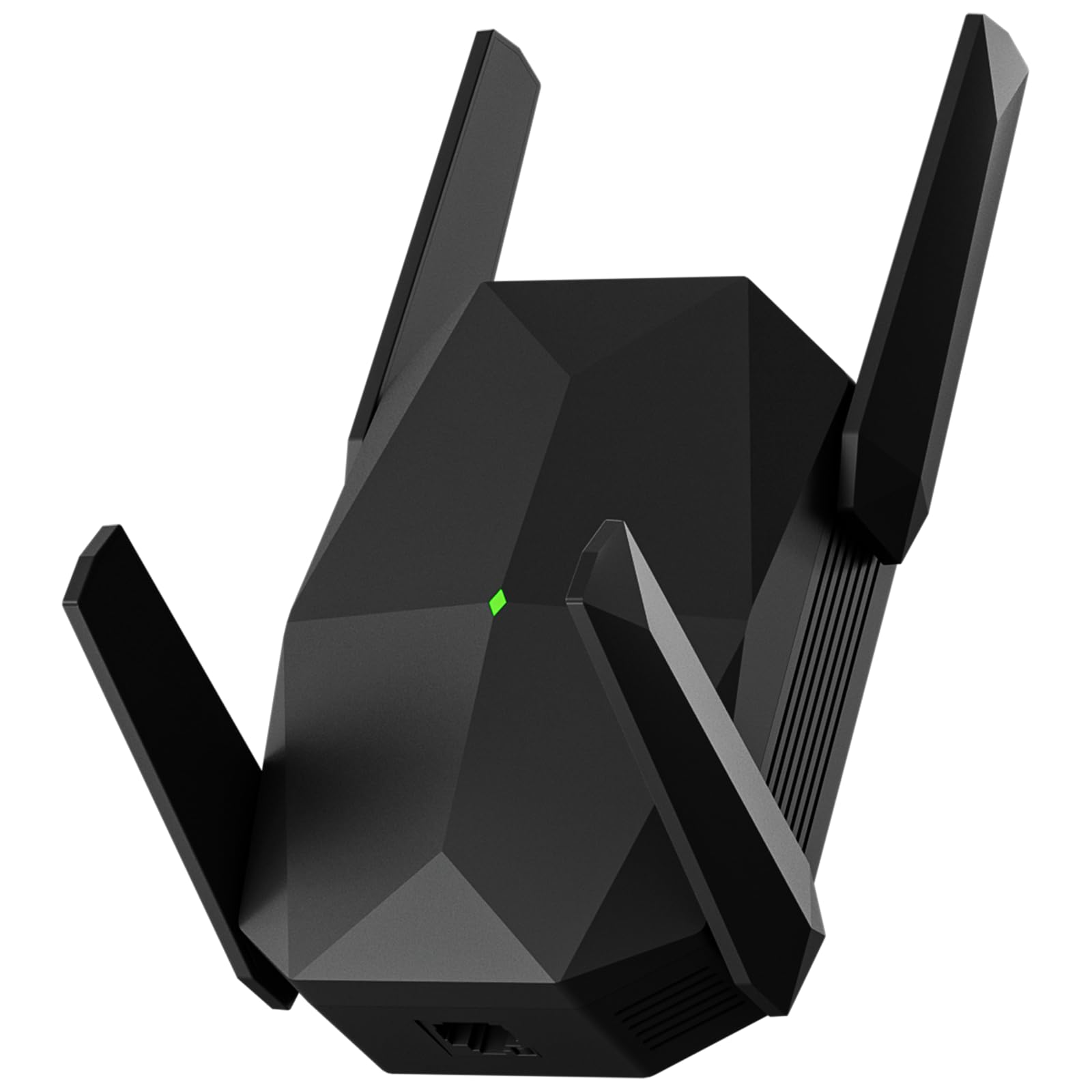
Type: Dual-band WiFi 6 extender
Coverage claim: Up to 21099 sq. ft.
Devices: 165+
Ports: Ethernet
Bands: 5.8 GHz / 2.4 GHz
Setup: App-based
This one markets itself on raw reach and device count. The AX3000 WiFi 6 radio is the same class as the RE715X, and the 5.8 GHz band is a slightly less crowded slice of spectrum than the usual 5 GHz — a small but real advantage in a block full of competing networks. It is a single-unit solution aimed at buyers who want one box to cover as much of the flat as possible.
The coverage figure is a best-case lab number, not something a concrete-walled flat will see, and the brand is new to Amazon with no track record to lean on. The trade-off is that buyers are paying for headline claims rather than a proven name, and single-unit extenders still cannot beat physics.
Who it suits: Buyers wanting one high-capacity unit and willing to try a newer brand.
Why it earned its place: Highest device count and a less-congested 5.8 GHz band.
Trade-off: Unproven brand and an inflated coverage claim — treat the range figure as marketing.
Check the current price on Amazon
Amazon eero 6 Mesh WiFi Add-On Extender

Type: Mesh add-on node
Coverage claim: Adds up to 1500 sq. ft.
Wireless: WiFi 6
Requires: Existing eero mesh system (not included)
Setup: eero app
The eero 6 add-on is only relevant to one group: households already running an eero mesh system. For them it is the cleanest way to push coverage into a concrete-walled back room, because it joins the existing network as a true mesh node rather than a repeater that halves speed. The eero app handles placement guidance and setup in minutes.
Anyone without an eero system should skip it entirely — this is an add-on, not a standalone extender. The trade-off is that it is useless as a first purchase and locks buyers into the eero ecosystem.
Who it suits: Existing eero owners only.
Why it earned its place: Seamless mesh expansion with no throughput penalty.
Trade-off: Requires an eero system already in place, so it is not a standalone solution.
Check the current price on Amazon
TP-Link Deco X55 AX3000 WiFi 6 Mesh System (3-Pack)

Type: Three-unit WiFi 6 mesh system
Coverage claim: Up to 6500 sq. ft.
Ports: 3 Gigabit per unit
Backhaul: Ethernet supported
Function: Replaces router and extender
Wireless: WiFi 6
The Deco X55 is the premium answer and the only pick here that replaces the router outright. Three units create a single mesh network with proper roaming, so phones and laptops switch nodes without dropping. With three Gigabit ports per unit, buyers can wire each node back to the main one — the definitive fix for concrete walls, because the signal travels through cable instead of masonry.
It is the most expensive option and overkill for a small one-bedroom flat. The trade-off is cost and setup effort: buyers pay for three units and need to reconfigure their network, which is more work than plugging in a single extender.
Who it suits: Larger flats and anyone able to run Ethernet between rooms.
Why it earned its place: Whole-home mesh with wired backhaul support.
Trade-off: Priciest pick and requires replacing the existing router setup.
Check the current price on Amazon
Before You Buy
- Wall construction: Concrete and brick absorb far more signal than drywall. One thick wall between router and extender is manageable; two or three usually need Ethernet backhaul or a mesh node in each room.
- Placement: An extender must sit roughly halfway between the router and the dead zone. Putting it in the dead room itself repeats an already-weak signal.
- Compatibility: EasyMesh extenders pair with compatible TP-Link routers; eero add-ons require an eero system. Check the existing router before buying.
- Ethernet backhaul: The single biggest upgrade for a concrete flat. Any pick with an Ethernet port can be wired back to the router for near-full speed.
- WiFi 6 vs WiFi 5: WiFi 6 handles crowded apartment airwaves and many devices better. Worth the step up for households with 10+ gadgets.
- Device count: Match the extender’s device limit to the home. A 32-device unit is fine for a couple; large families and smart-home setups need more headroom.
- Extender vs mesh: A single extender is cheaper and faster to install. A mesh system costs more but roams cleanly and scales across a whole flat.
Frequently Asked Questions
-
Will a WiFi extender work through a concrete wall?
Yes, but with reduced speed. Concrete weakens the signal significantly, so the extender should sit before the wall, not behind it, or be connected by Ethernet. -
Is a mesh system better than an extender for a flat with concrete walls?
Generally yes if budget allows. Mesh nodes roam better and support wired backhaul, which sidesteps concrete entirely. A single extender remains the cheaper fix for one weak room. -
How many extenders does a flat need?
One per problem area is the usual rule. A single extender covers one dead room; a long flat with several thick walls typically needs two nodes or a mesh system. -
Does WiFi 6 matter if the broadband is slow?
It helps with congestion and device count rather than raw speed. In a crowded apartment building, WiFi 6 reduces interference even on a modest connection. -
Can an extender be used with any router?
Most plug-in extenders work with any router, but mesh features like EasyMesh or eero require matching hardware. Check compatibility before buying. -
Where should an extender be plugged in?
In a socket roughly halfway between the router and the weak spot, with clear line of sight where possible. Avoid cupboards, floors and spots behind large furniture.
Bottom Line
For most flats with concrete walls, the TP-Link RE715X AX3000 is the pick — WiFi 6, enough capacity for a busy household, and an Ethernet port for wired backhaul if a cable run is possible. Buyers on a tight budget can drop to the RE550, while anyone able to run cable between rooms gets the best long-term result from the Deco X55 mesh system.
