Why there are Amazon links here: Brave Review is paid a commission for qualifying Amazon purchases made through the links below. Your price does not change, and using our links is entirely optional. How this works
Best WiFi Extender for a House with Thick Walls: 5 Picks That Push Signal Through
Thick walls, brick chimneys and plaster-over-lath turn a normal router into a weak signal at the far end of the house. The five extenders below are the practical fixes: one budget workhorse, two mid-range EasyMesh units, and a group of high-coverage models built for long-range claims. Budget buyers should look at picks one and five, while anyone fighting a dead zone across several rooms will find the strongest match in the middle of the list. The overview table below sorts every pick by key spec, best use and price tier so a decision takes under a minute.
The Picks at a Glance
| Product | Key Spec | Best Use | Price Tier |
|---|---|---|---|
| TP-Link AC1200 RE315 | Dual-band, up to 1,600 sq. ft., 32 devices | Small homes and single-room dead zones | Budget |
| 2026 WiFi Extender Signal Booster (15,000 sq. ft.) | Long-range repeater, Ethernet port, 1-tap setup | Large multi-room homes | Mid-range |
| 2026 Upgraded WiFi Extender (18,000 sq. ft.) | Long-range coverage, Ethernet port | Very large homes, whole-floor coverage | Mid-range |
| 2026 WiFi Extender Signal Booster (16,899 sq. ft.) | 4X faster claim, Ethernet port | Big homes with heavy device counts | Mid-range |
| TP-Link AC1900 RE550 | Gigabit Ethernet, up to 2,200 sq. ft., EasyMesh | Gaming, streaming and wired devices | Mid-range |
1. TP-Link AC1200 WiFi Extender (RE315) — Best Budget Pick

Speed Rating: AC1200 dual-band
Bands: 5GHz and 2.4GHz
Coverage: Up to 1,600 sq. ft.
Device Capacity: 32 devices
Mesh Support: EasyMesh compatible
Ports: One Ethernet port
TP-Link AC1200 WiFi Extender (RE315) — Check Price on Amazon
The RE315 is the smallest and cheapest unit here, and it is built for a single stubborn room rather than a whole floor. Dual-band operation lets it repeat the faster 5GHz signal where walls are thin enough and fall back to 2.4GHz for distance. EasyMesh compatibility means it can join a mesh network instead of running as a standalone repeater, which matters in a house that already uses TP-Link gear. The single Ethernet port is useful for a desktop or TV that needs a stable wired link. At this price, the plastic housing and compact antenna design are functional rather than premium.
This pick suits renters, apartment dwellers and anyone who needs one bedroom or office covered without spending much. It earns its place because the price makes it a low-risk first attempt at fixing a dead zone. The trade-off is that 1,600 square feet of claimed coverage assumes open space, so a thick-walled house will see far less reach and may need a second unit.
2. 2026 WiFi Extender Signal Booster (15,000 sq. ft.) — Best for Large Homes
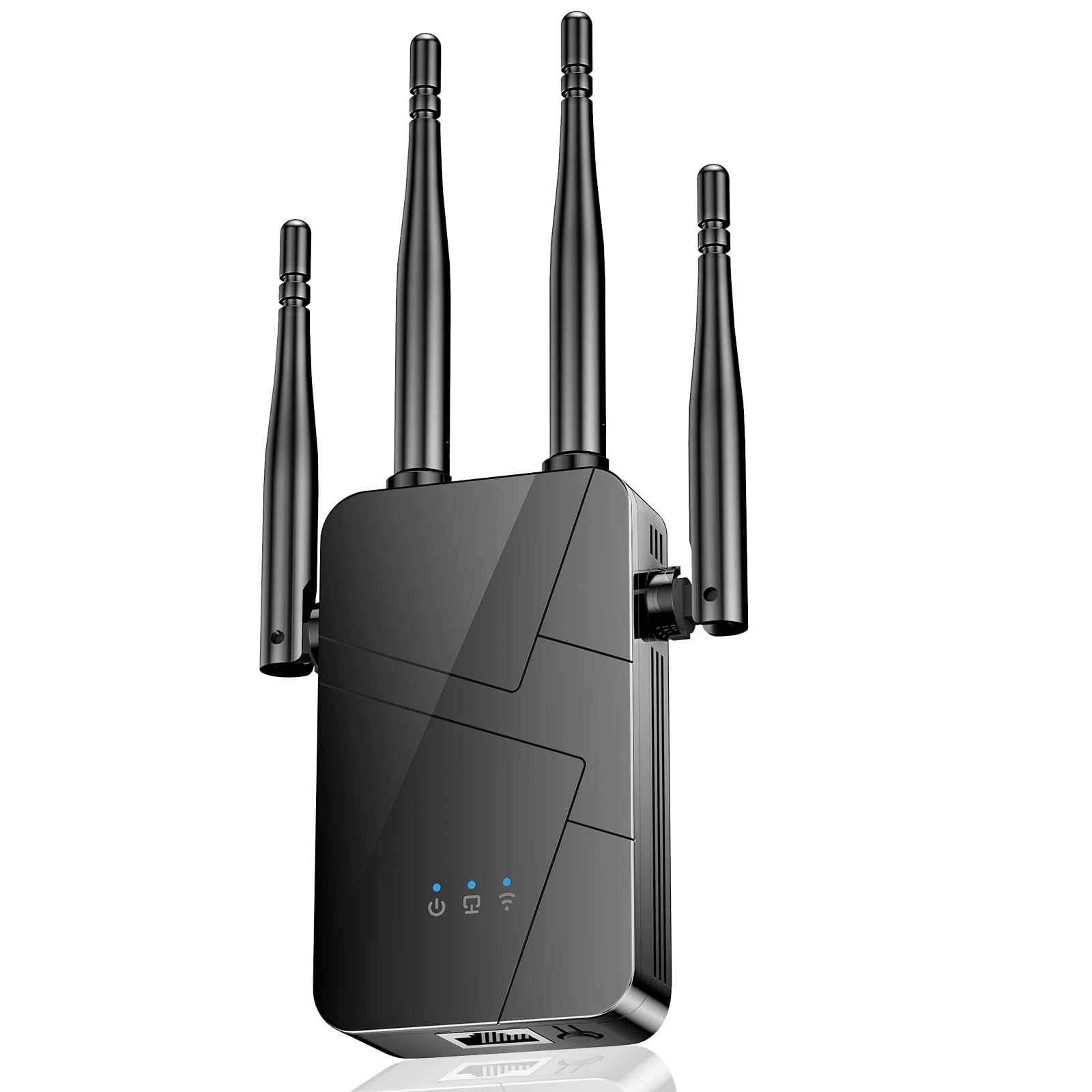
Coverage Claim: Up to 15,000 sq. ft.
Type: Wireless internet repeater and signal amplifier
Ports: Ethernet port
Setup: One-tap setup
Device Support: 99% of devices
Best For: Long-range coverage in large homes
2026 WiFi Extender Signal Booster — Check Price on Amazon
This unit is aimed squarely at the buyer who has tried a small extender and found it insufficient. The long-range amplifier design and high coverage claim point to a more powerful radio than the budget pick, and the Ethernet port allows a wired connection at the far end of the run. One-tap setup keeps installation simple for buyers who do not want to log into a router admin page. Broad device compatibility means phones, laptops, cameras and smart home gear should all connect without fuss. The housing is larger than a compact extender, which is typical for a higher-power repeater.
It suits owners of large or multi-story homes where the router sits at one end and the signal dies halfway down the hall. It earns its place as the most straightforward step up from a budget extender. The trade-off is that coverage claims at this level are measured in open air, and thick masonry walls will cut the real-world range noticeably, so placement near the dead zone matters more than the box number.
3. 2026 Upgraded WiFi Extender (18,000 sq. ft.) — Best for Whole-Floor Coverage

Coverage Claim: Up to 18,000 sq. ft.
Type: Long-range WiFi booster and repeater
Speed Claim: 15X faster signal amplifier
Ports: Ethernet port
Router Compatibility: Works with 99% of routers
Best For: Whole-floor coverage in very large homes
2026 Upgraded WiFi Extender — Check Price on Amazon
The headline here is the largest coverage claim in the group, paired with a speed-amplifier claim aimed at buyers who are tired of buffering. The Ethernet port gives a wired option for a device in the extended zone, and the wide router compatibility means it should slot into most existing setups. This is a newer listing, so it is the least proven of the five in the field, but the hardware class is clearly positioned above the budget tier. The design is bulkier than a compact plug-in unit, which is expected for the power output.
It suits households with a long floor plan or an added extension where the router signal simply cannot reach. It earns its place for buyers who want the biggest coverage number before stepping up to a full mesh system. The trade-off is that a brand-new listing with a very large coverage claim deserves a cautious approach — buyers should confirm the return window before committing, since real-world performance through thick walls will always lag the spec sheet.
4. 2026 WiFi Extender Signal Booster (16,899 sq. ft.) — Best for Heavy Device Loads
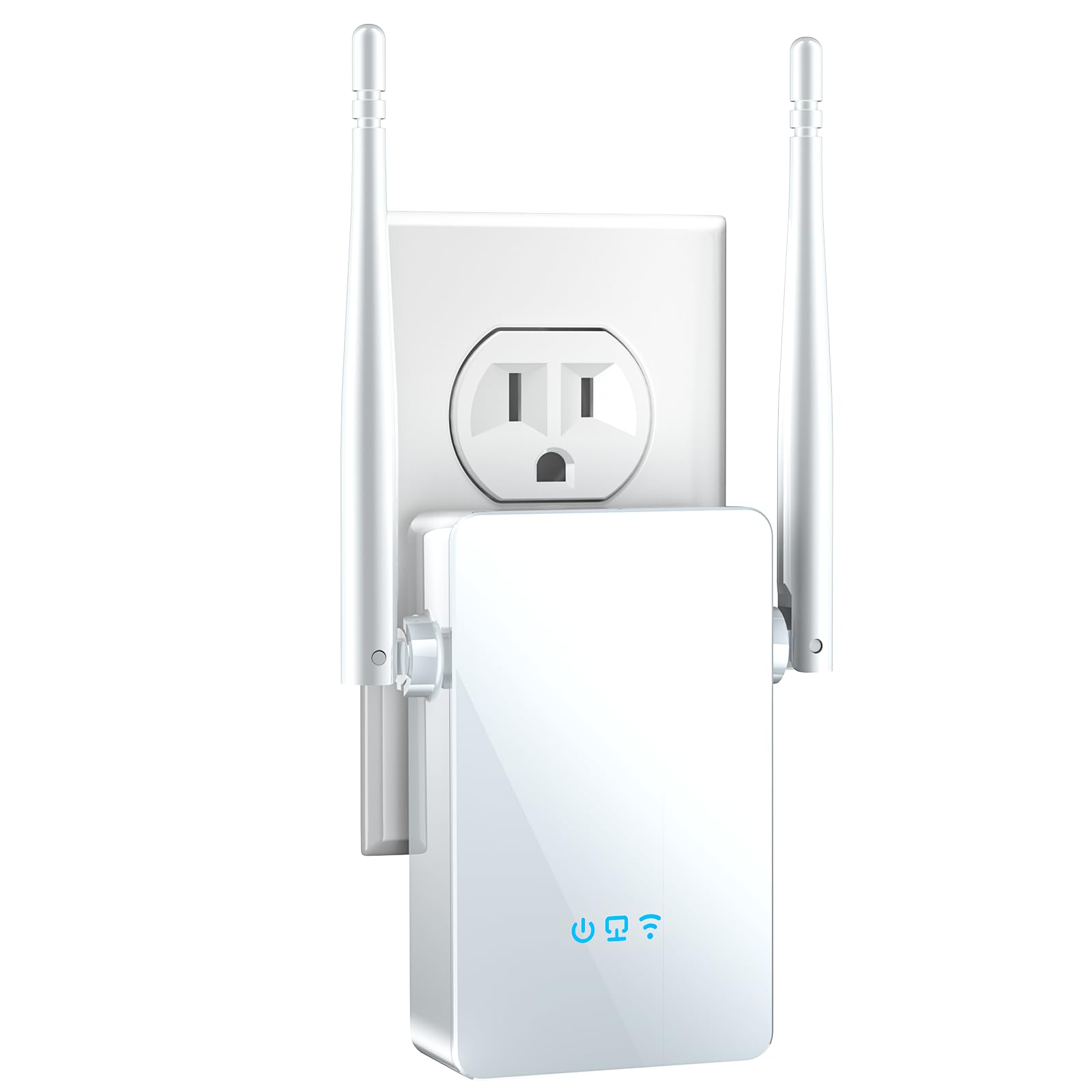
Coverage Claim: Up to 16,899 sq. ft.
Speed Claim: 4X faster
Type: Wireless long-range amplifier and repeater
Ports: Ethernet port
Color: White
Setup: Easy setup
2026 WiFi Extender Signal Booster — Check Price on Amazon
This model sits between the two larger units on coverage and leans on a 4X faster claim aimed at households running many devices at once. The Ethernet port supports a wired drop for a console, TV or desktop in the extended area, which is the most reliable way to use an extender in a thick-walled room. The white housing blends into light walls and shelving better than a dark unit. Easy setup suggests a guided process rather than a manual configuration. Build quality is consistent with the mid-range price tier.
It suits busy family homes where several people stream, game and work from home at the same time. It earns its place as the balanced option: more headroom than the budget pick without chasing the largest coverage claim on the list. The trade-off is that "4X faster" is a relative claim against an unspecified baseline, so buyers should treat it as marketing rather than a guaranteed speed boost through dense walls.
5. TP-Link AC1900 WiFi Range Extender (RE550) — Best for Wired Devices

Speed Rating: AC1900 dual-band
Coverage: Up to 2,200 sq. ft.
Device Capacity: 32 devices
Mesh Support: EasyMesh compatible
Ports: Gigabit Ethernet
Setup: App-based setup
TP-Link AC1900 WiFi Range Extender (RE550) — Check Price on Amazon
The RE550 is the strongest pick for anyone who needs a wired connection at the far end of the house. A Gigabit Ethernet port is a real step up from the standard ports on cheaper units, and it is the right choice for a gaming console, a work desktop or a smart TV that streams in 4K. EasyMesh compatibility lets it join a mesh network, and app-based setup walks the buyer through placement. Dual-band AC1900 hardware handles a household’s worth of devices without obvious strain. The coverage claim is more conservative than the long-range models, and that honesty is part of the appeal.
It suits gamers, remote workers and anyone who wants a stable wired link in a room the router cannot reach. It earns its place as the most reliable pick in the group for demanding devices. The trade-off is the smaller coverage claim — 2,200 square feet will not stretch across a whole large house, so buyers with a very long floor plan may need more than one unit.
Before You Buy
- Wall material: Solid brick, stone and plaster-over-lath absorb far more signal than drywall; plan on placing the extender in the doorway or hallway between rooms rather than behind a thick wall.
- Placement: An extender must sit inside the router’s existing signal, roughly halfway to the dead zone — putting it in the dead room itself repeats a weak signal.
- Ethernet port: A port lets a TV, console or desktop connect by cable, which is the most stable option through dense walls; Gigabit is worth paying for on the RE550.
- Mesh compatibility: EasyMesh support on the two TP-Link units allows them to join a mesh network instead of running as isolated repeaters.
- Coverage claims: Square-footage figures assume open space; a thick-walled house will see a fraction of the stated range, so buy for the layout rather than the number.
- Device count: Check the stated device capacity against phones, laptops, cameras, TVs and smart home gear before choosing a compact model.
- Setup method: App and one-tap setups suit buyers who want a fast install; manual configuration gives more control over band and channel choices.
Frequently Asked Questions
-
Will a WiFi extender work through thick brick walls?
Yes, but with reduced range. The extender should be placed in the room next to the dead zone, not inside it, so it repeats a strong signal rather than a weak one. -
How many extenders are needed for a large house with thick walls?
A single high-coverage unit can handle one long floor in many homes, but a multi-story house with masonry walls often needs two units placed at opposite ends of the problem area. -
Is EasyMesh worth it?
EasyMesh compatibility lets an extender join a mesh network and hand devices off between nodes, which is more seamless than a standalone repeater — worth it for anyone already using TP-Link mesh hardware. -
Does an Ethernet port matter on an extender?
It does for gaming consoles, desktop computers and streaming TVs, because a cable bypasses the wall problem entirely and delivers a stable connection. -
Can a cheap extender fix a whole-house dead zone?
A budget unit like the RE315 is best for one room or a small apartment. Whole-house coverage through thick walls calls for a higher-power model or multiple units. -
Where should an extender be plugged in?
Roughly halfway between the router and the dead zone, in an open hallway or doorway, and away from metal appliances and thick masonry where possible.
Bottom Line
For most thick-walled homes, the TP-Link AC1900 RE550 is the safest buy: Gigabit Ethernet, EasyMesh support and app setup make it the most reliable pick for the devices that matter most. Buyers on a tight budget should start with the RE315 for a single room, while anyone covering a very large floor plan should compare the three long-range 2026 models and check current prices before deciding.
