Why there are Amazon links here: Brave Review is paid a commission for qualifying Amazon purchases made through the links below. Your price does not change, and using our links is entirely optional. How this works
Best Zigbee Repeater for a House with Thick Stone Walls
Stone walls absorb Zigbee signals and turn a clean network into a patchy one. The fix is a mains-powered repeater placed between the hub and the dead zone, not a battery sensor that sleeps. The five picks below cover a corridor-style extender, a cheap USB booster, a wall outlet, and two multi-packs of smart plugs. Buyers with one stubborn room should start with a single device; buyers in a full stone house should go straight to a multi-pack.
Overview of the Picks
| Product | Key Spec | Best Use | Price Tier |
|---|---|---|---|
| Aeotec Range Extender Zi | Dedicated Zigbee extender | Single dead zone behind a stone wall | Mid |
| Portable Range Extender 300M | USB-powered 2.4GHz booster | Cheap stopgap for one weak corner | Budget |
| THIRDREALITY Smart Wall Outlet | Dual-socket Zigbee repeater | Replacing a wall outlet in a hallway | Budget |
| THIRDREALITY Smart Plug Gen3 4 Pack | 15A plugs, four repeaters | Whole-house mesh on a budget | Mid |
| Innr Zigbee Smart Plug 4-Pack | Overload protection, power monitoring | High-draw rooms and appliance circuits | Premium |
Aeotec Range Extender Zi

Type: Dedicated Zigbee network extender
Intended use: Extending Zigbee range and stability
Power source: Mains
Role in the mesh: Zigbee repeater
Aeotec Range Extender Zi – Zigbee Network Extender – Improves Range and Stability of Zigbee Network
This is a single-purpose device: it does nothing but repeat and stabilise a Zigbee mesh. That focus is the appeal, because there is no relay, no socket and no dimmer competing for the radio’s attention. It plugs into a wall socket and joins the network like any other router node, so a hub sees it as infrastructure rather than as a smart device to automate. The build is the plain white plug-in housing common to this class of extender.
It earns its place as the pick for one specific problem: a single room or corridor that drops off because a stone wall sits between it and the hub. Placing it on the far side of that wall gives nearby end devices a closer parent. It is not for buyers who want to automate a lamp or monitor power — it offers neither. Trade-off: a single dedicated node costs more than a basic smart plug that repeats just as well, so the buyer pays for focus rather than features.
Check the current price on Amazon
Portable Range Extender 300M

Type: USB repeater booster
Frequency band: 2.4GHz to 2.483GHz
Intended use: Zigbee amplification for phones, tablets, laptops and TVs
Power source: USB
Form factor: Portable
This is the budget entry and the least conventional one. It is a USB-powered booster that works in the 2.4GHz band Zigbee uses, and the name positions it around phones, tablets, laptops and TVs as much as around Zigbee gadgets. The USB power source makes placement unusually flexible — a powered USB port in a hallway or a TV’s service port will run it. The low price is the whole point of the pick.
It suits a renter or a first-time fixer who wants to test whether a repeater solves the problem before spending more. It is not for a buyer who wants a device that visibly joins a Zigbee mesh and reports itself to a hub; this is a signal booster, not a managed router node. Trade-off: a generic 2.4GHz booster can lift Wi-Fi noise along with Zigbee traffic, and it lacks the mesh integration of a true Zigbee router.
Check the current price on Amazon
THIRDREALITY Smart Wall Outlet
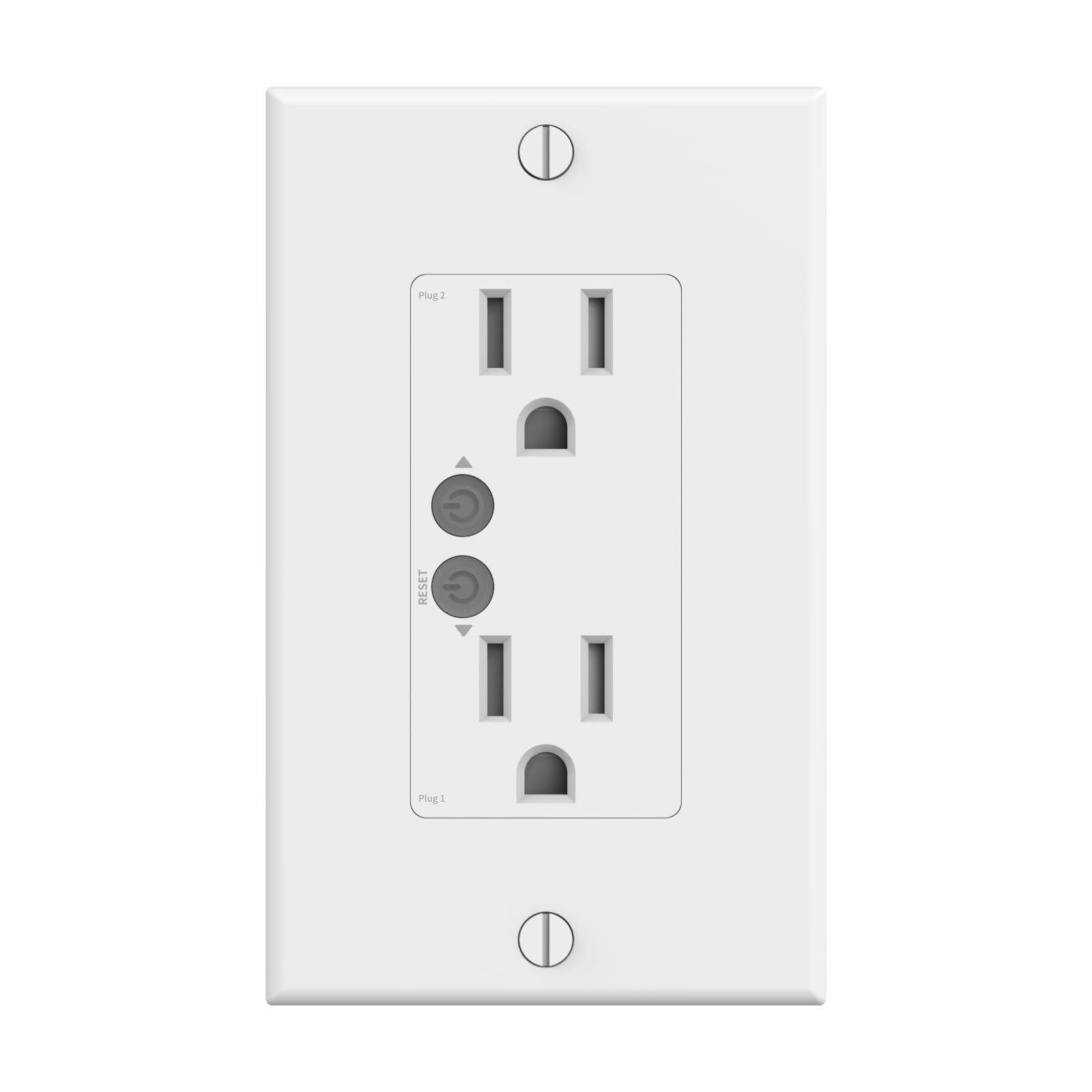
Type: Smart wall outlet
Sockets: Dual independent control
Monitoring: Individual power monitoring per socket
Mesh role: Zigbee repeater
Compatibility: Home Assistant, SmartThings
Certification: ETL certified
This replaces a standard wall outlet and does three jobs at once: two independently switched sockets, per-socket power monitoring, and Zigbee repeating. Because it sits in the wall rather than in a socket, it never blocks an outlet and never gets unplugged by accident — a real advantage in a stone house where every repeater position matters. The ETL certification is worth noting for anyone wiring it in permanently.
It suits homeowners mid-renovation or anyone with a hallway outlet that sits exactly where the mesh needs a node. It is not for renters, and not for anyone unwilling to swap a receptacle. Trade-off: installation is a wiring job, so the low price does not include an electrician, and the in-wall format locks the repeater to one fixed spot.
Check the current price on Amazon
THIRDREALITY Smart Plug Gen3 4 Pack
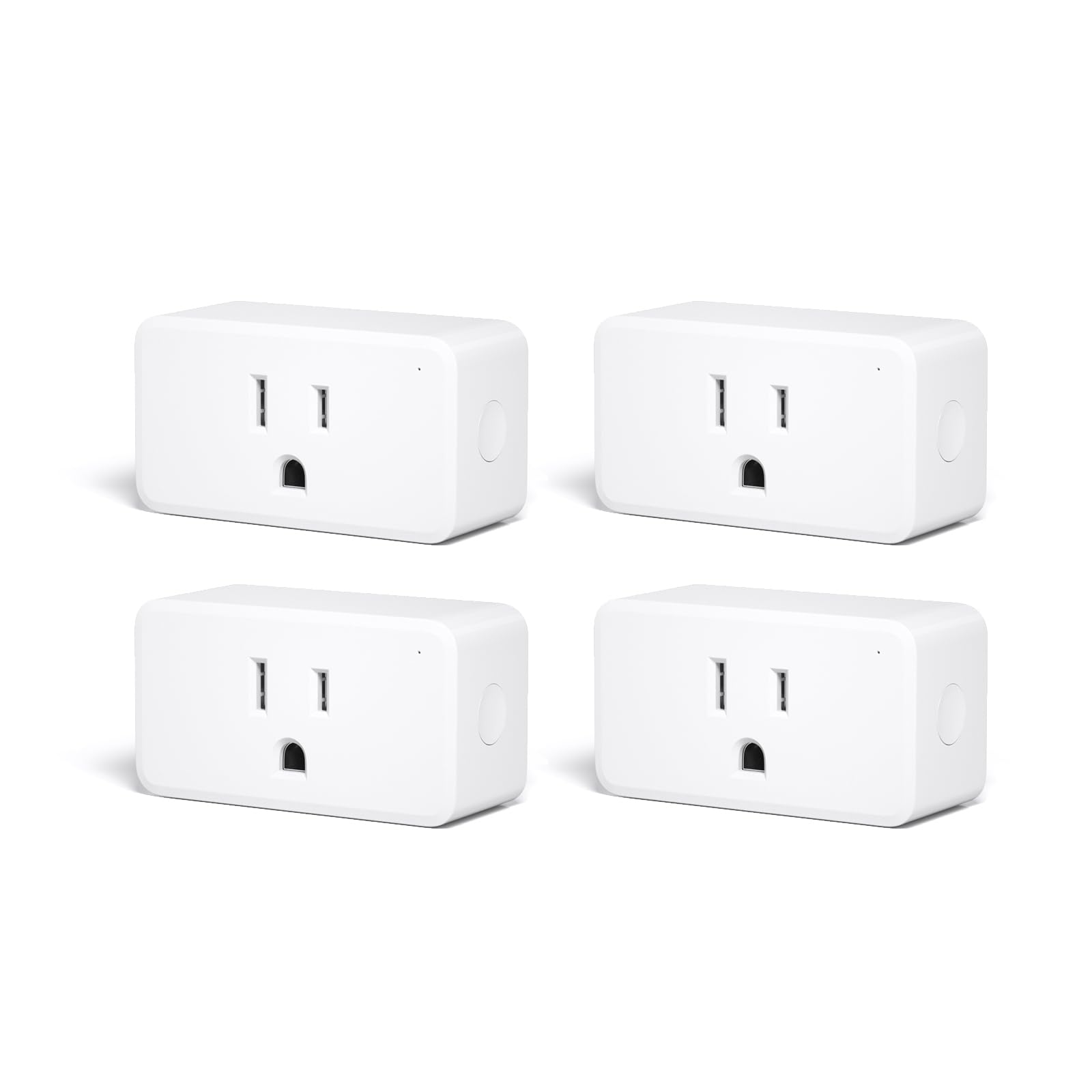
Type: Smart plug, four-pack
Rating: 15A outlet
Monitoring: Precise real-time power meter
Mesh role: Enhanced Zigbee repeater
Compatibility: Home Assistant, SmartThings, Echo devices
Certification: ETL certified
Hub: ZigBee hub required
Four repeaters for the price of roughly one and a half dedicated extenders is the argument here. Each plug carries a 15A rating, real-time power metering and an enhanced Zigbee repeater, so a buyer gets mesh coverage and appliance monitoring in the same hardware. Spreading four nodes across a stone house is exactly how a stubborn mesh gets fixed — one per floor or per wing.
It suits the buyer with a whole-house problem rather than a single dead room, and anyone who wants to track what a heater or a fridge is drawing. It is not for buyers without a Zigbee hub, since the plugs need one to join the network. Trade-off: four plugs occupy four sockets, and the bulk of a 15A plug can block the second outlet on a standard duplex.
Check the current price on Amazon
Innr Zigbee Smart Plug 4-Pack

Type: Zigbee smart plug, four-pack
Mesh role: Zigbee repeater
Protection: Resettable overload protection
Monitoring: Calibrated power monitoring
Compatibility: Home Assistant, Homey, SmartThings, Philips Hue
Function: Energy monitor
The premium pick adds two things the cheaper multi-pack does not: resettable overload protection and calibrated power monitoring. Overload protection matters on circuits shared with heaters or kitchen appliances, where a plug is the weakest link. The compatibility list is the broadest here, spanning Home Assistant, Homey, SmartThings and Philips Hue, which matters in a mixed household.
It suits buyers running high-draw equipment who want the repeater to double as a safety layer, and Hue users who want repeaters that slot into an existing ecosystem. It is not for a buyer who only needs one extra node — the four-pack is the smallest option. Trade-off: the highest price tier here buys protection and calibration rather than more range, so a buyer with a simple dead zone pays for features they may not use.
Check the current price on Amazon
Before You Buy
- Power source: Zigbee repeaters must be mains-powered; battery sensors sleep and do not route traffic.
- Mesh integration: A true Zigbee router joins the network and appears to the hub; a generic 2.4GHz booster does not.
- Wall material: Stone blocks signal, so place the repeater in the doorway or on the far side of the wall, not behind it.
- Hub requirement: Smart plugs need a compatible Zigbee hub — check the ecosystem list before buying.
- Socket load: A 15A plug on a high-draw appliance needs overload protection and a clear second outlet.
- Quantity: One node fixes one dead zone; a stone house usually needs three or four spread across floors.
- Installation: In-wall outlets need wiring; plug-in units need a free socket in the right spot.
Frequently Asked Questions
-
Will a Zigbee repeater work through a thick stone wall?
Not through it — the gain comes from placing the repeater on the far side of the wall so devices there have a closer parent node. -
Do smart plugs really repeat Zigbee signals?
Mains-powered Zigbee plugs act as routers in the mesh, which is why a four-pack is often the cheapest way to add several nodes. -
Is a 2.4GHz booster the same as a Zigbee repeater?
No. A generic booster amplifies the band but does not join the mesh, so it lacks the routing and stability of a true Zigbee router. -
How many repeaters does a stone house need?
Start with one per problem area and add until the mesh holds; a multi-pack is the practical way to cover several floors. -
Does a repeater need its own hub?
It needs an existing Zigbee network to join, so a hub or coordinator must already be running.
Bottom Line
For most stone-wall houses the THIRDREALITY Smart Plug Gen3 4 Pack is the practical answer: four mains-powered routers with power metering, spread across the problem areas for one mid-tier price. A buyer with a single dead room can spend less on the Aeotec Range Extender Zi and get a dedicated node that does nothing but repeat.
