Why there are Amazon links here: Brave Review is paid a commission for qualifying Amazon purchases made through the links below. Your price does not change, and using our links is entirely optional. How this works
Best Factory Resetting Devices Before Moving: 5 Tools to Wipe, Recover, and Rebuild a PC
Factory resetting devices before moving means one thing: getting a machine back to a clean, sellable, or shippable state without losing access to it. The five tools below cover the three jobs that come up most — cryptographic drive wiping, bootable Windows repair, and offline password recovery. They suit people clearing out a home office before a move, IT generalists handling a handful of machines, and anyone locked out of a PC they need to reset. The overview table below sorts all five by job and price tier.
Overview of the Picks
| Product | Key Spec | Best Use | Price Tier |
|---|---|---|---|
| Lovell DESTRUCT PRO | USB eraser, 3-phase cryptographic wipe | Destroying data on drives before resale or disposal | Budget |
| 64GB Bootable USB 3.0 | Windows 11/10/8.1/7 installer plus offline AI tools | Reinstalling Windows and recovering data | Budget |
| Tech Core 31-in-1 Toolkit | 128GB multi-boot USB with Linux and WinPE | One drive for every recovery job | Mid |
| Windows PC Repair Bootable USB | Boot repair, password reset, antivirus scans | Fixing a PC that will not start | Budget |
| Password Reset USB Tool | Offline local admin and user account reset | Regaining access to a locked Windows PC | Budget |
Lovell DESTRUCT PRO
Type: USB hard drive eraser and data destruction tool
Wipe Method: 3-phase cryptographic wipe
Technology: SMART-based drive detection
Compatibility: HDD, SSD, and external hard drives
Connection: USB

Lovell DESTRUCT PRO – USB Hard Drive Eraser & Data Destruction Tool
This is the tool for the drive itself rather than the operating system. It plugs in over USB, reads drive health through SMART, and runs a three-phase cryptographic wipe across internal and external drives. The appeal is speed and repeatability: a stack of old laptops can be stripped of their drives and wiped in one sitting. It handles both spinning disks and solid-state drives, which matters because the two need different erase approaches.
It suits the seller clearing a house before a move, the small office retiring hardware, and anyone who wants drives blank before they leave the building. The caution is scope: this erases data, it does not reinstall anything, so a machine that needs to be handed on working still needs a separate Windows install afterward.
Trade-off: A dedicated eraser is a single-purpose purchase, and buyers who only need to reset one machine will get more use from a bootable repair drive.
64GB Bootable USB 3.0
Type: Bootable Windows installation and repair drive
Capacity: 64GB
Interface: USB 3.0
Windows Support: 11, 10, 8.1, and 7
Extras: Four offline AI LLMs, data recovery, password reset, BitLocker recovery
Firmware Support: UEFI and Legacy

64GB Bootable USB 3.0 for Windows 11/10/8.1/7
This is the closest thing here to a full reset kit. It boots on both UEFI and Legacy firmware, so it covers newer laptops and older desktops alike, and it carries installers for four generations of Windows. Data recovery, password reset, and BitLocker recovery sit alongside the installer, and the four offline language models run without a network connection. The 64GB capacity leaves room for the installers and recovery files together.
It suits the household with several Windows machines to clean before a move, and the buyer who wants one drive that both wipes and rebuilds. The limits are practical: offline AI tools are a bonus rather than a reason to buy, and buyers who only need a plain Windows installer are paying for features they may never open.
Trade-off: The feature list is broad, and a buyer who wants a simple, predictable Windows install may find the extra tooling more clutter than help.
Tech Core 31-in-1 Multi-Boot USB Toolkit
Type: Multi-boot USB toolkit
Capacity: 128GB
Interface: USB 3.0
Platforms: Linux, Windows recovery, WinPE
Tools: Drivers, password reset, cybersecurity, forensics
Audience: IT professionals
Tool Count: 31-in-1
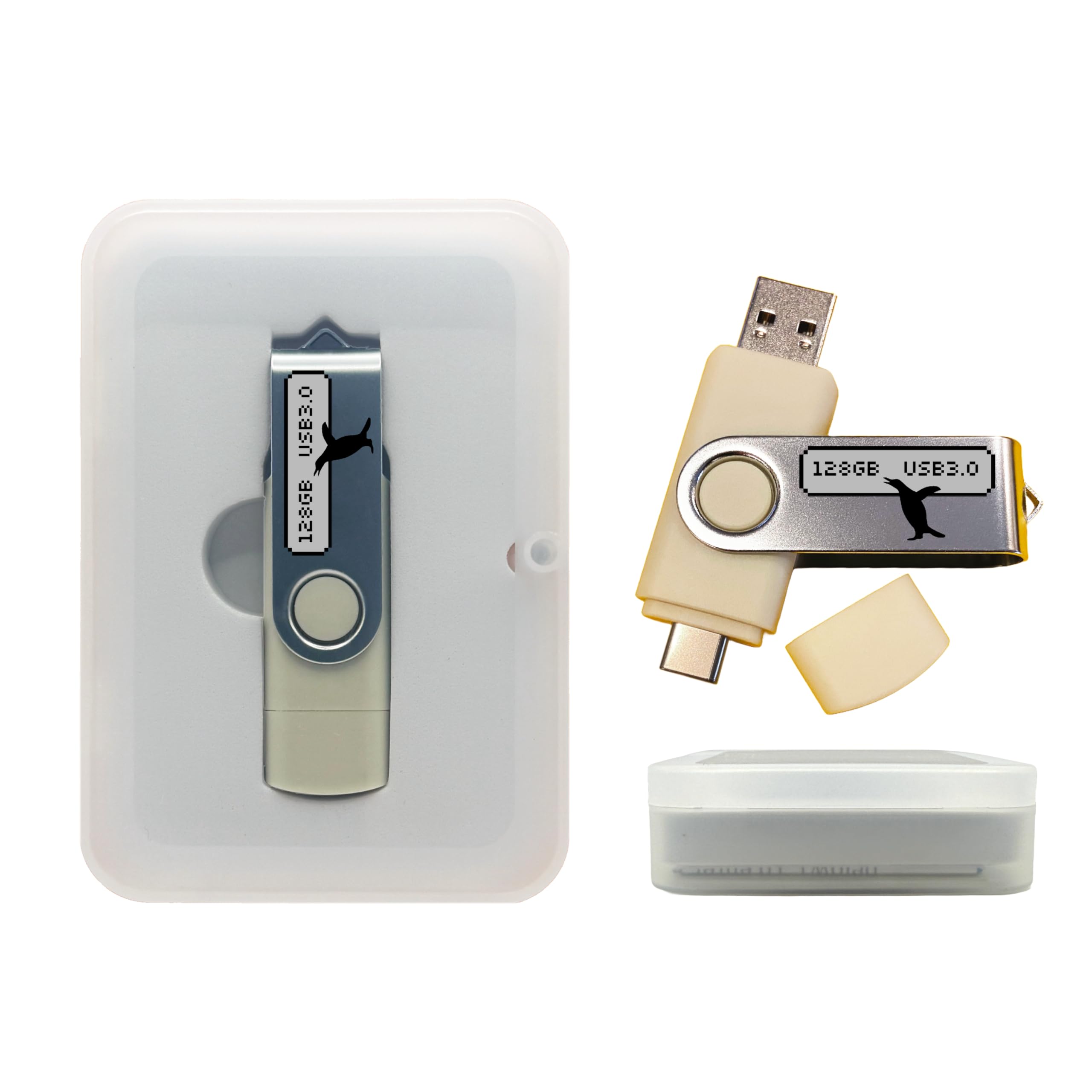
The 128GB capacity is the largest here, and it is spent on breadth: Linux environments, Windows recovery, WinPE, driver packs, password reset, and forensics utilities all live on one stick. The multi-boot menu is the point — a technician picks the environment that matches the machine instead of carrying a pouch of separate drives. USB 3.0 keeps the larger images from crawling.
It suits IT pros and the technically confident home user who resets machines regularly and wants every tool in one place. For a single laptop before a move, it is more than is needed, and the sheer number of options means a first-time user faces a menu with no obvious starting point.
Trade-off: A 31-tool toolkit rewards someone who already knows which environment to boot; casual users may find the choice overwhelming.
Windows PC Repair Bootable USB Recovery Toolkit
Type: Bootable Windows repair toolkit
Functions: Boot issue repair, password reset, antivirus scans, data recovery, system maintenance
Form Factor: USB
Platform: Windows PC
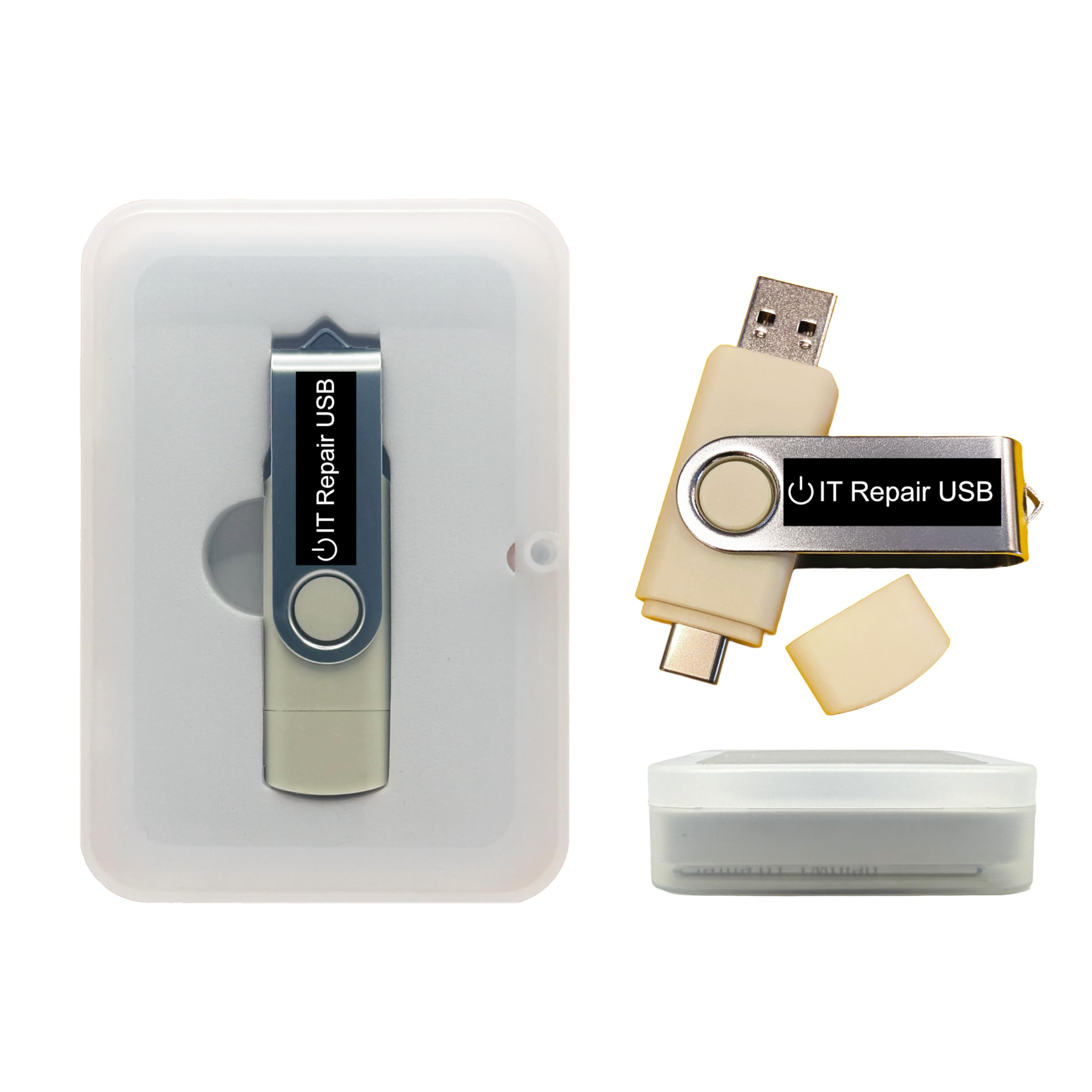
Windows PC Repair Bootable USB Recovery Toolkit
This one is aimed squarely at the machine that will not cooperate. It boots independently of the installed Windows, which means a PC that fails to start can still be diagnosed, scanned, and repaired. Password reset and data recovery are included for the cases where the drive is fine but access is not, and the maintenance tools cover the cleanup that usually follows.
It suits the mover who has one problematic desktop to deal with and does not want to buy a full technician’s kit. The caution is that repair tools fix problems — they do not wipe and reinstall, so a true factory reset still needs a Windows installer on hand.
Trade-off: It solves boot and access problems but stops short of a clean reinstall, so it works best paired with a separate Windows installation drive.
Password Reset USB Tool for Windows
Type: Bootable offline password recovery key
Function: Local admin and user account reset
Platform: Windows PCs and laptops
Setup: Plug and play
Connection: USB
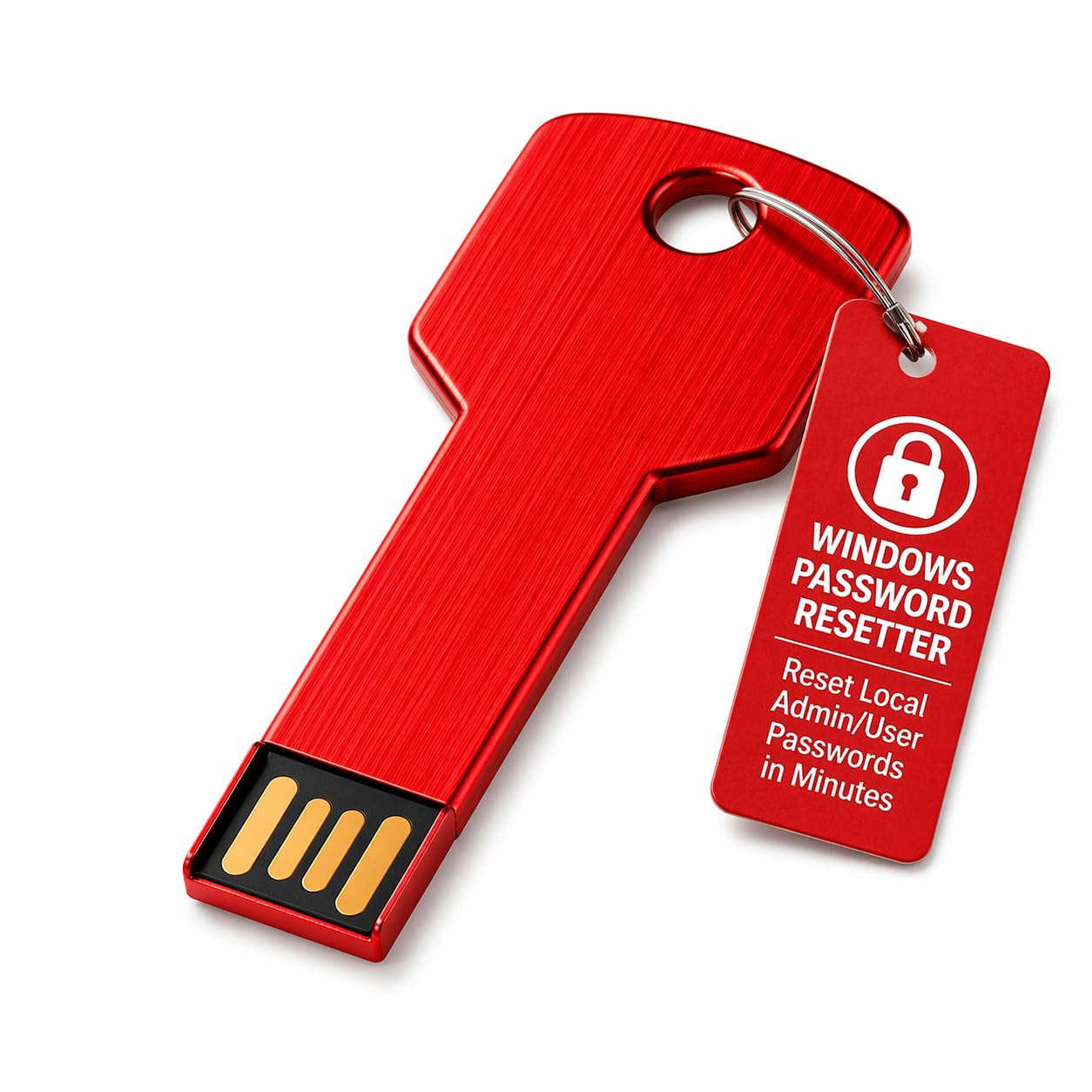
Password Reset USB Tool for Windows
This is the narrowest tool in the roundup and the easiest to justify for one job: getting back into a Windows PC when the password is gone. It boots offline and resets local admin and standard user accounts without needing the old credentials. Plug-and-play setup means no configuration before the first use, and it works on both desktops and laptops.
It suits the person who inherited a machine, forgot a password during the move rush, or bought a secondhand PC that arrived locked. It is not a reset tool in the factory sense — it restores access, then leaves the actual reinstall or cleanup to the user. Buyers wanting a full wipe should look at the eraser or the bootable Windows drives instead.
Trade-off: It only solves the login problem, so it earns its price for a locked PC but adds little to a machine that already boots normally.
Before You Buy
- Job: Decide whether the task is wiping a drive, reinstalling Windows, or regaining access — each maps to a different tool here.
- Firmware: Check whether the target PC uses UEFI or Legacy boot, since not every drive covers both.
- Capacity: A 64GB or 128GB stick holds installers and recovery files together; smaller drives may need one job at a time.
- Compatibility: Confirm the tool supports the drive type (HDD or SSD) and the Windows versions in the household.
- Data first: Back up anything worth keeping before any wipe or reset, because cryptographic erasure is not reversible.
- Licensing: A factory reset still needs a valid Windows license or recovery key for the machine being rebuilt.
- Offline use: Prefer tools that run without a network connection, since a machine being reset may have no working drivers.
Frequently Asked Questions
-
What is the difference between wiping a drive and factory resetting a device? A wipe destroys the data on the drive, while a factory reset returns the operating system to its original state. Most moves need the reset, and resale or disposal needs the wipe.
-
Can a bootable USB reset a PC that will not start? Yes, provided the tool boots independently of the installed Windows. Repair and recovery drives are built for exactly that situation.
-
Is a password reset tool the same as a factory reset? No. It restores access to local accounts but leaves the installed system and files in place.
-
Does erasing a solid-state drive work the same way as a hard drive? Not identically, which is why a tool that explicitly lists both HDD and SSD support is the safer choice.
-
How much storage does a reset toolkit need? Enough for the Windows installer plus any recovery environments. The 64GB and 128GB drives here cover that comfortably.
-
Should the old drive be removed before disposal? Removing and wiping the drive separately is the surest way to keep data out of someone else’s hands.
Bottom Line
For most households clearing devices before a move, the 64GB Bootable USB 3.0 is the single best buy: it installs Windows, recovers data, and resets passwords from one drive that boots on both new and old hardware. Buyers whose priority is destroying data on drives headed for resale should start with the Lovell DESTRUCT PRO instead, and anyone locked out of a single PC can solve it for less with the Password Reset USB Tool.
