Why there are Amazon links here: Brave Review is paid a commission for qualifying Amazon purchases made through the links below. Your price does not change, and using our links is entirely optional. How this works
Best Single Access Point Coverage Limits for Whole-Home Wi-Fi Reach
A single access point has a hard ceiling on how much space it can cover, and most homes hit that ceiling faster than expected. The picks below range from a compact entry model to a Wi-Fi 7 unit, so there is a fit for budget-minded buyers, small-business installers, and anyone chasing the newest standard. Each entry explains what the hardware actually delivers and where it runs out of reach. The overview table up next shows the short version; the full reviews follow.
Overview of the Picks
| Product | Key Spec | Best Use | Price Tier |
|---|---|---|---|
| Ubiquiti UniFi nanoHD | 802.11ac Wave2 MU-MIMO, compact | Dense rooms on a budget | Budget |
| Omada AX3000 (EAP650) | Wi-Fi 6 dual band, PoE, mesh | Small office roaming | Mid-range |
| Ubiquiti U6+ | Wi-Fi 6 dual band, 3 Gbit/s | High-throughput single AP | Premium |
| Omada 7 BE5000 (EAP720) | Wi-Fi 7, 2.5G port | Future-proof upgrades | Mid-range |
| Omada AC1350 (EAP225) | Wi-Fi 5 dual band, PoE injector | First AP on a budget | Budget |
Ubiquiti UniFi nanoHD Compact 802.11ac Wave2 MU-MIMO Enterprise Access Point
Standard: 802.11ac Wave2
Wireless Feature: MU-MIMO
Form Factor: Compact
Class: Enterprise access point
Model: UAP-NANOHD-US

Ubiquiti UniFi nanoHD Compact 802.11ac Wave2 MU-MIMO Enterprise Access Point (UAP-NANOHD-US)
The nanoHD is a compact ceiling-style unit built for UniFi-managed networks, with Wave2 MU-MIMO handling several clients at once rather than serving them one by one. Its small footprint makes it easy to tuck onto a ceiling or wall without drawing attention. The hardware targets buyers who already run or plan to run a UniFi controller, since configuration and monitoring live there. It is a sensible starting point for a single-room or studio install where one AP is expected to carry the load.
This pick suits renters, apartment dwellers, and small-space owners who want enterprise-grade management without a large outlay. It earned its place as the budget entry because the compact shell keeps installation simple and the MU-MIMO radio keeps a busy room responsive. Buyers should plan for the controller requirement before committing, and the older Wi-Fi standard means it will not match newer radios on the fastest devices.
Trade-off: The 802.11ac platform is a generation behind Wi-Fi 6 and Wi-Fi 7, so heavy multi-device households may outgrow it sooner than the price suggests.
WiFi 6 Dual Band Omada AX3000 Wireless Access Point (EAP650)
Standard: Wi-Fi 6
Bands: Dual band
Features: Mesh, roaming, WPA3
Power: PoE (PoE160S, PoE4824G) with DC adapter
Management: Omada managed
Warranty: 5 years
Model: EAP650

The EAP650 brings Wi-Fi 6 to the Omada line with mesh and roaming support, which matters when a single AP is stretched thin and a second unit is added later. WPA3 encryption and PoE power keep the install tidy, and the included DC adapter means a buyer without a PoE switch can still get running. Omada management centralizes settings across units, so growing from one AP to several stays straightforward. The five-year warranty signals confidence in the hardware.
This pick fits small offices, home offices with multiple workstations, and anyone who wants roaming to work properly as the network grows. It earned its place as the balanced mid-range choice because it pairs current Wi-Fi with manageable expansion. The catch is that Omada’s controller software is a separate layer to learn, and buyers expecting a plug-and-play consumer router experience will find the setup more involved.
Trade-off: The full feature set depends on the Omada controller, so the out-of-box experience is leaner than the spec sheet implies.
Ubiquiti U6+ Dual Band Wireless Access Point
Standard: 802.11 a/b/g/n/ac/ax
Bands: Dual band
Throughput: 3 Gbit/s
Class: Wireless access point
Model: U6+

Ubiquiti U6+ Dual Band IEEE 802.11 a/b/g/n/ac/ax 3 Gbit/s Wireless Access Point
The U6+ is a Wi-Fi 6 access point rated at 3 Gbit/s, built to push more throughput through a single unit than the older nanoHD can manage. It covers the full range of legacy and current standards, so older devices still connect while newer ones get the faster radio. The design follows Ubiquiti’s familiar ceiling-mount approach and slots into a UniFi-managed network. For a single-AP install where speed is the priority, this is the higher-capacity option.
This pick suits buyers who want one access point to serve a large room or open floor plan and are willing to pay for headroom. It earned its place as the premium choice because the throughput rating is the highest among the Ubiquiti units here. The caution is price: at the top of this group, it costs noticeably more than the compact nanoHD for buyers who may not need the extra speed.
Trade-off: The premium price buys throughput that only pays off with fast client devices and a matching wired uplink; slower networks will not see the benefit.
Omada 7 BE5000 Wireless Access Point (EAP720)
Standard: Wi-Fi 7
Bands: Dual band
Port: 2.5G
Features: Mesh, WPA3, roaming
Power: PoE (PoE160s, PoE5430G-M2) with DC adapter
Management: Omada managed
Warranty: 5 years
Model: EAP720
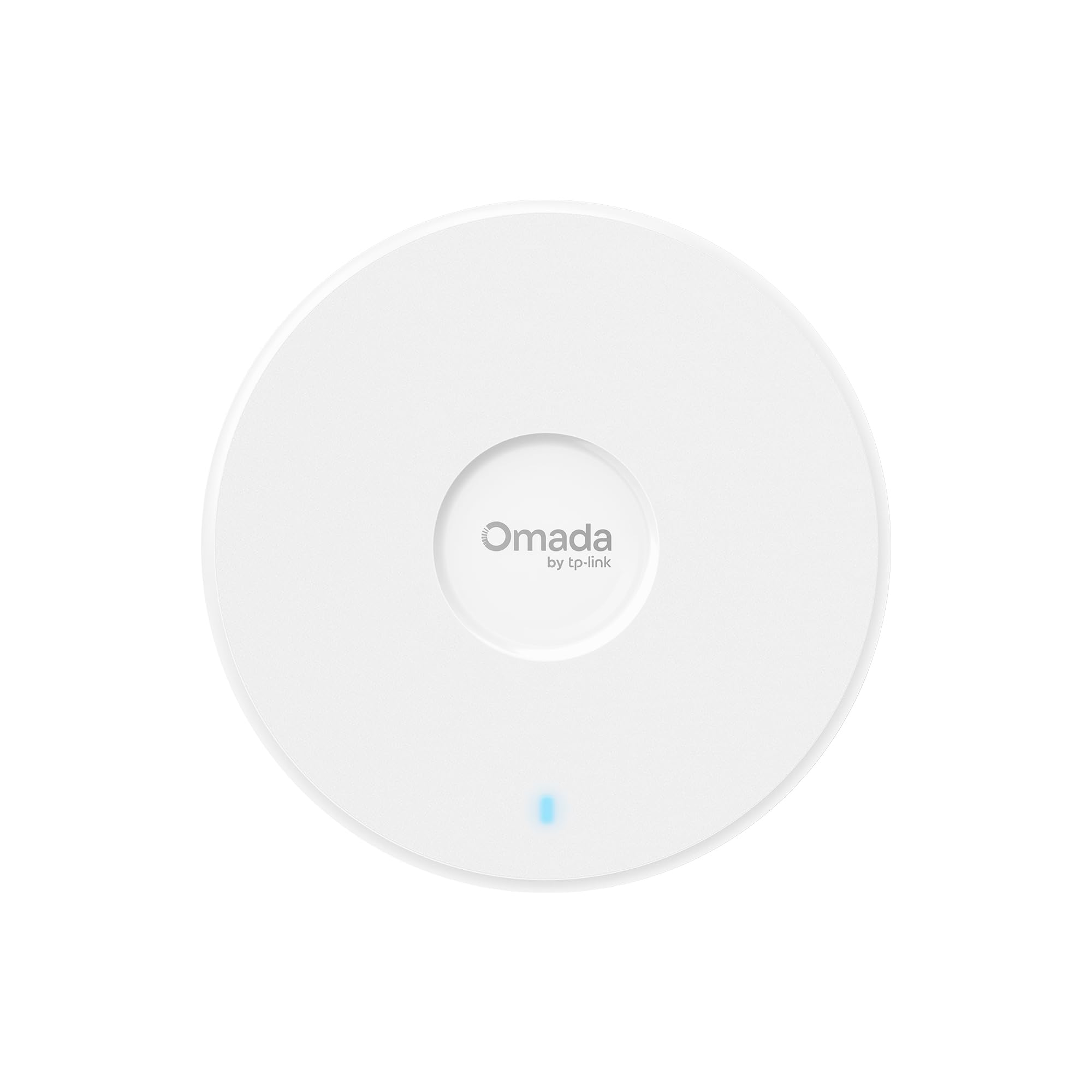
The EAP720 is the newest-standard pick here, carrying Wi-Fi 7 and a 2.5G port that keeps the wired side from becoming the bottleneck. Mesh, roaming, and WPA3 are all present, and the DC adapter covers buyers without PoE switching. Omada management and the five-year warranty match the rest of the line. It is the forward-looking choice for anyone building a network meant to last.
This pick suits buyers who upgrade hardware rarely and would rather buy the current standard once. It earned its place because Wi-Fi 7 and the 2.5G port together give the most longevity per dollar in this group. The caution is that Wi-Fi 7 benefits depend on compatible client devices, and a household full of older phones and laptops will see the new radio mostly as future insurance.
Trade-off: The Wi-Fi 7 advantage is largely latent until client devices catch up, so the premium over Wi-Fi 6 hardware may sit unused for a while.
Omada AC1350 Wireless Access Point (EAP225)
Standard: Wi-Fi 5
Bands: Dual band
Features: Mesh, roaming
Power: PoE with included injector
Management: Omada managed
Warranty: 5 years
Model: EAP225

The EAP225 is the entry point to Omada management, running Wi-Fi 5 with mesh and roaming support. The included PoE injector is the practical detail here: it lets a buyer power the unit over the network cable without buying a PoE switch first. Five-year warranty coverage and Omada management round out the package. It is the simplest way to add a managed access point to a small space.
This pick suits budget-conscious buyers setting up a first access point, and small spaces where Wi-Fi 5 speeds are enough. It earned its place as the lowest-cost managed option with power hardware included. The caution is the older standard: Wi-Fi 5 will feel dated next to the Wi-Fi 6 and Wi-Fi 7 picks, and buyers with many devices may want to spend up.
Trade-off: Wi-Fi 5 is two generations behind the newest standard, making this a stopgap pick rather than a long-term one.
Before You Buy
- Standard: Wi-Fi 5, 6, and 7 units differ mainly in how well they handle many devices at once; older standards cap out sooner.
- Power: PoE simplifies mounting, but a PoE switch or injector is needed; some units include an adapter or injector and some do not.
- Management: Ubiquiti and Omada both rely on their own controller software, so factor in the learning curve.
- Wired uplink: A fast radio is only as good as the cable behind it; a 2.5G port needs matching switch hardware to matter.
- Expansion: Mesh and roaming support let a single AP grow into a multi-unit network later.
- Placement: Ceiling or high-wall mounting extends reach; a single AP still cannot cover a large multi-floor home alone.
Frequently Asked Questions
-
How much area can one access point cover?
A single AP typically serves one large room or an open floor plan well; walls, floors, and interference shrink that reach quickly. -
Is Wi-Fi 7 worth it for a single access point?
It is worth it for buyers who keep hardware for years, but the speed advantage only appears with Wi-Fi 7 client devices. -
Do these access points need a controller?
The Ubiquiti and Omada units are managed through their respective controller software, which is where configuration and monitoring happen. -
What is the difference between PoE and a DC adapter?
PoE carries power over the network cable, while a DC adapter plugs into a wall outlet; some units include one or the other. -
Can two access points be added later?
Yes, mesh and roaming support on the Wi-Fi 6 and Wi-Fi 7 picks make adding a second unit straightforward. -
Which pick is best for a small apartment?
The compact nanoHD or the EAP225 covers a small space at the lowest cost, provided Wi-Fi 5 or Wi-Fi 6 speeds are acceptable.
Bottom Line
For most buyers, the Omada AX3000 (EAP650) is the best balance of current Wi-Fi, expansion support, and price, while the Ubiquiti U6+ is the pick for anyone who wants maximum throughput from a single unit. Buyers on the tightest budget can start with the nanoHD or EAP225 and upgrade later. Check the current price on Amazon before deciding.
